
can we use "auto" options in actions?
Hi
I'm working with aerial photo's. Per project we are talking about 10000 photos.
Sometimes these photos need some adjustments in Photoshop.
We can't review all the photo's indiviual as this would take too long. So I always make an action that benefits all the photos and then run that action in batch.
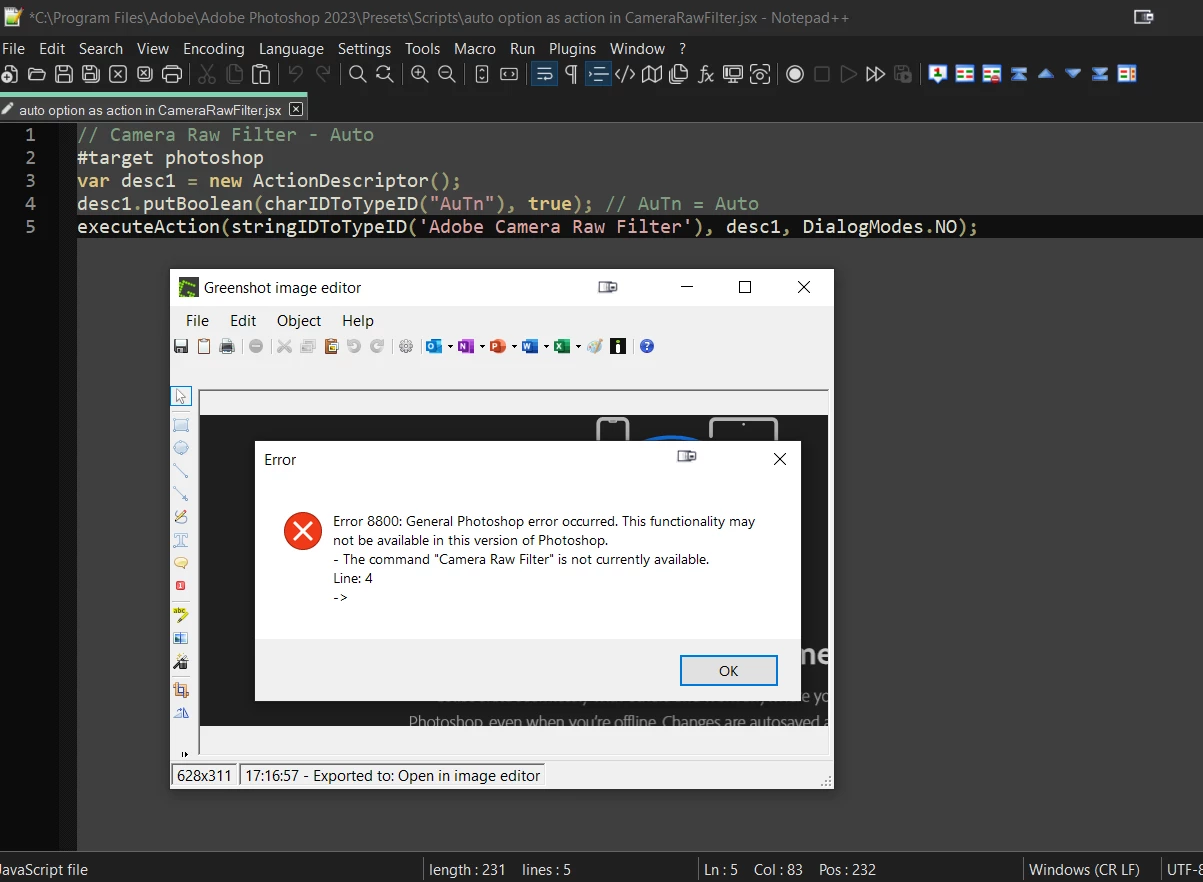
The problem I have is that the auto adjust option of the camera raw filter doesn't work in an action.
I open a photo, I start recording the action, I open camera raw, press auto, save the result and stop the recording.
When I check the recording you can see that Photoshop only saved values specific for the photo I opened. So, when I run that action in batch it will adjust all the photo's with the "auto" values of the picture I used to make the action. That's not what I want.
If you use other tools, like auto levels, these work fine.
You'll see what I mean on the screenshot I took.

Is there a workaround or is this just not possible?
 AdChoices