
Canvas and text size issue (with new Macbook Pro)??
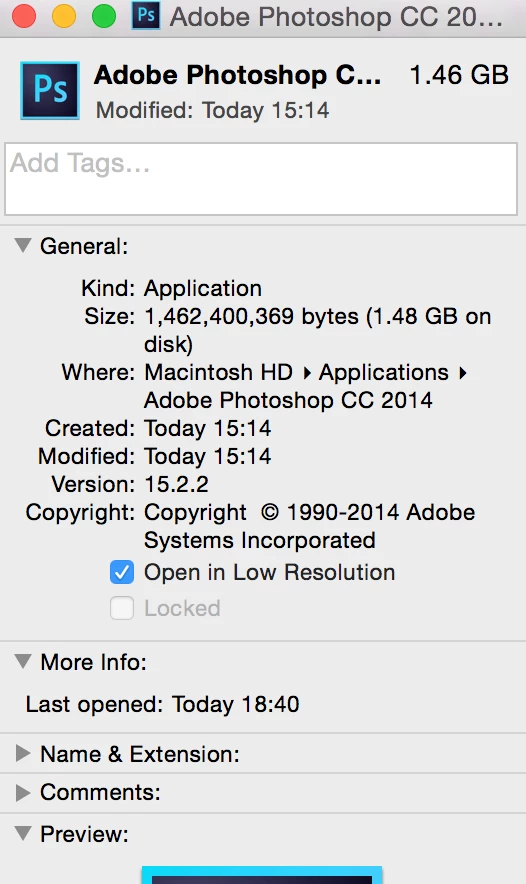
I recently bought a new Macbook, and ever since then Photoshop is sizing images improperly. I've used the most up to date version of photoshop, and have the same issue as I had with my 2014 version.
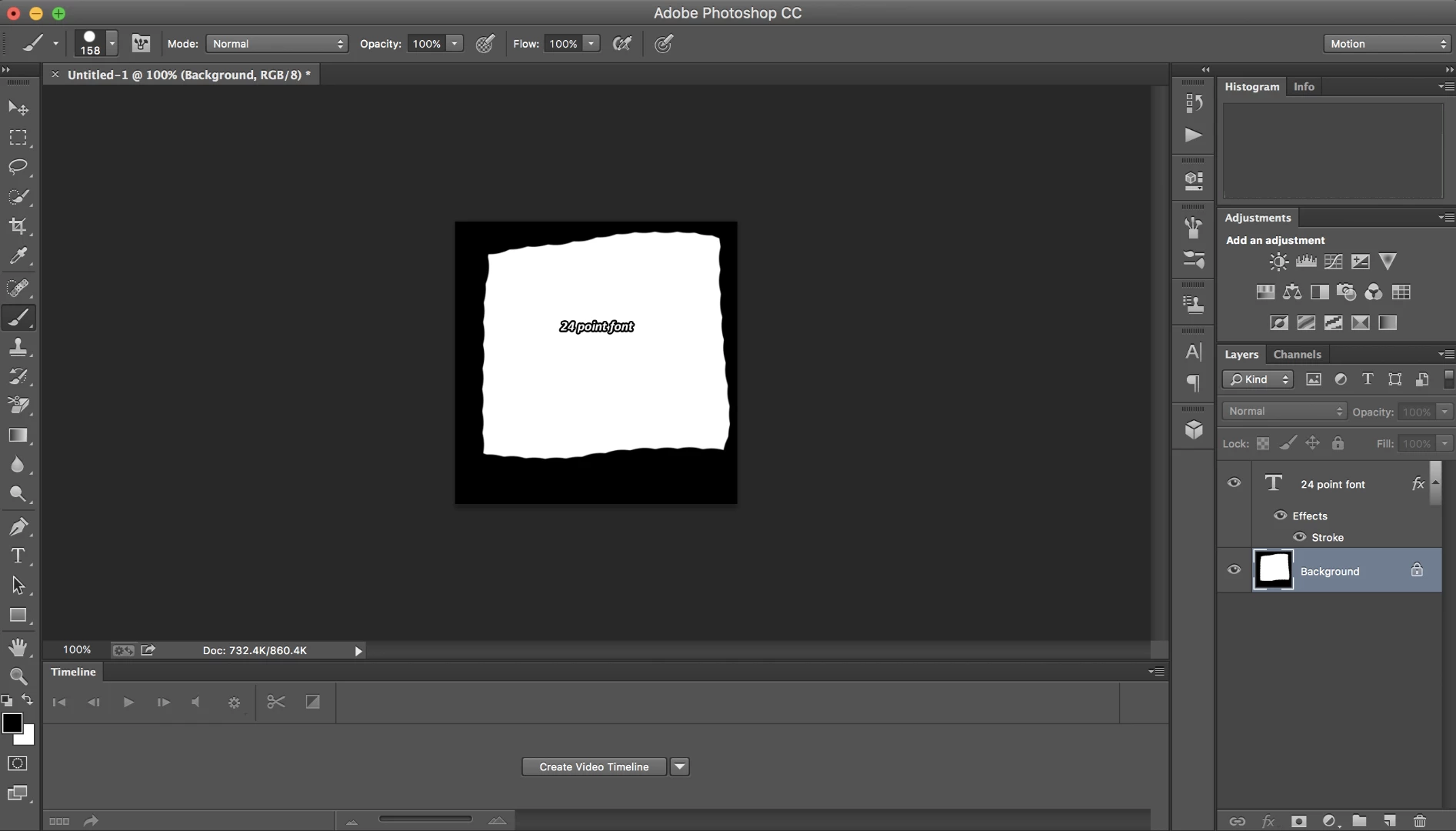
Within photoshop, if I size an image to 268 x 215 pixels, my desired size for gifs, it shows this as my image gif at 100%
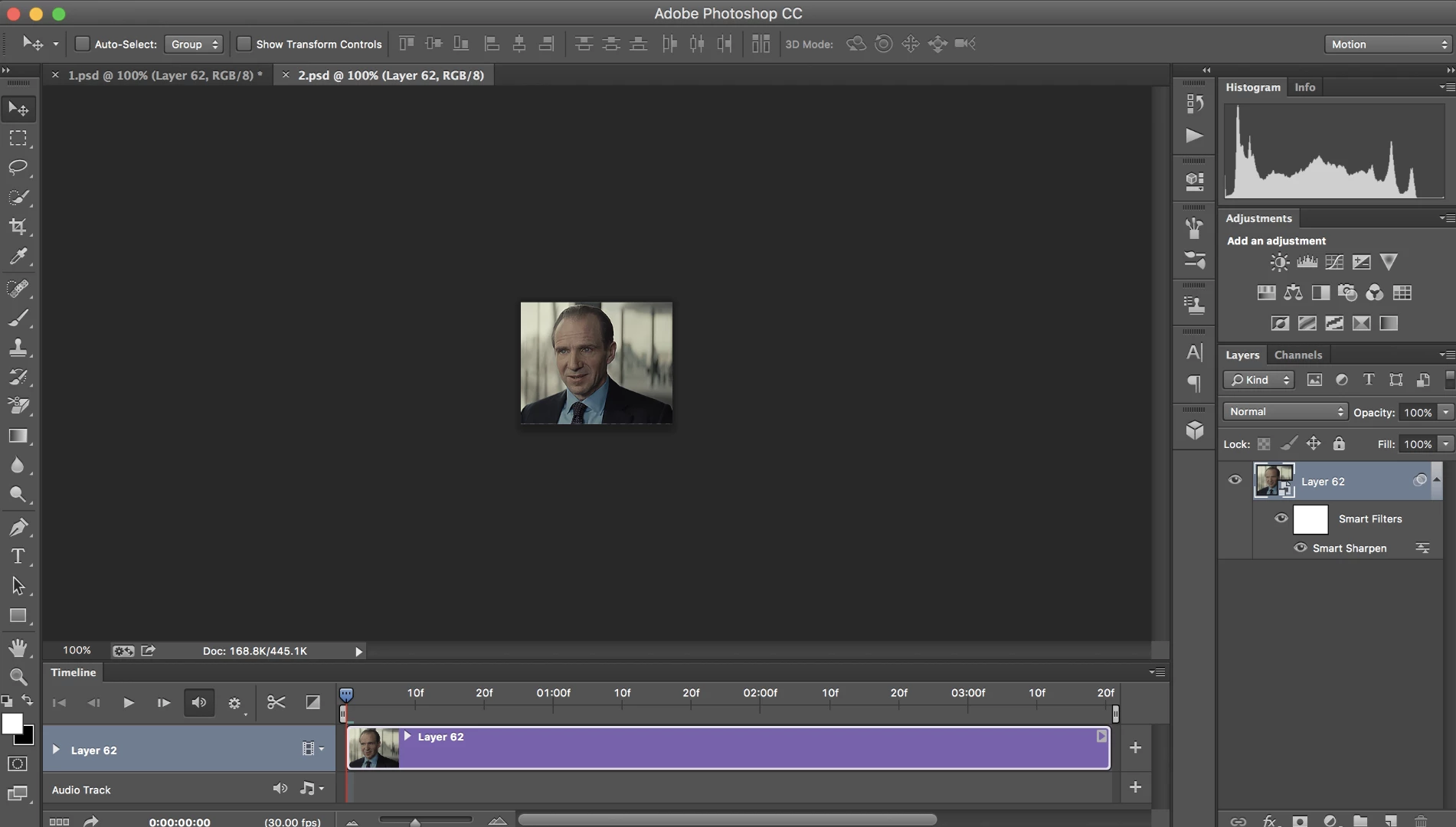
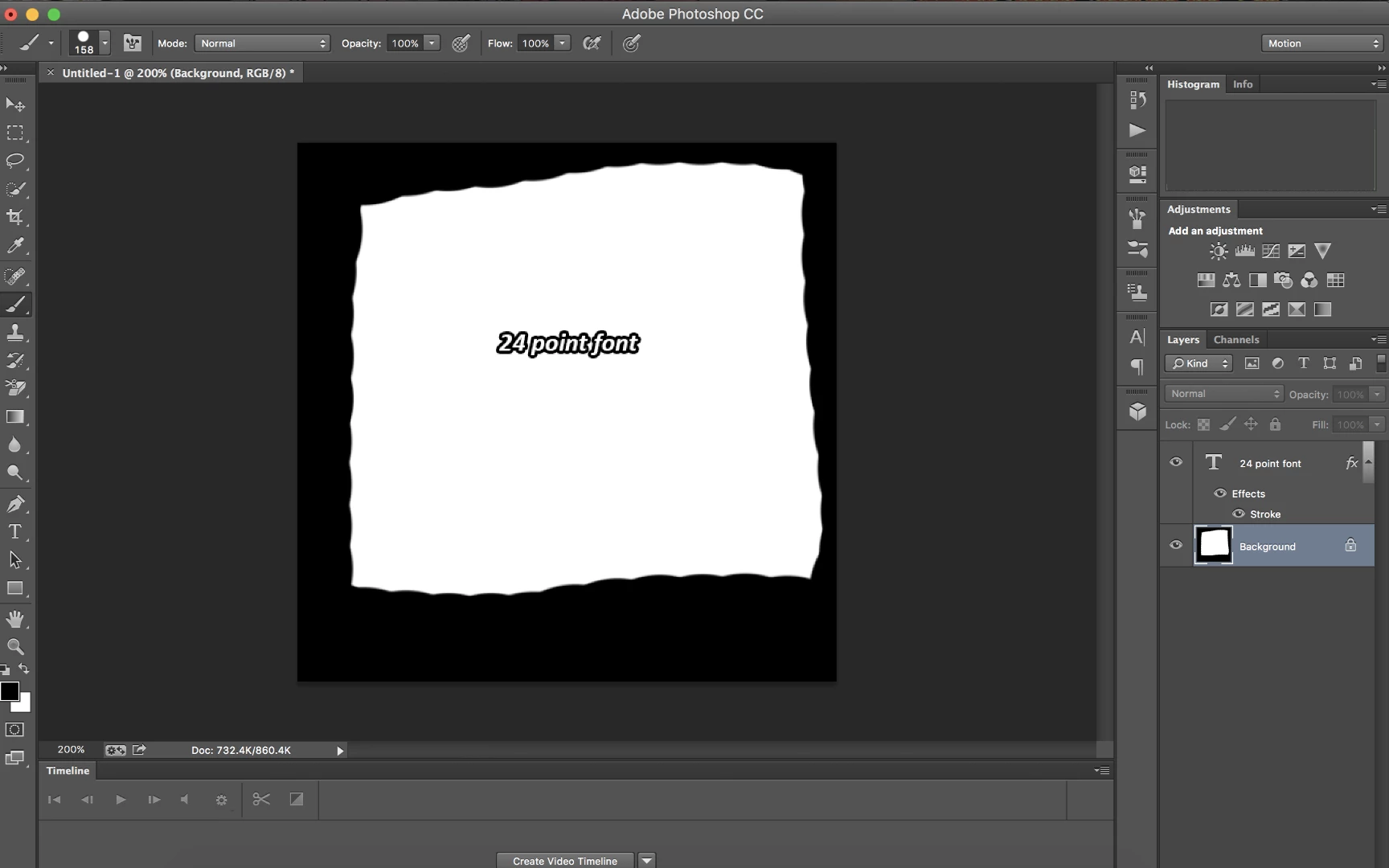
However, the real 100% is this, which is 200% within photoshop: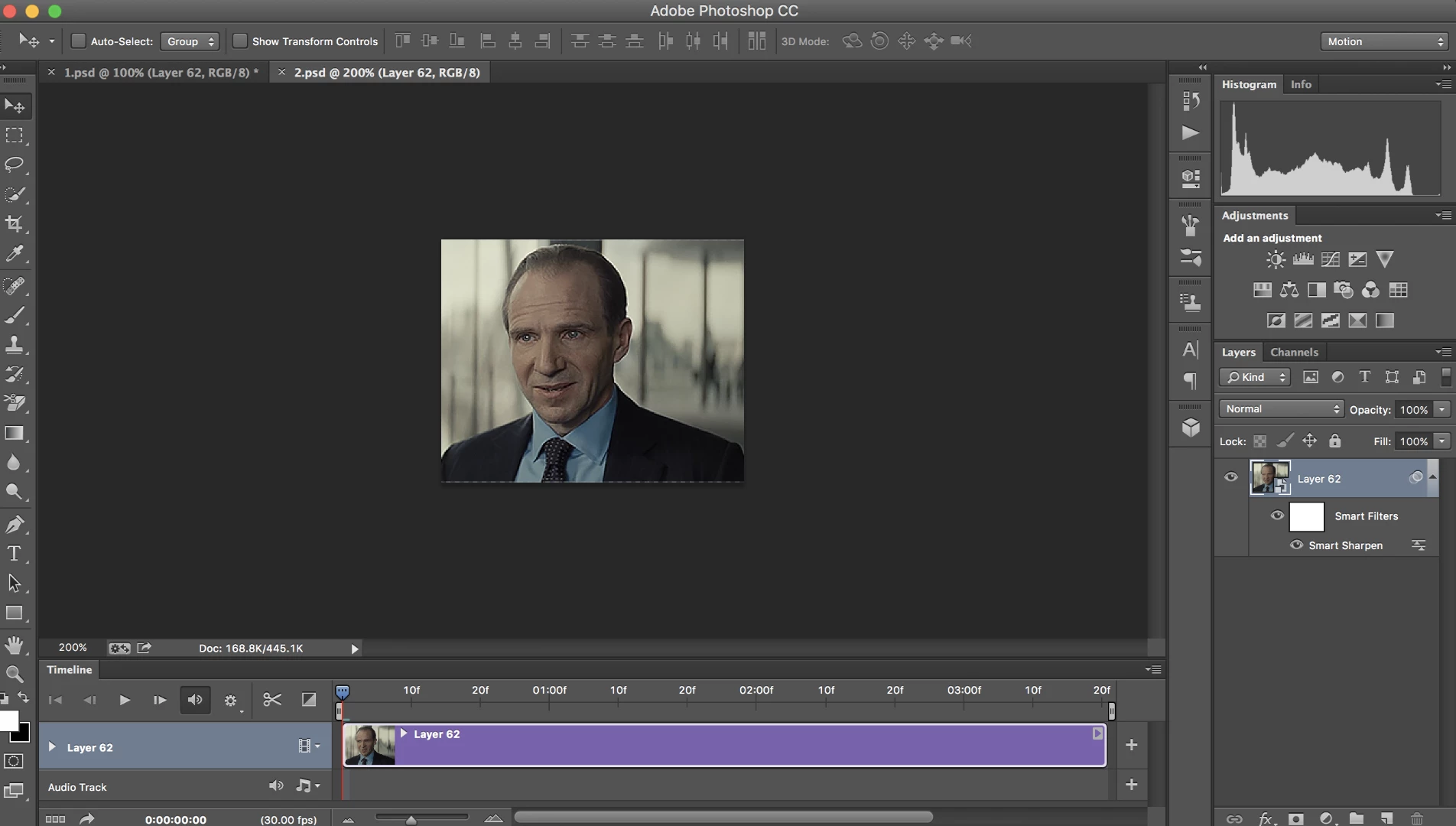
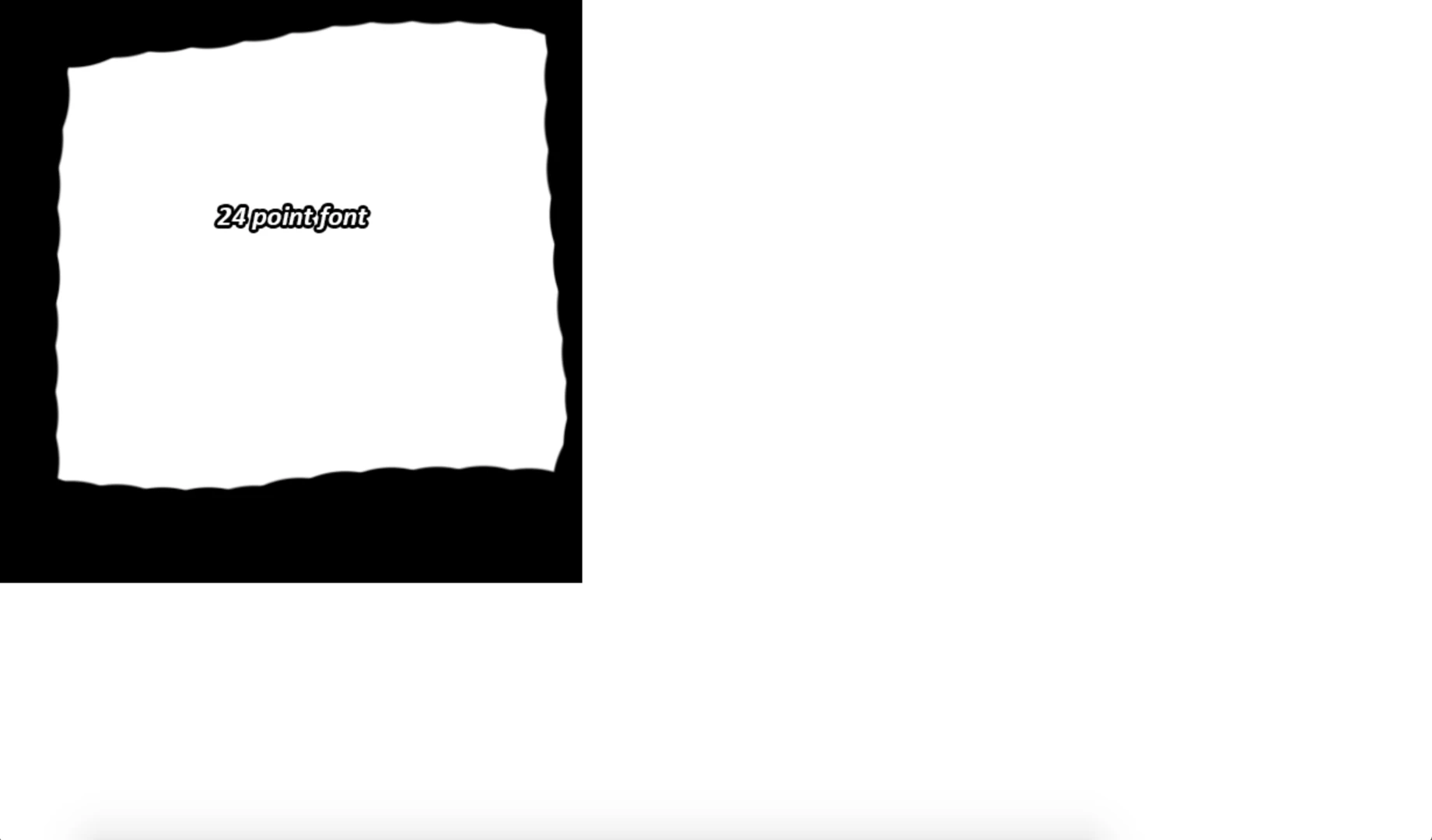
When I export the gif, it suddenly appears at the proper size (the 200% when in photoshop). As a result, my images and gifs are blurred.
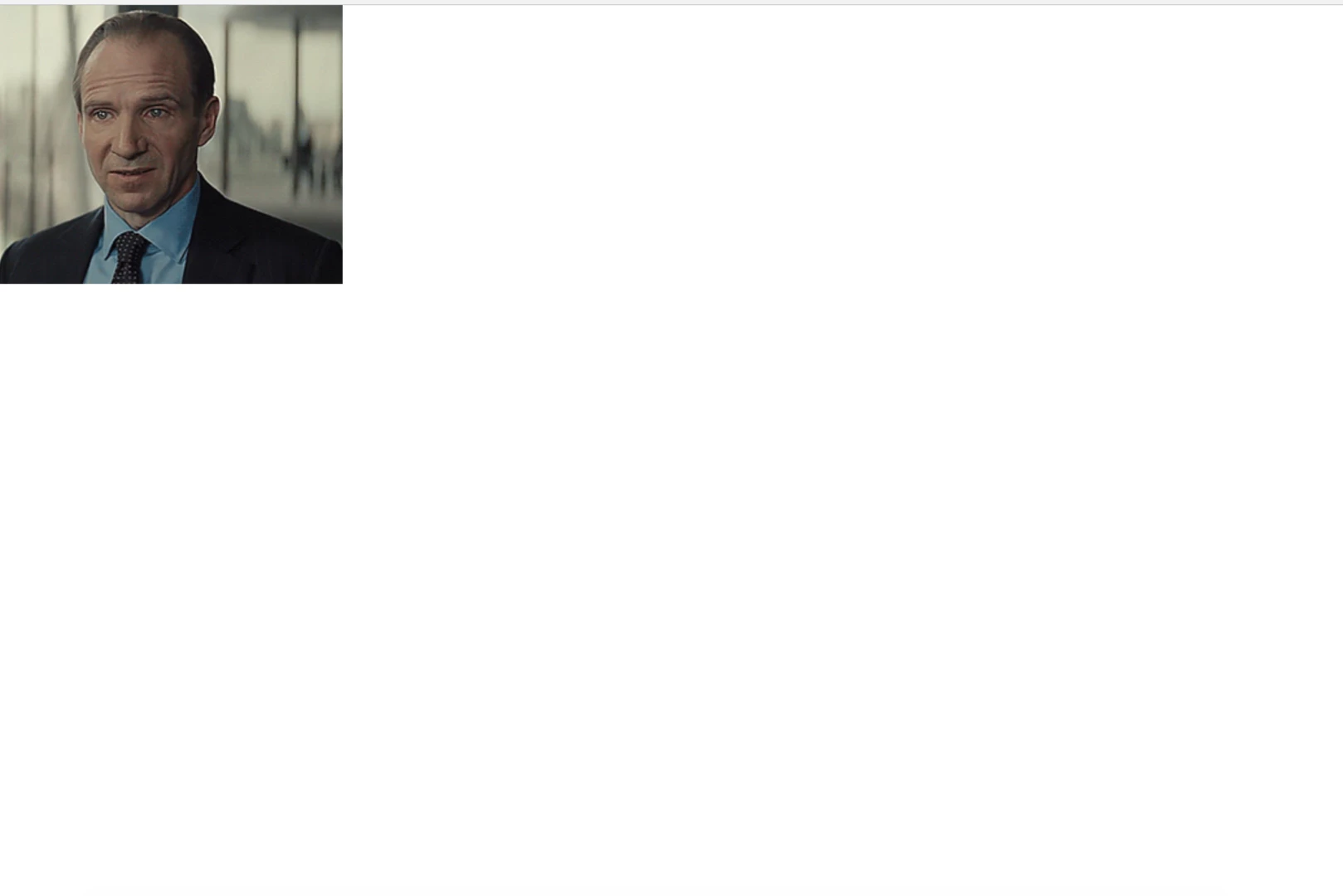
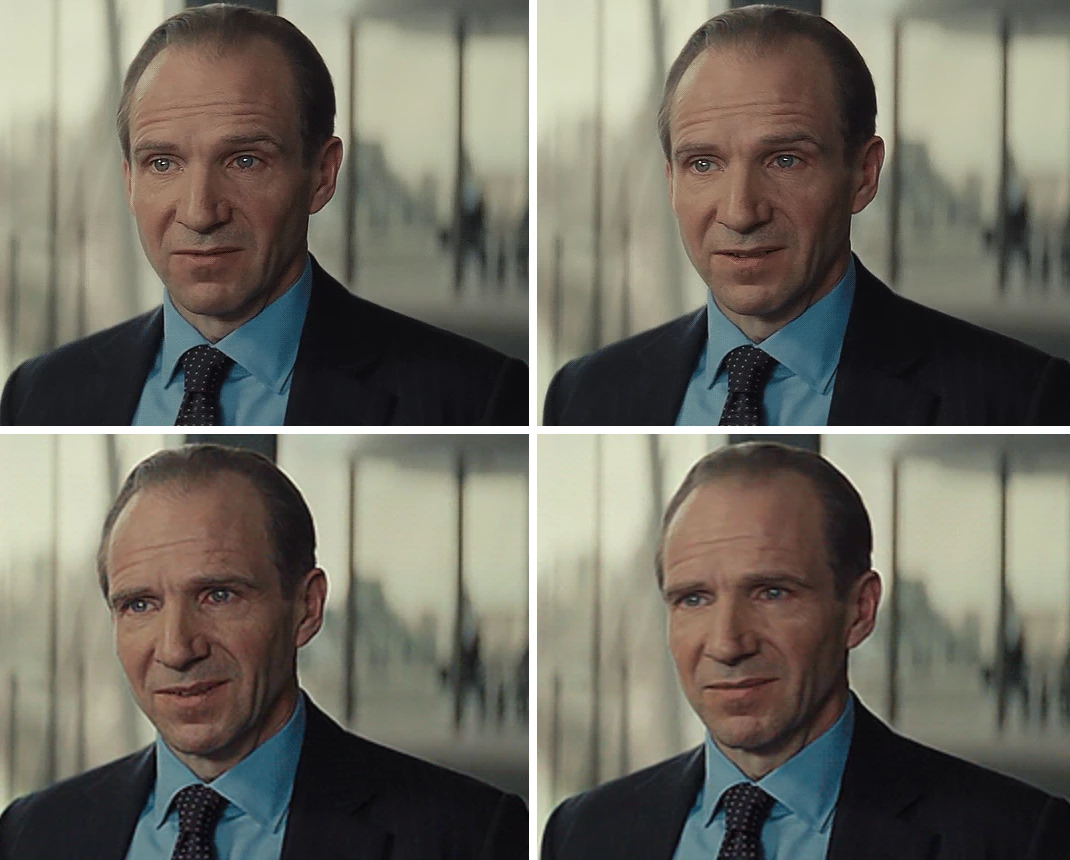
The top two gifs are the gif made at 536 x 430. The bottom two gifs are the gif exported at 268 x 215. You can see that the bottom gifs are the same size as when they were shown at 200% within photoshop.
I've also found that any text appears smaller than it used to when I used the same font size that I've always used.
Within photoshop, at 100%:
At 200%, for comparison:
When exported, it shows the same as in 200%
Is there a way to fix this? Otherwise I'll have to make gifs at double the size just to make sure they don't blur, and that isn't a good option when I am not always working with video footage in 1080 HD.


 AdChoices