



Color Munki Photo Paper Profiling issue in Photoshop CS3
Hi,
I am having trouble with my paper profile I have created with a Color Munki Photo. The paper profiled is Epson Premium Semigloss. Once the icm profile is created I open Photoshop CS3 and using Adobe RGB (1998) color space with Windows 11, I create a quick and simple digital painting in Photoshop using the standard paint brush (with 0 hardness). As you can see from the attached image; the edges of the brush marks are showing gradient lines. This image is saved from Photoshop directly, not printed. The problem appears both when the image is printed and when the 'proof colours' option is selected in Photoshop.
When I select the standard paper profile from Epson for the same paper as mentioned above, the issue goes away. Any ideas anyone? it would be much appreciated.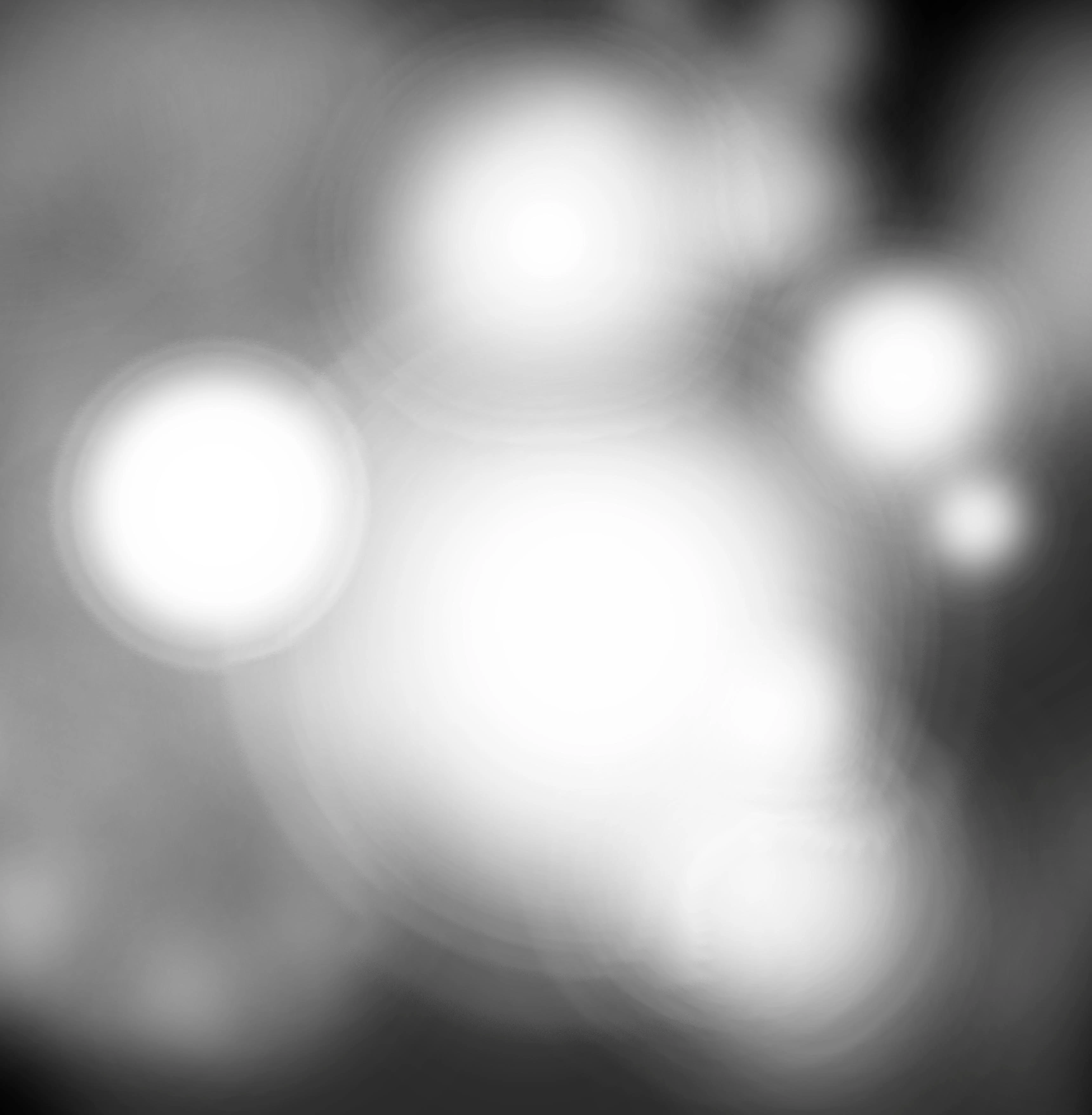
 AdChoices