
Answered
Color settings and profiles are missing in Photoshop
Hi there!
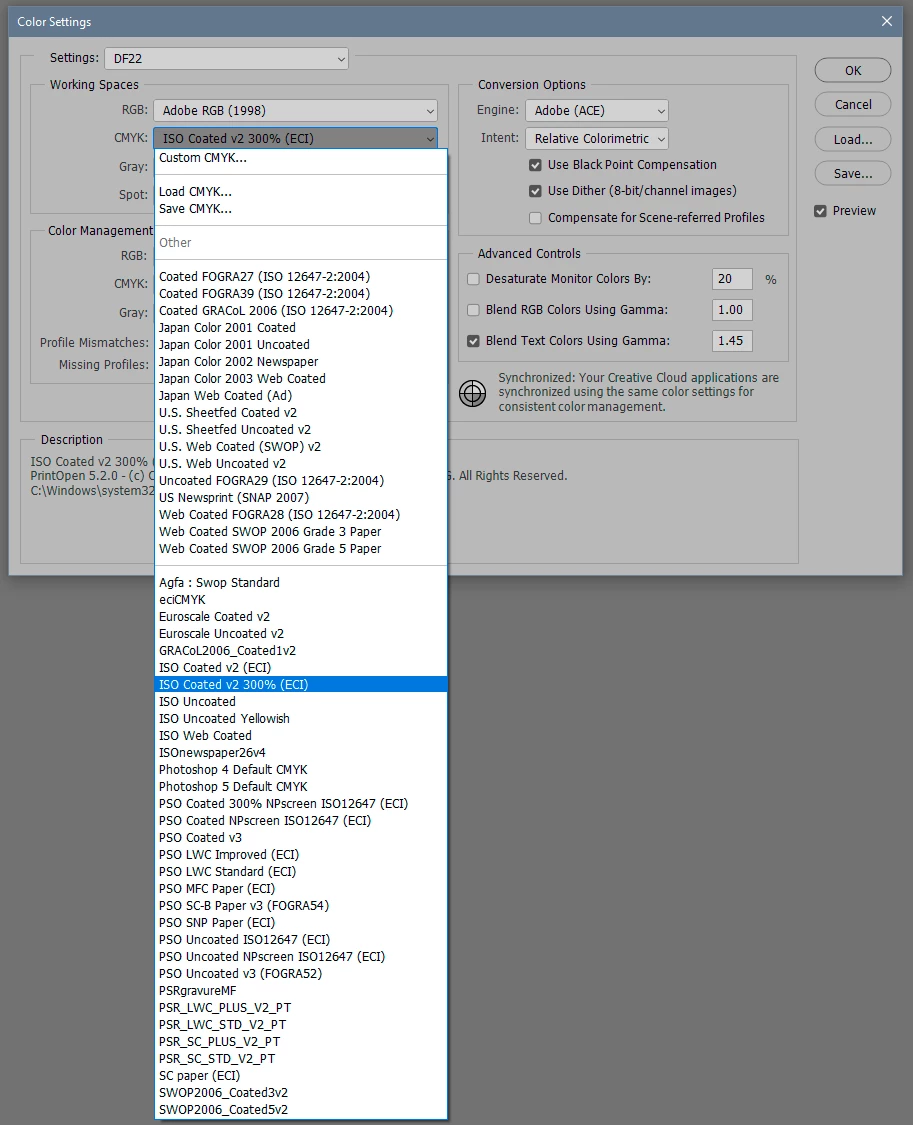
I'm having a problem with Photoshop, I can't find the color profile that I want to change the document to. The publishing company is asking for CMYK Coated Fogra 39, but there are very few options in the profile menu and none of them are that one. In previous versions, I didn't have any problems changing it from the Color Settings, but now it's not showing up.
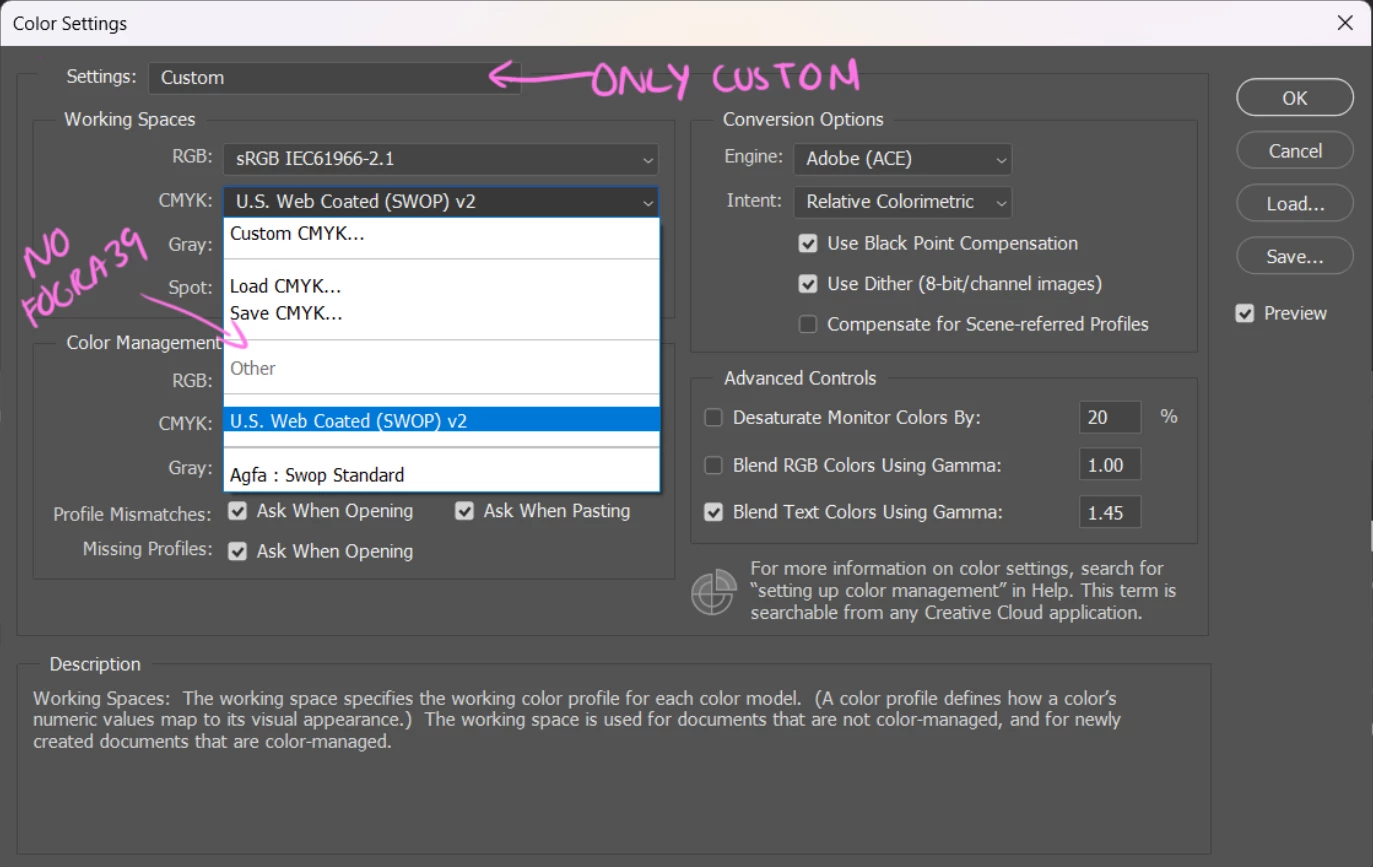
Antoher thing is that in Color settings>Settings, I only have the Custom option
Do you have any idea what could be going on? Thanks in advance!


 AdChoices