Participating Frequently
May 22, 2024
Answered

Combine 2 different layers with shadows and highlights

  • May 22, 2024
  • 1 reply
  • 1423 views

Hey guys,

*I am a newbie here.*

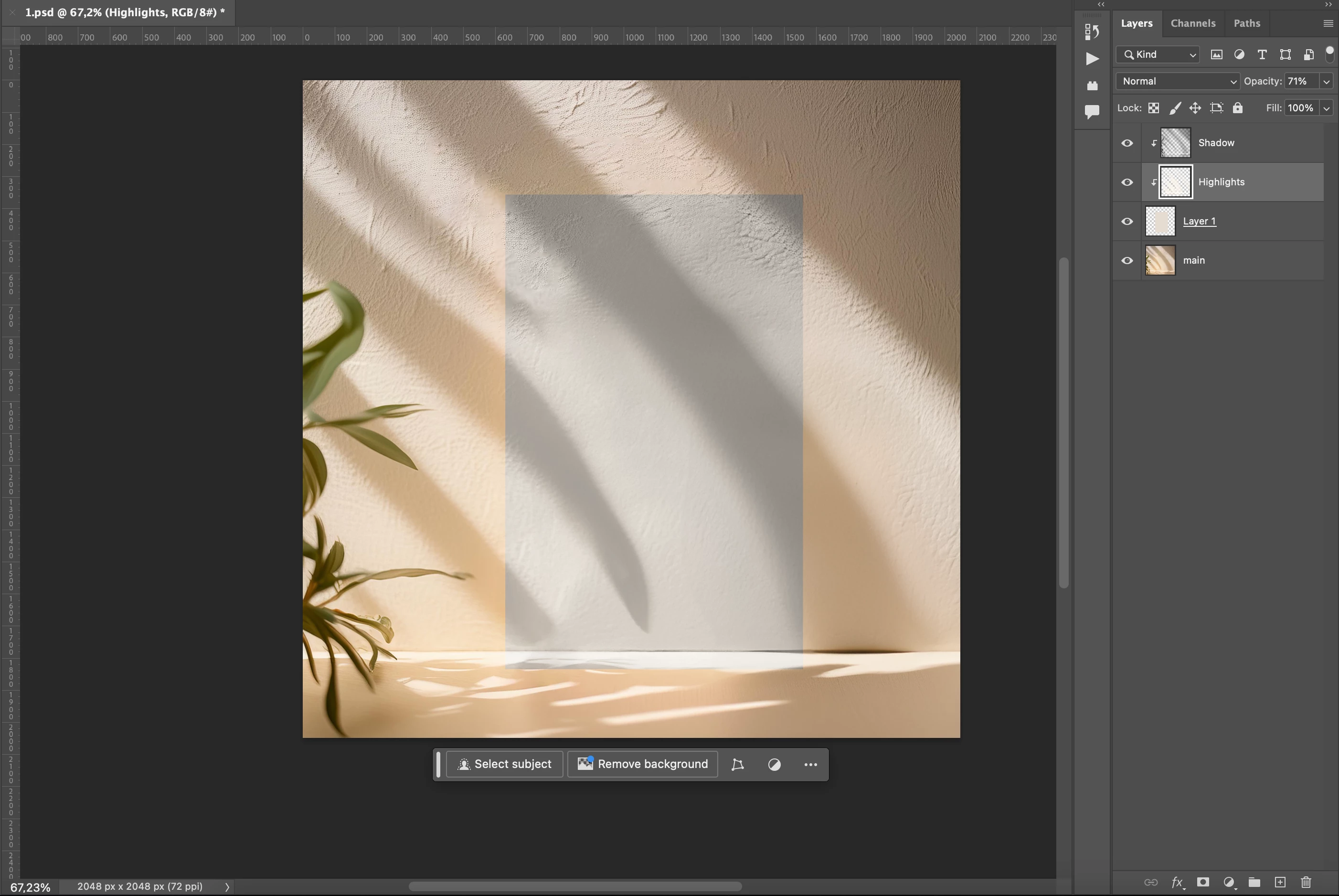
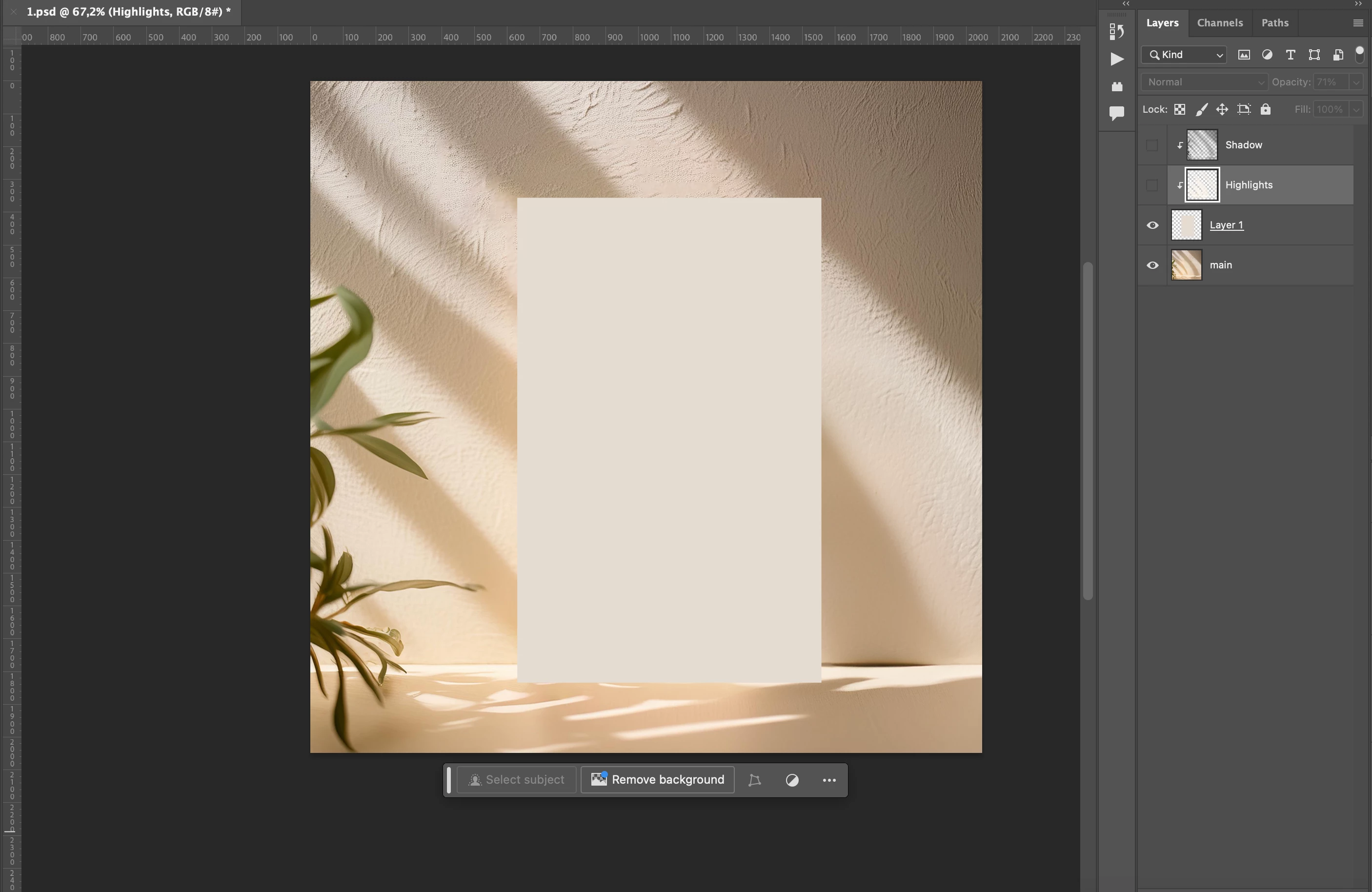
I have 2 separate layers. One layer is the background with shadows and highlights and the 2nd layer is the product in white color (plain mockup). 
Is it possible to combine shadows & highlights on the object (plain mockup) from background, so that it looks like one picture, the same shadows & highlights falls on the mockup like natural ?
Attached pictures before and after the effect. 
*Before effect is plain mockup
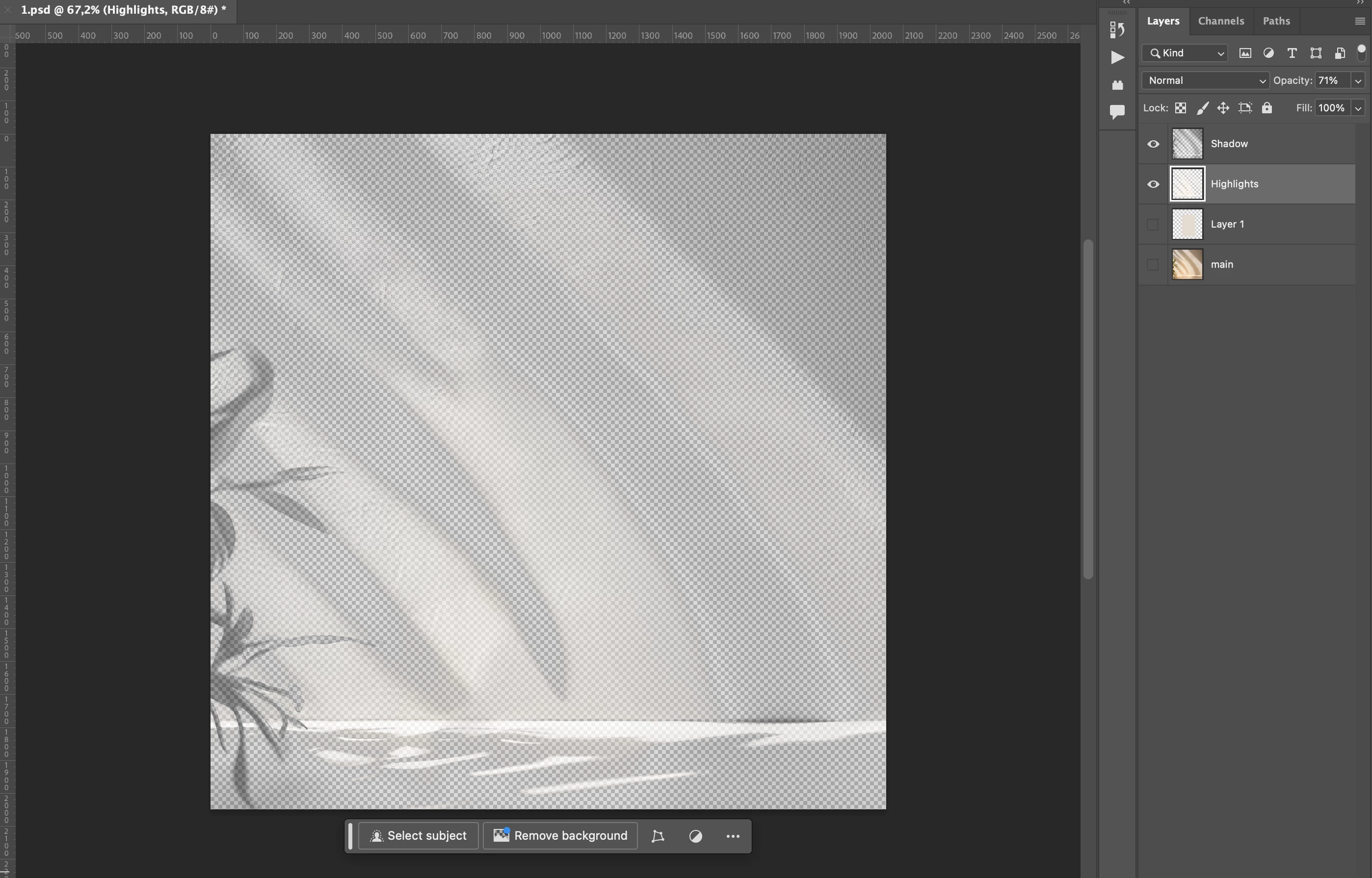
*After effect already used Neural filters, harmonization effect & extracted shadows / highlights.

Let me know is it possible to make a miracle or maybe the solution is to do with another program? something like "material rendering"
This topic has been closed for replies.
Correct answer davescm

Hey@Stephen Marsh ,
Did you have a chance to check or do you have an idea how to solve this issue?


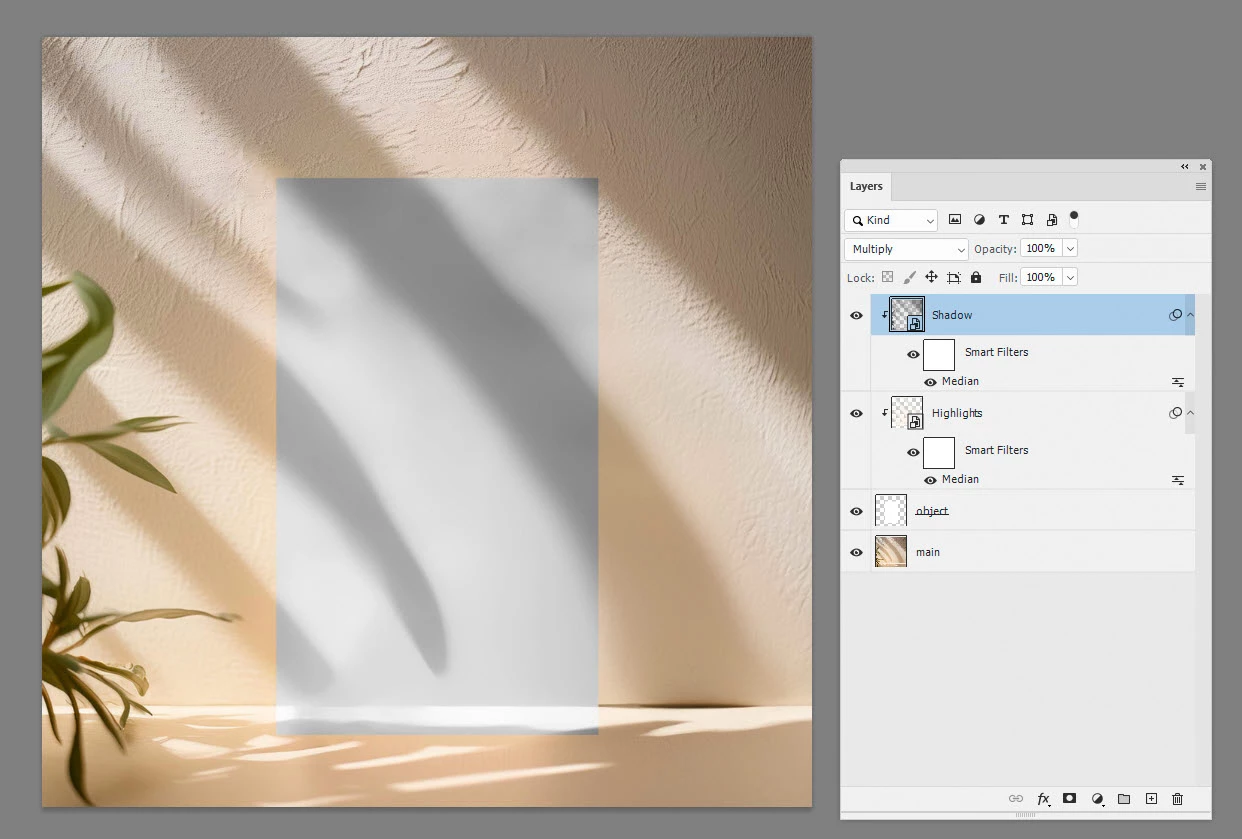
Apply a median filter to your shadow and highlight layers to remove the fine detail.


For a more realistic effect  if the product is away from the wall, you can move the shadow and highlights accordingly.

Dave

1 reply

Stephen Marsh
Community Expert
Community Expert
May 22, 2024

@gian7 


Google “Photoshop frequency separation".

gian7Author
Participating Frequently
May 23, 2024

@Stephen Marsh 
I think we are not talking about the same thing. 2 different layer, main layer background with shadows and highlights / and product layer is mockup in white color. I have to combine them like the natural image 1 with the same shadow falls on the mockup pulled from the background, when I did it the colors don't match, very dark and unrealistic..
when I make, for example, with a background shadow on the product, I get it with the background texture, and I only need the shadow itself without the texture and with highlights the same.

Stephen Marsh
Community Expert
Community Expert
May 23, 2024

I think that we are talking of the same thing. :]

Please post a layered PSD file, I presume that the mockup layer is separate to the background which contains the shadows, highlights and textures.