


Could not complete your request because it only works with OpenGL enabled document windows 2022
I'm currently using
Photoshop 23.2.1
Updated to the latest version as of 3/12/2022.
My platform is on Windows 10
I'm currently getting the usual error when attempting to use the rotate tool.
"Could not complete your request because it only works with OpenGL enabled document windows"
I've already attempted to restart and reinstall photoshop. This did not resolve the issue.
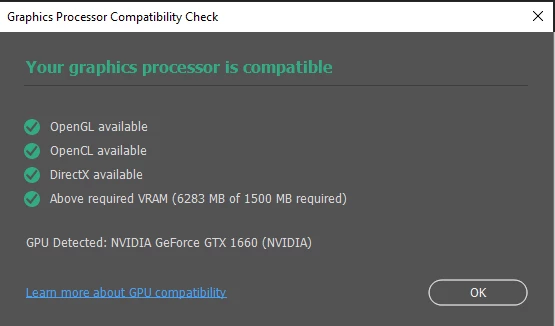
In this image, it says my GPU works fine
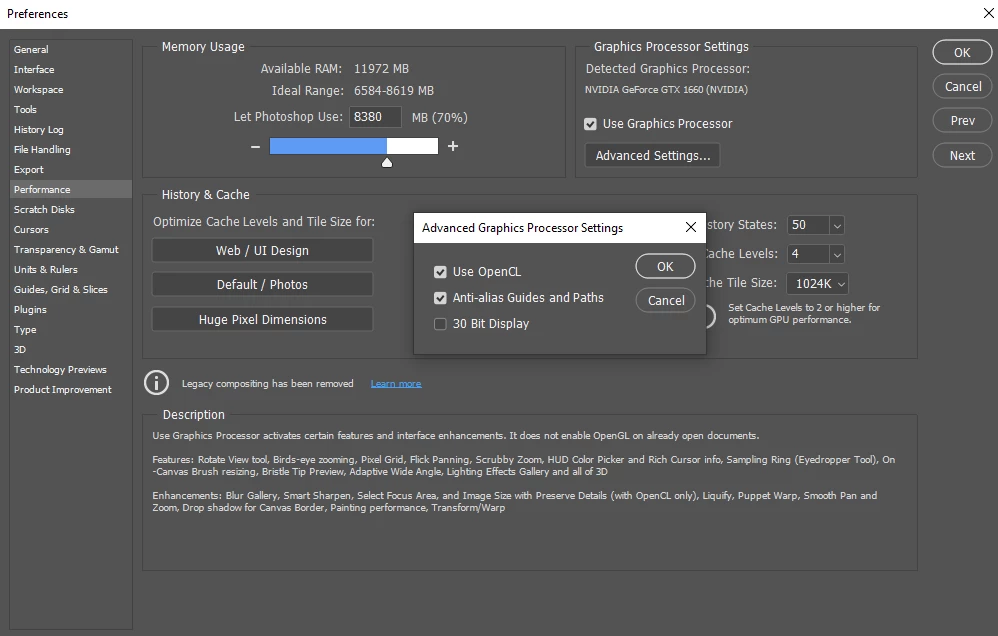
In the preference settings, advanced settings are not disabled.
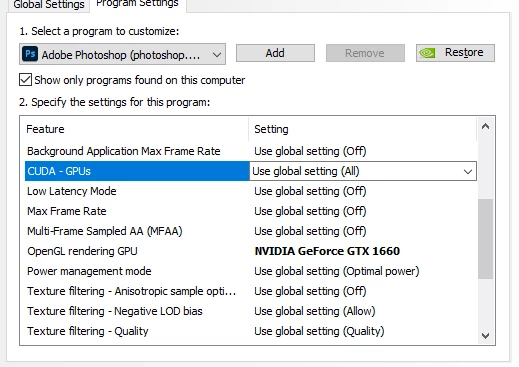
In the NVIDIA control panel it says that the setting for both CUDA-GPU is set to my current GPU
and that my OpenGL preference is set to my current GPU.
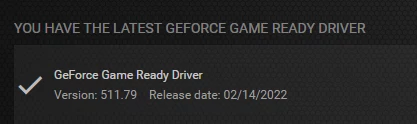
In Geforce experience my GPU drivers are also up to date
So I'm a bit at a loss as to why I cannot use my rotate tool. Most things seem like they are working correctly?
Below I've attached a .txt document containing my system info for photoshop.
I am also using a 22ePRO XP pen tablet. I don't believe that'll cause issues but if it has in the past. Let me know 🙂
Hopefully, this can be resolved soon.
 AdChoices