


Counting the number and intensity of pixels in an image
- July 1, 2025
- 2 답변들
- 432 조회
Hi, community members! 🙂
I was asked to help solve the following problem for a small scientific study in the field of ophthalmology - there is a video sequence from a tomograph display describing a fairly long process (about 30 thousand frames), it is necessary to:
a) Plot a graph of the increase in the number of white pixels (that is, APPROXIMATELY calculate how many new pixels appeared in each new frame compared to the first, regardless of their brightness)
b) Plot a graph of the optical density assessment (that is, APPROXIMATELY calculate how much the brightness changed on average in each frame relative to the first) I am only interested in the upper part of the image.
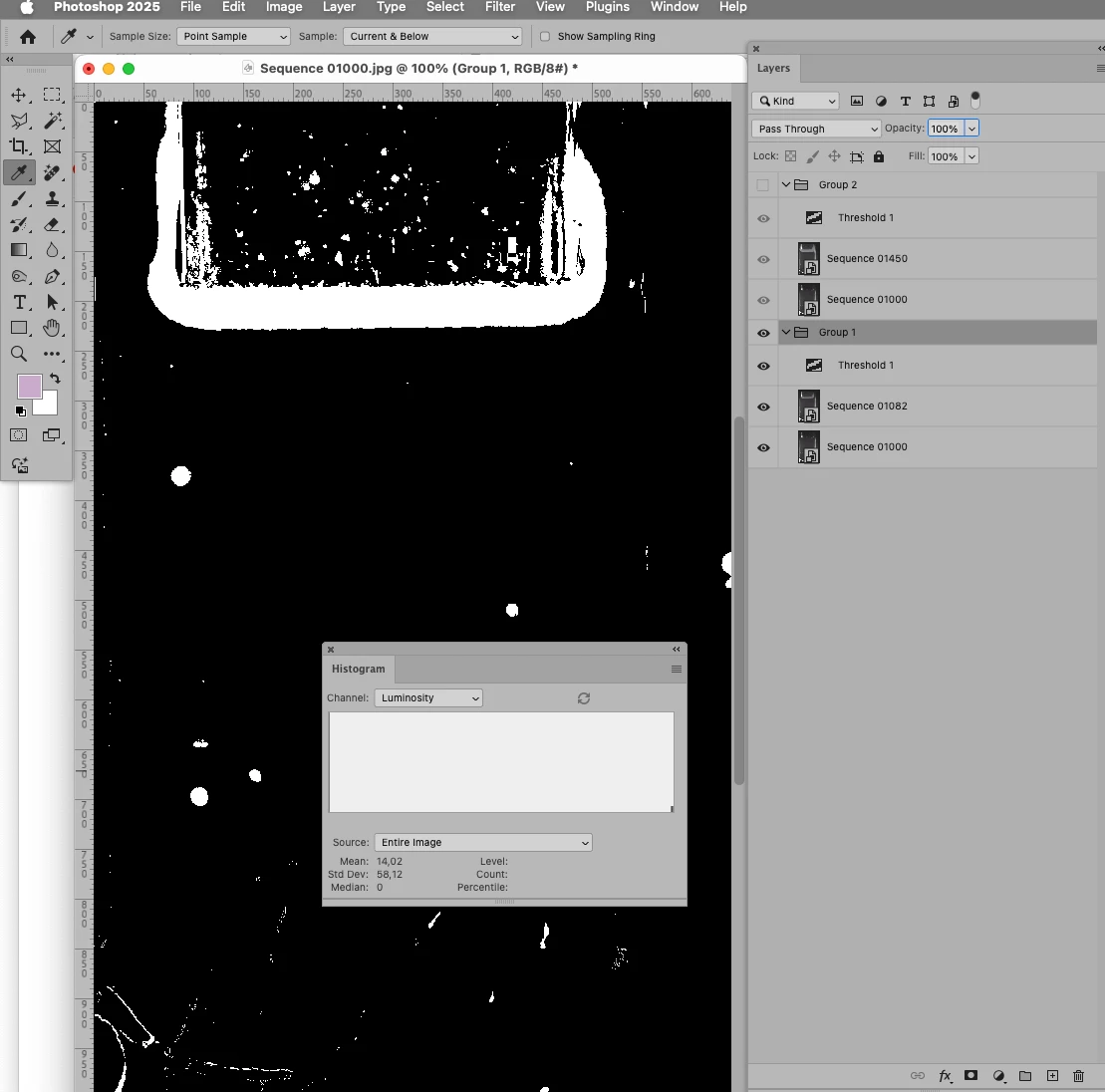
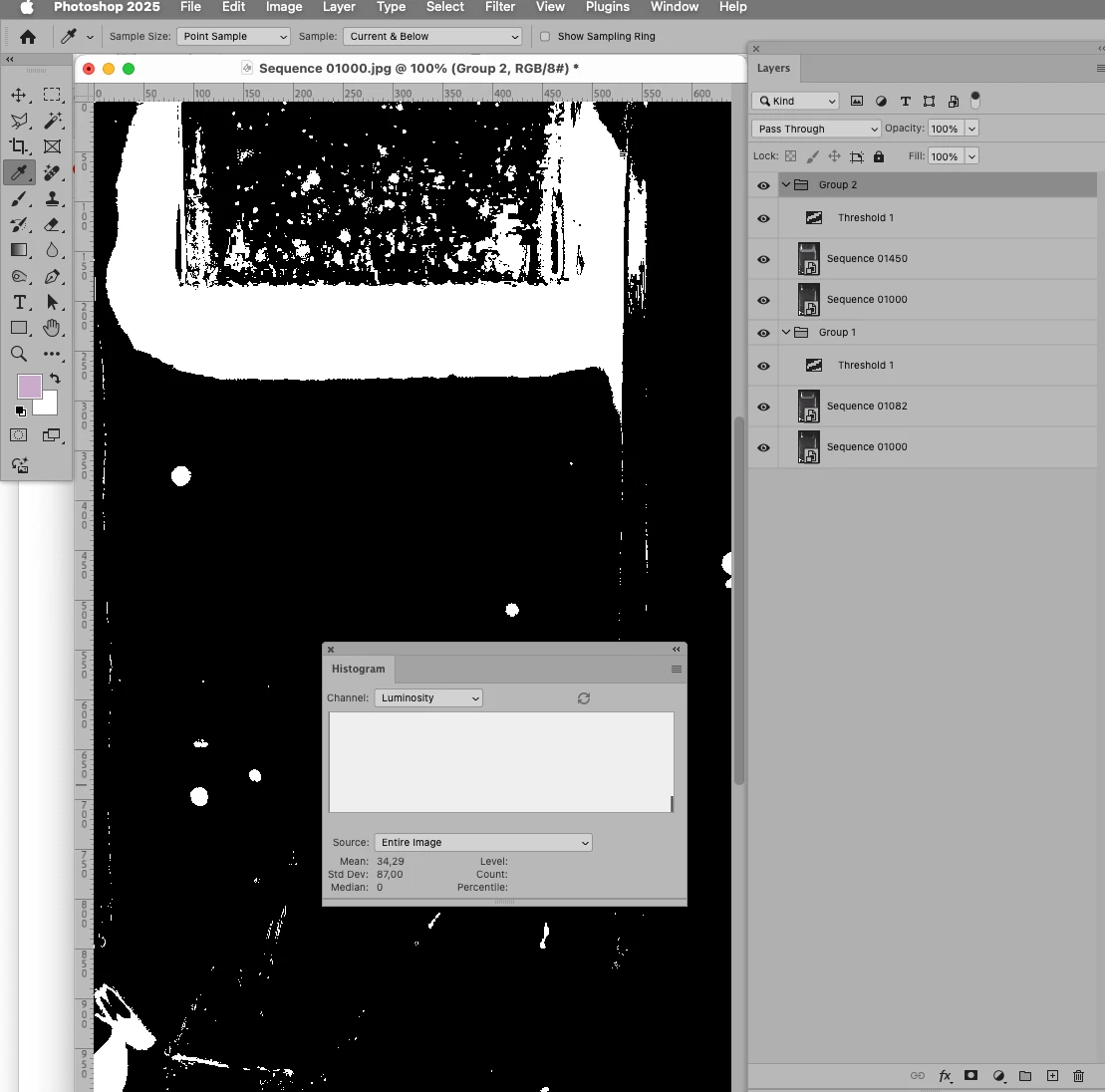
I had a plan to use histogram and difference mode to exclude the background image and evaluate both parameters and... it failed 🙂 - it turns out that the object in the upper frame is slightly shifted in time and it is difficult to isolate new colors on such a large number of frames (and yes, automatic alignment does not work well here, I checked) Three examples from this sequence are attached to the message (the initial state of the process, the middle and the end).
I do not need a working code, but only a fresh idea on how to separate the background image from the newly appearing colors using Photoshop, I will be glad to any suggestions 🙂
 AdChoices