
Answered
Create simplified images/icons from actual photos (not limited to PS)
Hi all. I'm looking for some simplified images of scientific equipment for my project poster and powerpoint. Then I found some really good ones from a software call ChemDraw, like this:
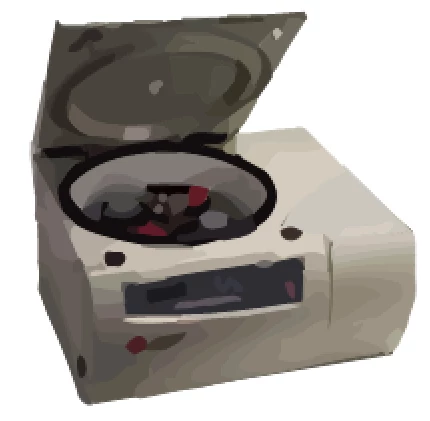 (a centrifuge)
However, this software has limited types of equipment and I'm pretty sure that image is made from an actual photo. So I'm thinking whether it is possible for me to use PS to create this sort of hand-drawish, simplified images from actual photos? If so, how? In addition, since I'm a newbie, is PS the right software to do this kinda job? Thank you~
 AdChoices