
Answered
Creative cloud font displays as symbols in Photoshop
I'm on Mac, and I have Soleil installed from CC. When I try to use Soleil in Photoshop, I get this -
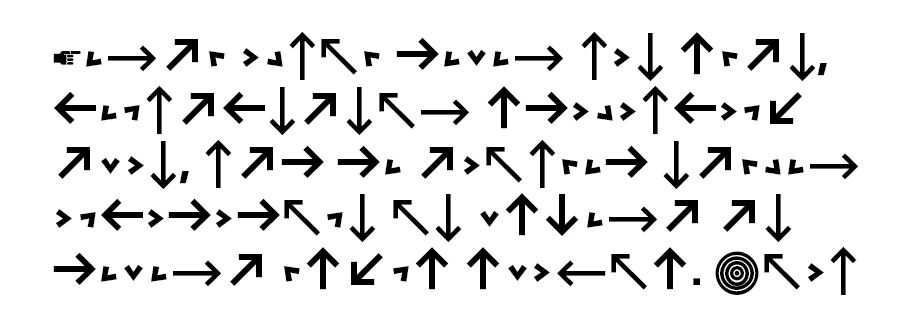
But the font works fine in Illustrator, and my other CC fonts are fine. If I open an old file that uses Soleil it says the font is missing and then "The following fonts are missing for text layer..."
I've deactivated the font and reactivated. I've signed out of CC, and restarted my machine. I've quit CC and renamed the com.adobe.accmac.plist file in the library to see if that helps.
Can anyone help with this?
 AdChoices