
Participating Frequently
April 29, 2020
Answered

Crop Tool no longer ignores guidelines. Is this the new normal?

  • April 29, 2020
  • 1 reply
  • 615 views

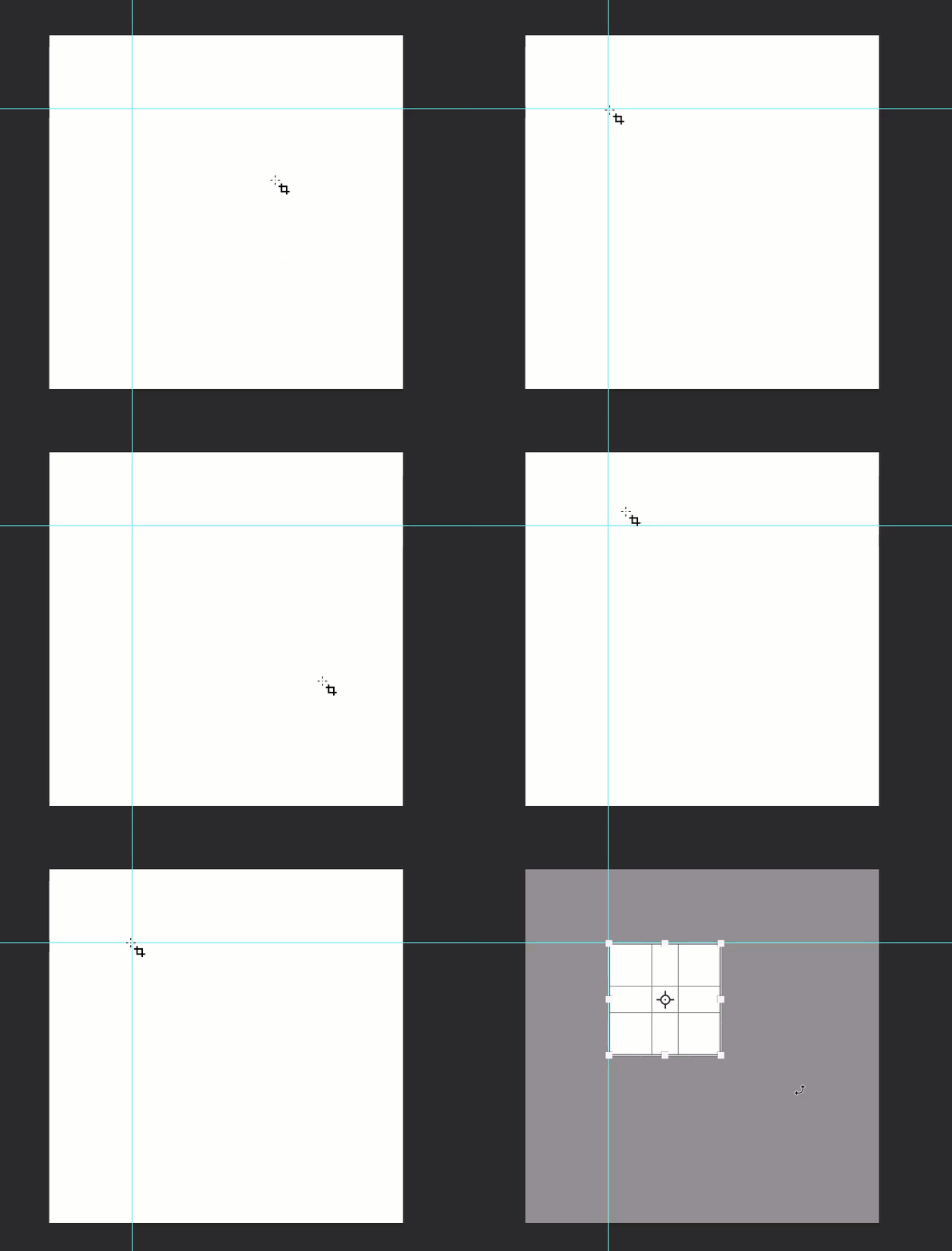
I use the Classic Mode for the Crop Tool because, in one quick motion, I could drag from one guideline to another guideline, hit Enter and done. The guidelines were unselectable.


Recently (maybe 3 months?), when I hover my mouse over a guideline, it wants to move the guideline instead of starting the crop boundary. Because of this, I have needed to move slightly off of the guideline to get the crop box started, or I need to zoom in more closely to be accurate. Massively disruptive for me because I export dozens of cropped images per Photoshop session.


Is this behaviour the new normal? Or do I have a bug/issue? Thanks!
This topic has been closed for replies.
Correct answer Bojan Živković11378569

Which version of Photoshop and OS? Everything works fine for me on Win with latest 21.1.2 version of Photoshop.

Have you tried to reset preferences?

1 reply

Bojan Živković11378569
Community Expert
Community Expert
April 29, 2020

Which version of Photoshop and OS? Everything works fine for me on Win with latest 21.1.2 version of Photoshop.

Have you tried to reset preferences?

Participating Frequently
April 29, 2020

Ahhh thank you for restoring my sanity. Resetting preferences worked. I reset them right before the issue began so I didn't think that was the issue. Much appreciated! (Windows 10 1909 and Photoshop 21.1.2)