


질문
Crop tool overlay hides photo when rotating in Photoshop 2020
HI
I'm hoping someone can help. Since the last Photoshop update I am having an issue with the crop tool overlay while straightening my photos. When I click on the corner of the image to drag to straighten the photo a fine grid overlay appears and make sit very hard to see the image while I am trying to straighten. I have attached a screen shot to show how bad the grid is.
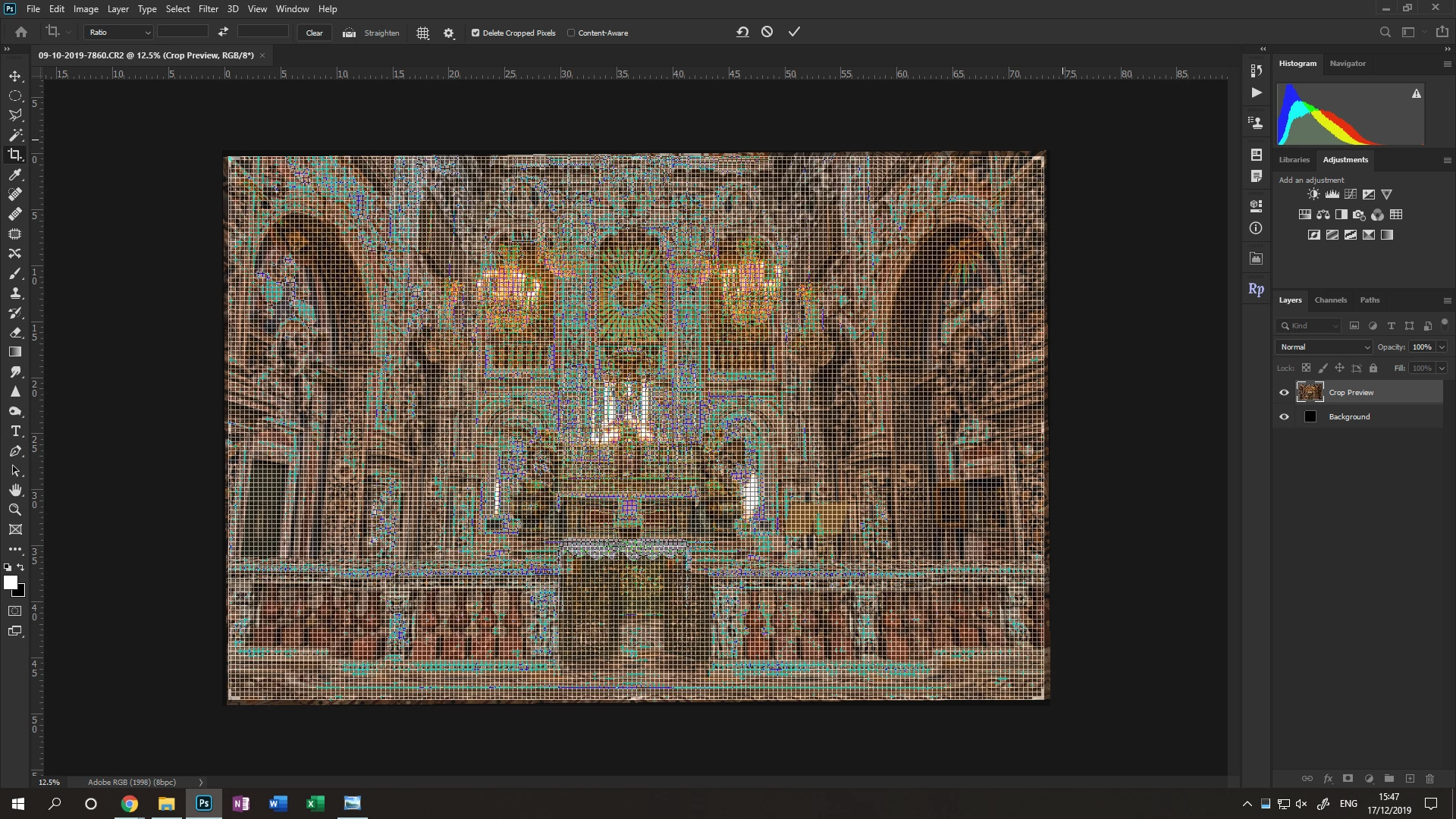
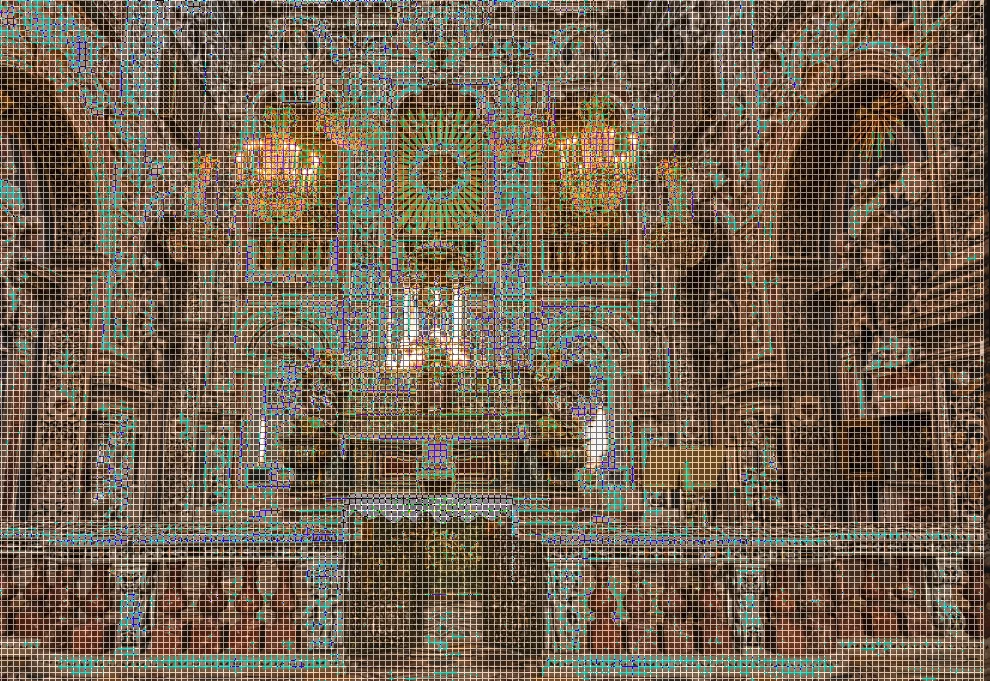 I have been through all the crop and overlay settings and the onbly way I can stop it is to turn off overlay completely which is no help. I don't know if I am missing something or whether it is a glitch during the last update.
Is anyone else having this issue since the update? If so, do you have any idea how can I fix it?
 AdChoices