
Question
Deleting the transparency grid on a background
Hey,
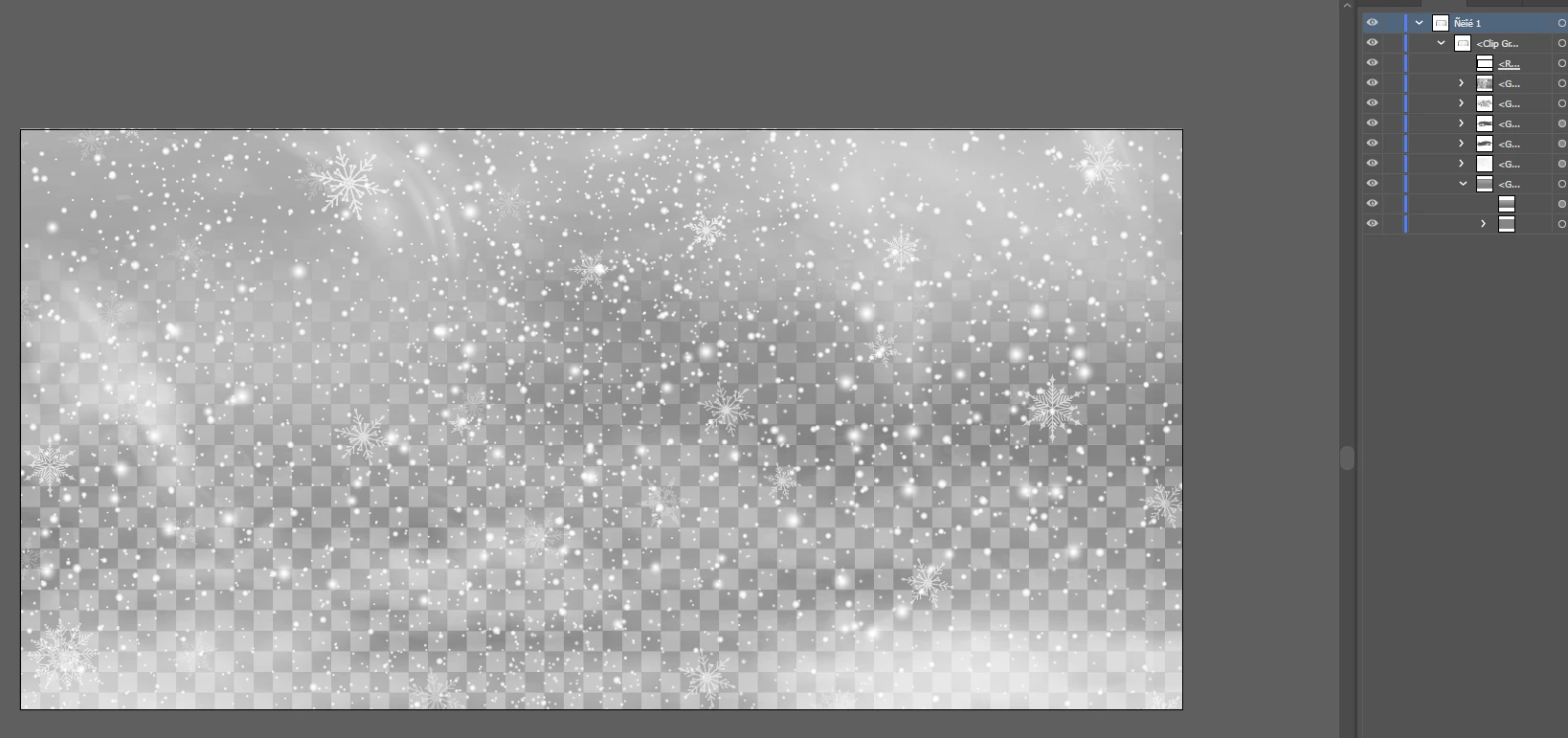
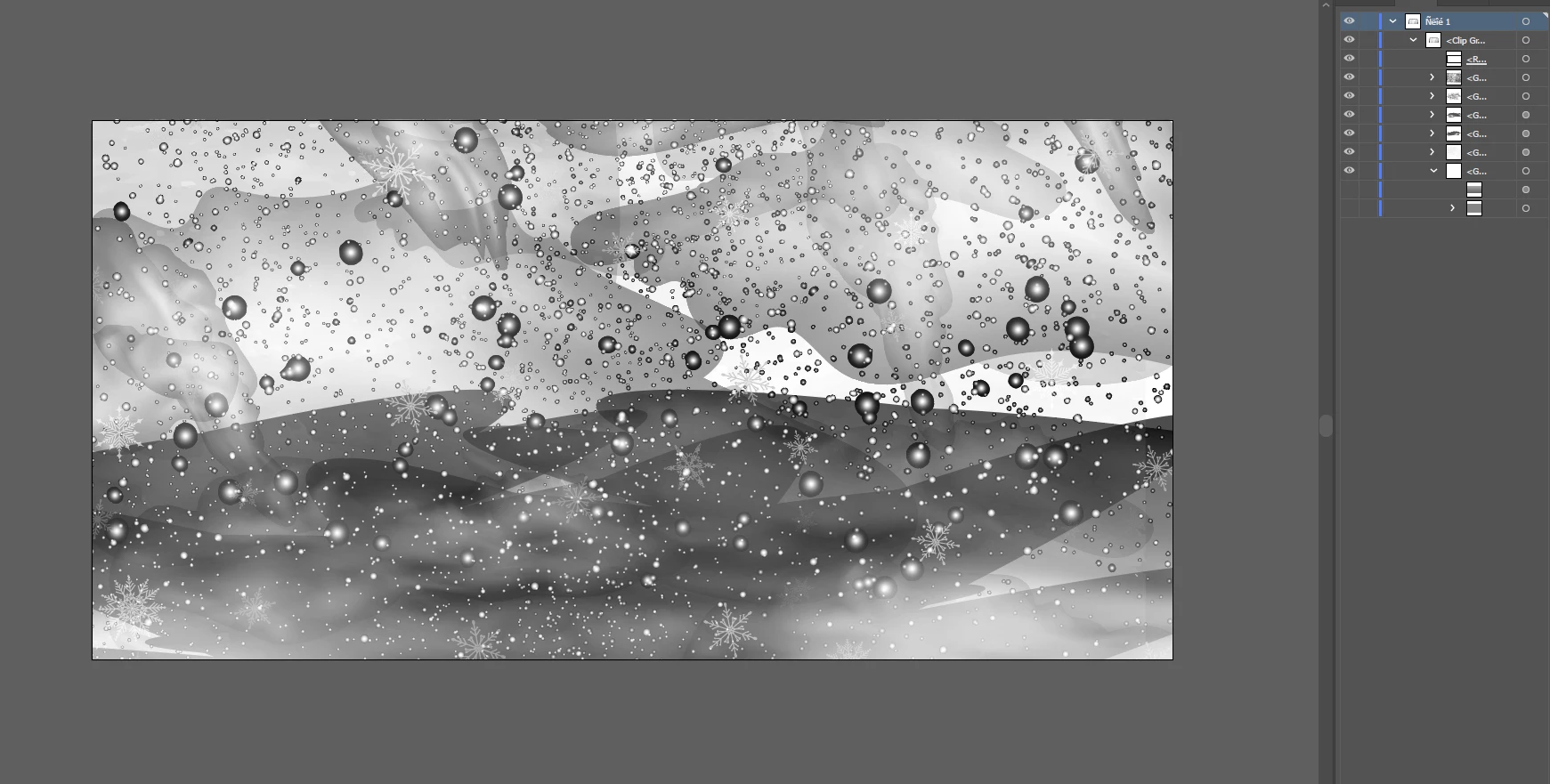
Sorry i know its a bit early for Christmas chat but I need some help. I downloaded an image of snow i'd love to use on my graphic but the images come with the transparency grid and gray background on the back. When I delete this in illustrator it really just goes crazy the snow turns into massive grey blobs. Any help on how I could use this image on my sky blue background? I'm building the product in photoshop so copying the images over once I've taken away the correct layers. Any help and suggestions would be great 🙂


 AdChoices