Copier le lien dans le Presse-papiers
Copié
Hi everyone!
I've been experimenting with depth maps on textures on the letter I.
I can create the depth map for the front face of the letter (both as text and rasterized).
But I want the end result to be an extruded I with the effect created by the depth map on each surface of the letter.
I can apply the depth map to the face, seperately I can extrude the I, but is there a way to apply the same depth map to the sides of the extrusion?
Many thanks in advance!
Copier le lien dans le Presse-papiers
Copié
Adobe currently has 23 programs included in a full Cloud subscription
Please post the exact name of the Adobe program you use so a Moderator may move this message to that forum
Copier le lien dans le Presse-papiers
Copié
Apologies, thanks for the reply, it's Photoshop CC.
Many thanks
Copier le lien dans le Presse-papiers
Copié
Are you reffering to Displacement filter? You nee to tell us more in detail so we can help you.
Chana
Copier le lien dans le Presse-papiers
Copié
Hi Chana
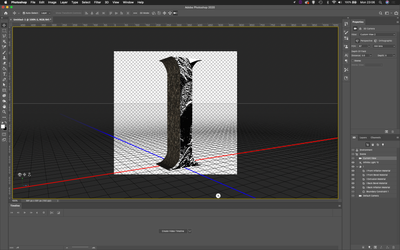
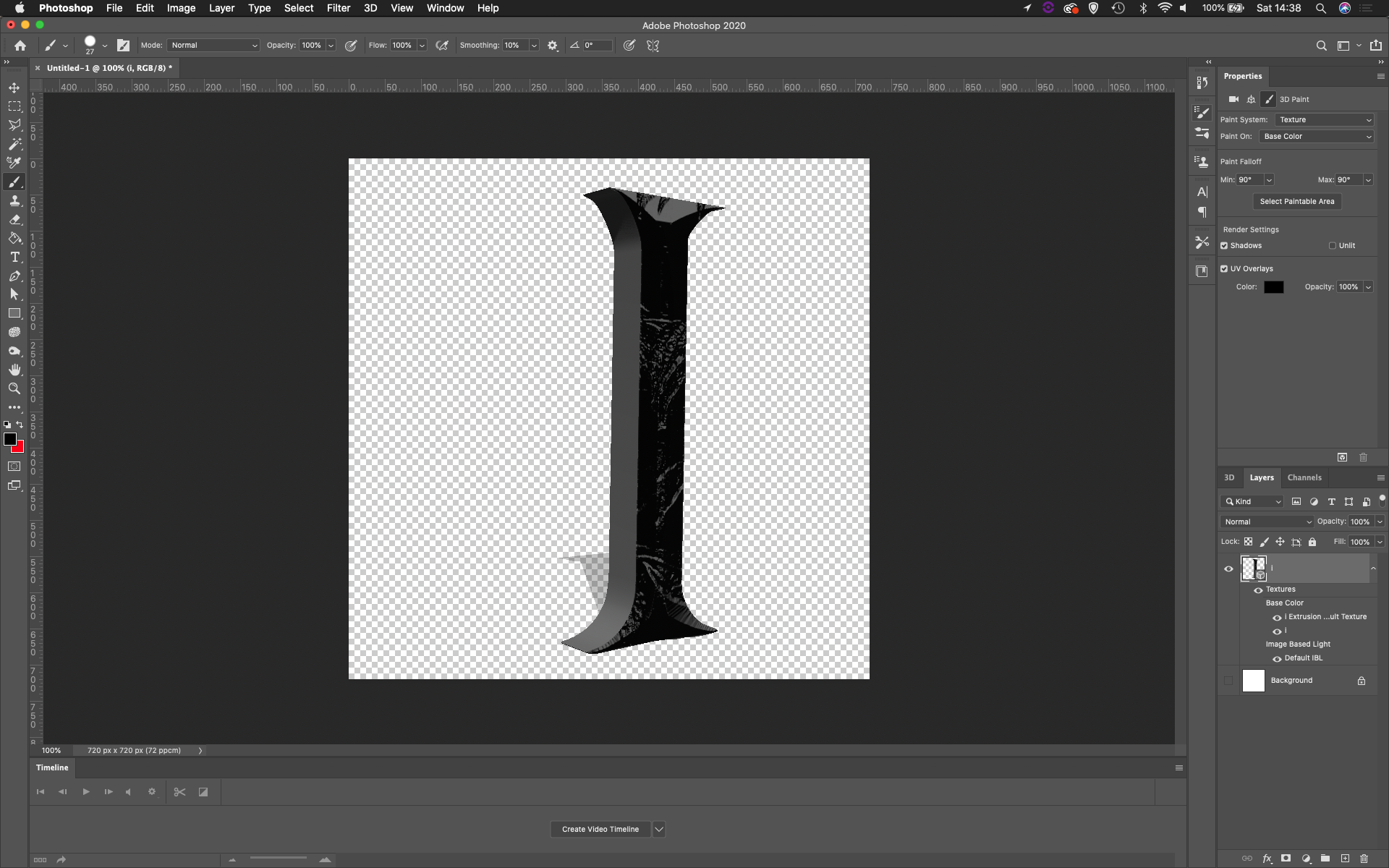
Thanks for the reply, I've used the text, and then rasterized the letter I, Then I applied a texture to it through the fx tab. Then created 'Mesh From Depth Map' on 'Plane' That gives me the desired effect I want, however, what I want for the end result is for it to be an extruded 'I' with the Depth Map effect on all sides of the letter.
I know how to create the 3d Extrusion for it. But I can't figure out if/how to then have the Depth Map effect on the 3d Extrusion.
Many thanks
Copier le lien dans le Presse-papiers
Copié
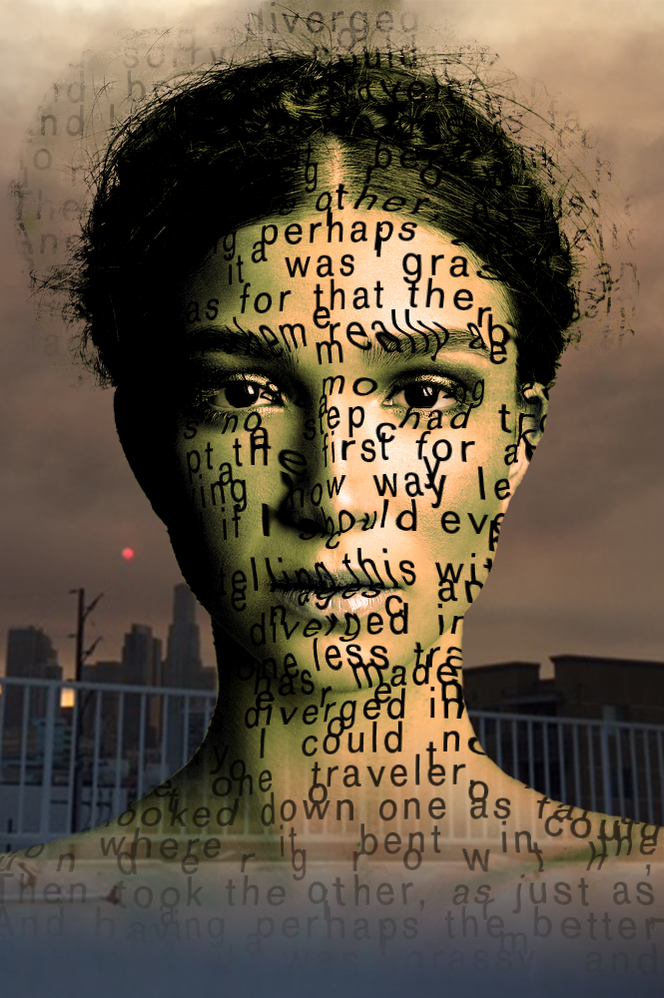
I am not a 3D artist but I create a displacemnt map and than bring it to the image...here is a sample
Copier le lien dans le Presse-papiers
Copié
The way I did it:
Open a portrait image.
Using any selection method (I strated with Select Subject}.
Isolate the image to create a layer. (Select and Mask).
Duplicate the image. Change to BW. Gaussian Blur and shave as a D Map.
Needs to be a PSD file.
Save the main file as a psd.
Create a Wordcloud: https://www.wordclouds.com/
Choose any poem or text and paste it into the program.
Export as a PNG. Open in PS and save it as a PSD file.
Create a Smart filter from the text and apply the D Map.
Than you can play with modes etc. Displacement map is a great feature that does not get any more love!

Copier le lien dans le Presse-papiers
Copié
This tutorial may help: https://www.youtube.com/watch?v=lyPcpeYVDHw
Copier le lien dans le Presse-papiers
Copié
Hi All
Thank you for your replies, I'll be honest, I don't think I phrased the question quite right!
Basically, want I want to achieve is: A 3D model of the letter with 3d textures on all sides. I.e not just a 'rock' effect flat on the surfaces like in this picture, but 3d effect on all surfaces. Then for it to be a 3D model that I can use in other software to animate.
Many thanks
Préparez-vous ! Une expérience Adobe Community améliorée arrive en janvier.
En savoir plus