Participant
November 16, 2020
Answered

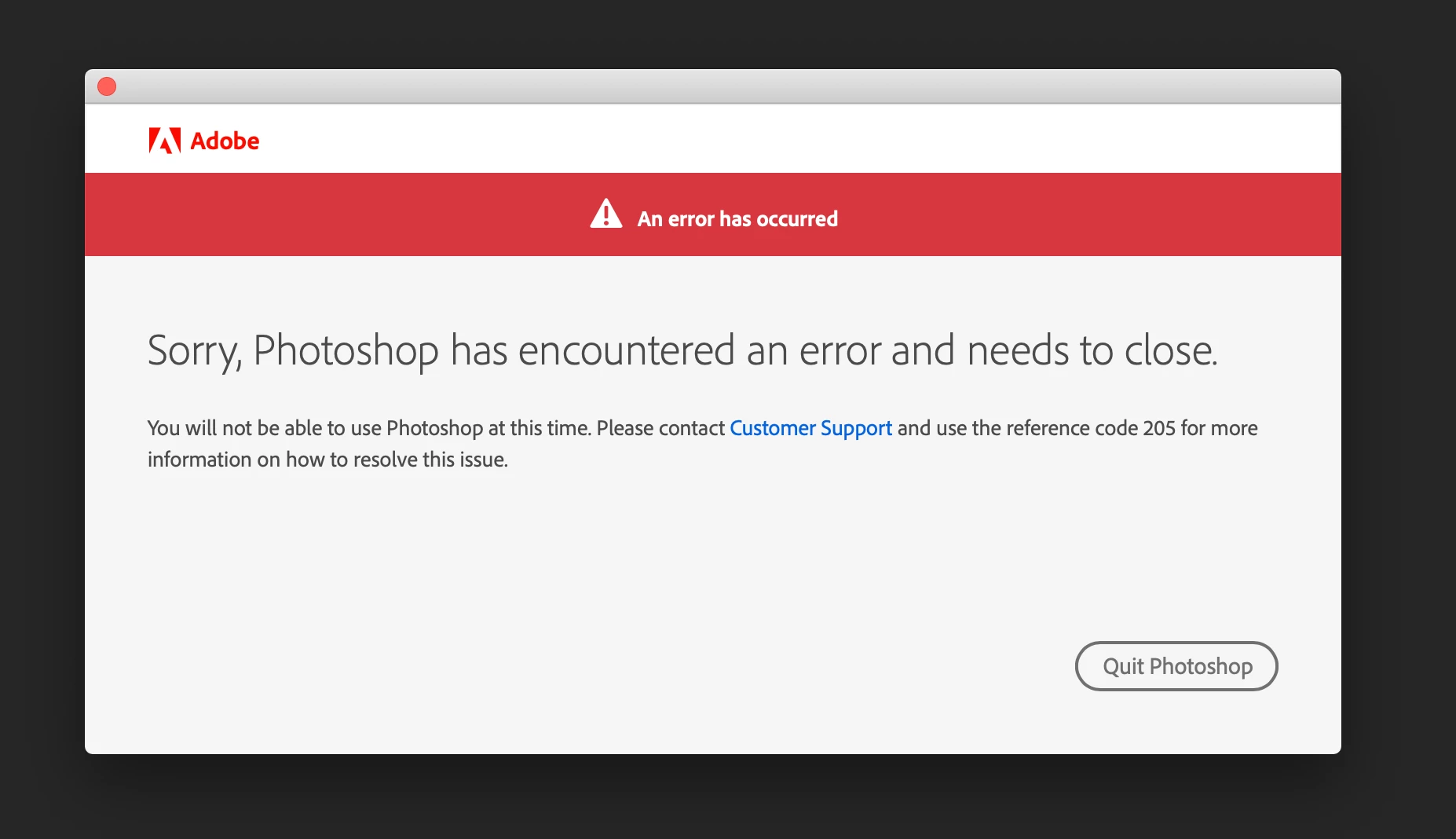
Error code 205 - PHOTOSHOP

  • November 16, 2020
  • 2 replies
  • 2541 views

Hello,


Is there anybody else with this kind of error, CODE 205 in PHOTOSHOP?...

It came from nothing, just happened. I can't work right now. What should I do?

I've uninstall and update to the latest version, but the problem remains.
 

This topic has been closed for replies.
Correct answer jane-e

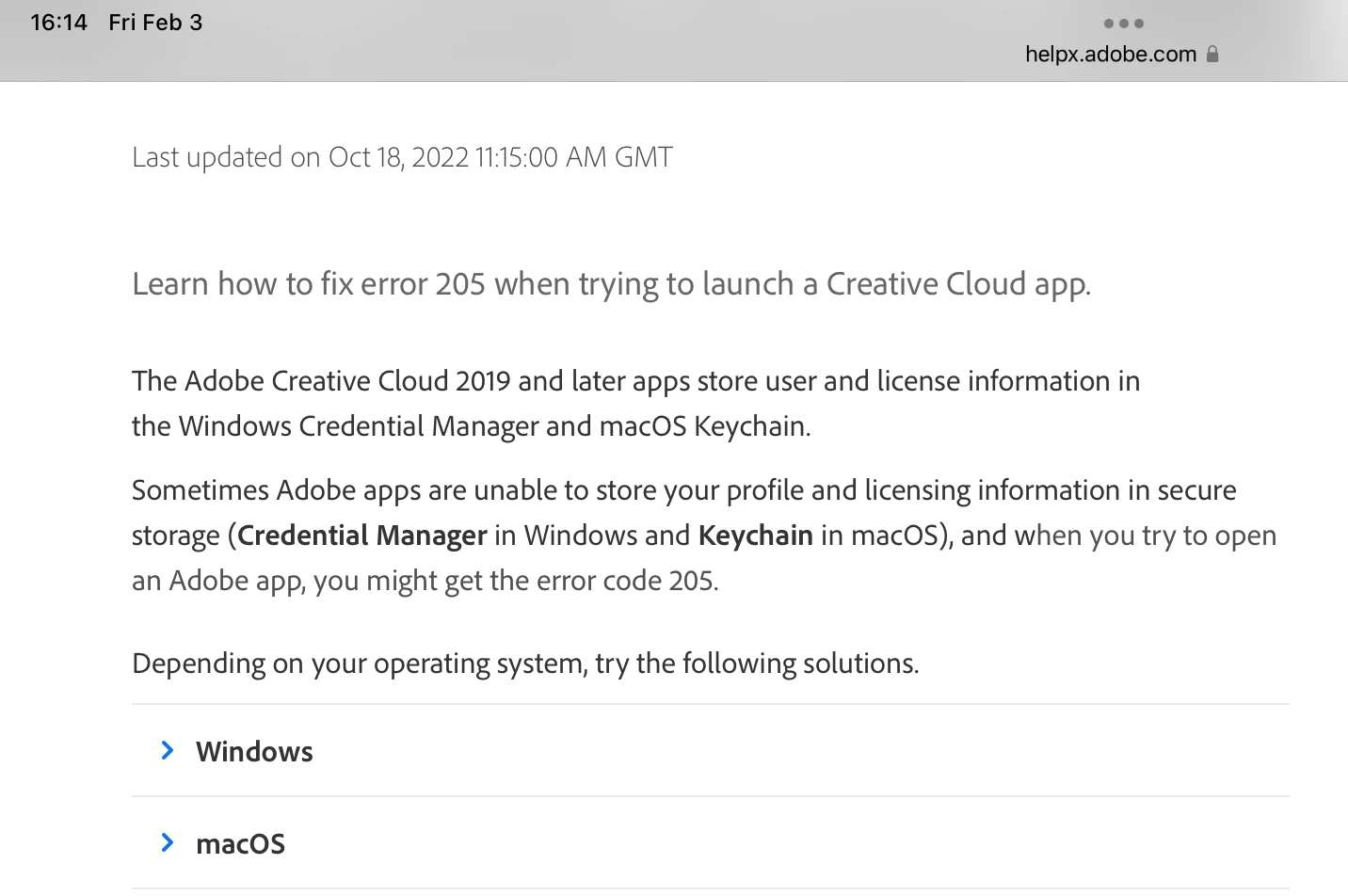
Derek's link from 2020 no longer works. Try this link and expand the section for macOS:

https://helpx.adobe.com/download-install/kb/fix-licensing-error-205.html


Jane


2 replies

hindy07
Participating Frequently
February 3, 2023

how did you fix this. Is been 1 month and i havent been able to use photoshop with the same massage. I have alreayd update, unistalled and restart and nothing has work

jane-e
Community Expert
jane-eCommunity ExpertCorrect answer
Community Expert
February 3, 2023

Derek's link from 2020 no longer works. Try this link and expand the section for macOS:

https://helpx.adobe.com/download-install/kb/fix-licensing-error-205.html


Jane


Kevin Stohlmeyer
Community Expert
Community Expert
September 18, 2024

I have 32gb of ram and 50gb on hard drive plus other drive disk. Photoshop was working fine a week ago on beta build but i change my account for my studen account which has all the licences. I think it come from my computer because it's working fine on my brother's laptop


Are you installing on your main HD or the "other drive disk"? 50 GB is not a lot of room to download and install. 100 GB is the recommended.

Derek Cross
Community Expert
Community Expert
November 16, 2020