
동후김83505835
Known Participant
February 22, 2018
Answered

Even though "Don't show again" is checked in order to deactivate the warning window, a warning window is continuously output.

  • February 22, 2018
  • 1 reply
  • 952 views

Even though "Do not show again" is checked in order to deactivate the warning window, a warning window is continuously output.

What is the reason?

I am using Photoshop CS6.

Is it related to OS?
This topic has been closed for replies.
Correct answer chanaart

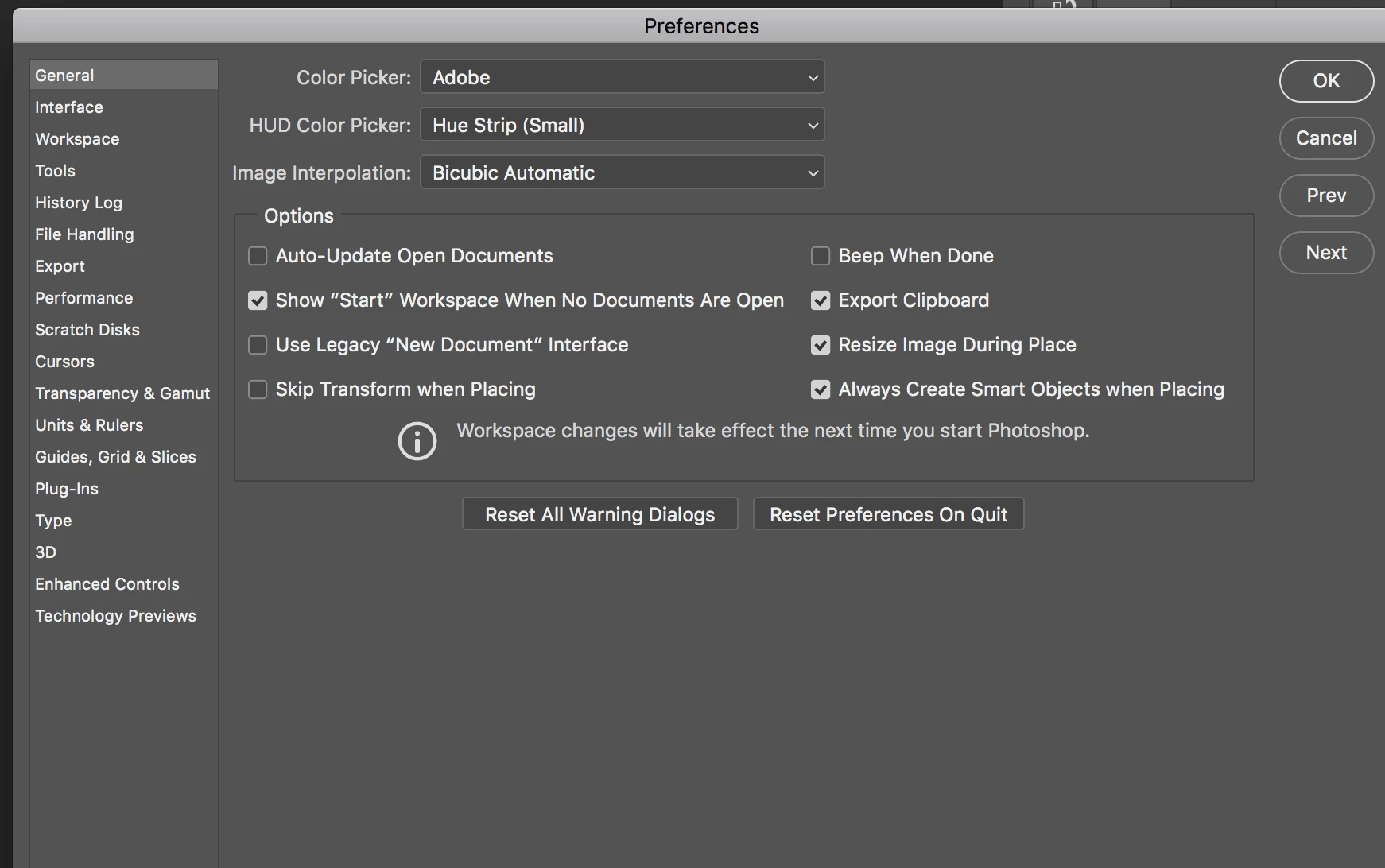
go to the Preferences  : Control K if you use window . Command K if you use mac and reset all warning  and preferences. Than turn it off and it will work. Sometimes you need to clean all and start again..

1 reply

chanaart
Community Expert
chanaartCommunity ExpertCorrect answer
Community Expert
February 22, 2018

go to the Preferences  : Control K if you use window . Command K if you use mac and reset all warning  and preferences. Than turn it off and it will work. Sometimes you need to clean all and start again..

Participant
September 21, 2021

This doesn't work for me!!  it is so annoying & has been a problem in Bridge for as long as I can remember.  It happens with several of the thumbnail preview options e.g "Always generate 100% Previews (uses high CPU)"


It sometimes works temporarily but if I quit and restart the program the behaviour is back to that annoying prompt every time.  It's a puzzle to me why Adobe can't fix this problem, it seems to me that they gave up supporting Bridge a long time ago (I know thats not true but it does seem that way sometime)


iMac 2010, Mac OS Big Sur 11.6.0, 72GB RAM, Adobe Bridge 11.1.1.185,