Participant
December 14, 2017
Answered

File is not compatible with this version of Photoshop

  • December 14, 2017
  • 7 replies
  • 72204 views

Hey All,

So I've read some threads about this issue, some old and some new, but I actually could not find a good solution.

This is how the story goes:

I've made a big mistake and updated my Mac system to the High Sierra.

After the update my Mac could not find the start up disk - and to keep the long story short - I had to reinstall the MacOS Sierra (the old version).

I actually lost all of my working files (ya ya.. backup everything. i know) and had to do a recovery.

During this process it seems that a lot of my Photoshop file have been damaged in some way.

So this is what happened when I'm trying to open them in Photoshop:

I'm getting a notification (pop up) saying:

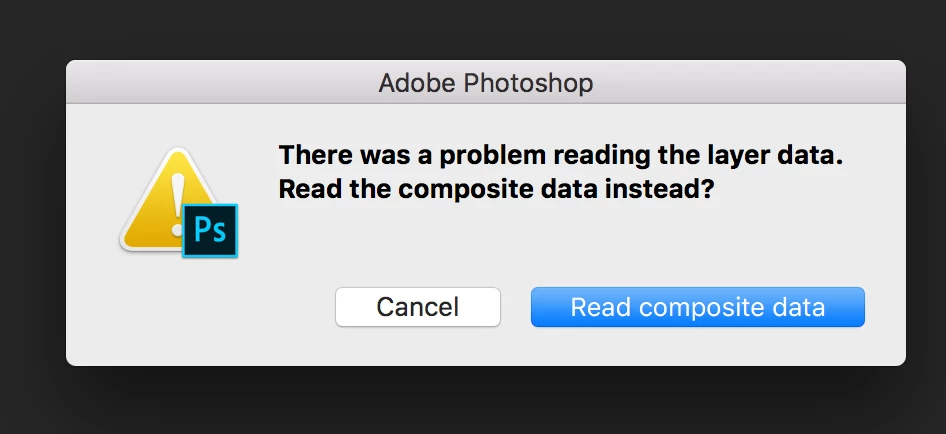
"There was a problem reading the layer data. Read the composite data instead?"

Once clicking on that I'm getting this pop up say:

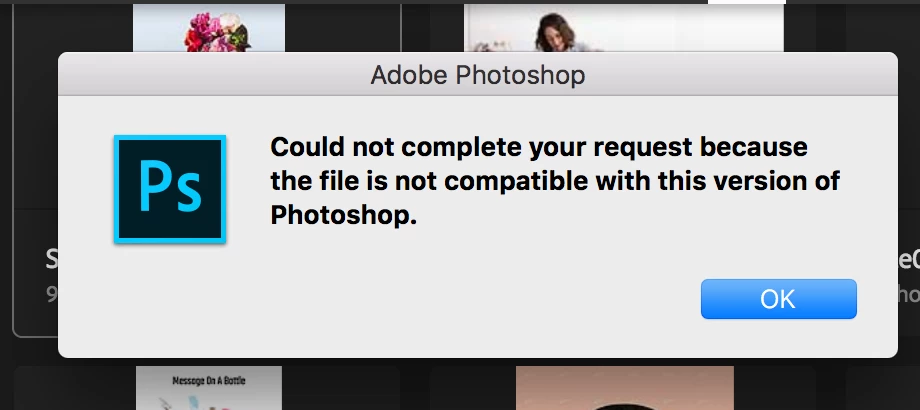
"Could not complete your request because the file is not compatible with this version of photoshop."

so I've actually try open those files on a different computers, with a different versions of Photoshop - but still getting the same.

I think that the file is corrupted, but I wonder if there is any way to fix it?

I'm totally willing to pay for a good software who will fix it, but could not find anything.

I'm working on Macbook pro, running MacOS Sierra version 10.12

any help will be welcome!

Thanks in advance!

Hagara
    This topic has been closed for replies.

    7 replies

    Participant
    September 9, 2024

    Another solve is to open file on illustrator, it opens with layers movable but won't necessarily be the same as a psd file then you can export as psd once again then finally open it on photoshop again.

    Participant
    September 9, 2024

    Another solve is to open file on illustrator, it opens with layers movable but won't necessarily be the same as a psd file


    Participant
    May 28, 2023

    I installed an older version of Photoshop and the problem is gone

    Participant
    July 18, 2023

    Hello, I'm experiencing the same problem in Photoshop 2023 (version 24.2). It contains all my animation work. Can you please let me know which version you downloaded to get it working?


    Participant
    August 10, 2023

    Last night, I had the same issue. The files open fine in my most recent version of Photoshop, but my client can't open them. I fixed it by turning the background into a layer, saving, and sending it again. When you do that, it will tell you to maximize compatibility, which I did, and it worked.

    Participant
    March 13, 2018

    Hopefully this helps someone else looking for this problem running the Windows version (I don't know if there's a Mac version). I had the same issue, and have been scrambling to save my work. There wasn't a ton of layers in my file, but a LOT of intricate vector layers. I found this repair tool when searching (and it was free) http://www.psd.repair/. I'm typically hesitant to download anything like this, but was desperate so gave it a try and it worked for the most part. Was able to restore the file, but some of my text on path layers reverted to straight text, and a couple of masks were also killed, but overall, I got most of what I needed back. Saved me days of recreating the file, which was huge.

    hagarabyAuthor
    Participant
    December 14, 2017

    Thank you ged2016 and @hmed_waheib,

    I'm actually using the most updated version of adobe, so I'm not sure if using higher version is even possible

    I will check if the file is locked.

    For the Yodot and Remo repair - I have read a bad reviews so I'm not sure if spending money on those software will be a good idea

    ahmed_waheib
    Inspiring
    December 14, 2017

    Can you open the file with Lightroom and It will flatten some layers? Just try because unfortunately, I think your file got corrupted while it was saving or maybe because of your disk.

    I'm not sure of how is it going there but try your best & If the image has maximize compatibility on, you might be able to open a flattened copy if you hold ALT/Option+Shift as you click to open the file.

    hagarabyAuthor
    Participant
    December 14, 2017

    Thank you!

    I'll try with LightRoom as well

    Correct answer
    December 14, 2017
    ahmed_waheib
    Inspiring
    December 14, 2017

    Try to open it with a higher version of photoshop and try to check if the file is locked or not.