


New Participant
April 6, 2021
Question

Fill Colour Tool Not Working

  • April 6, 2021
  • 1 reply
  • 462 views

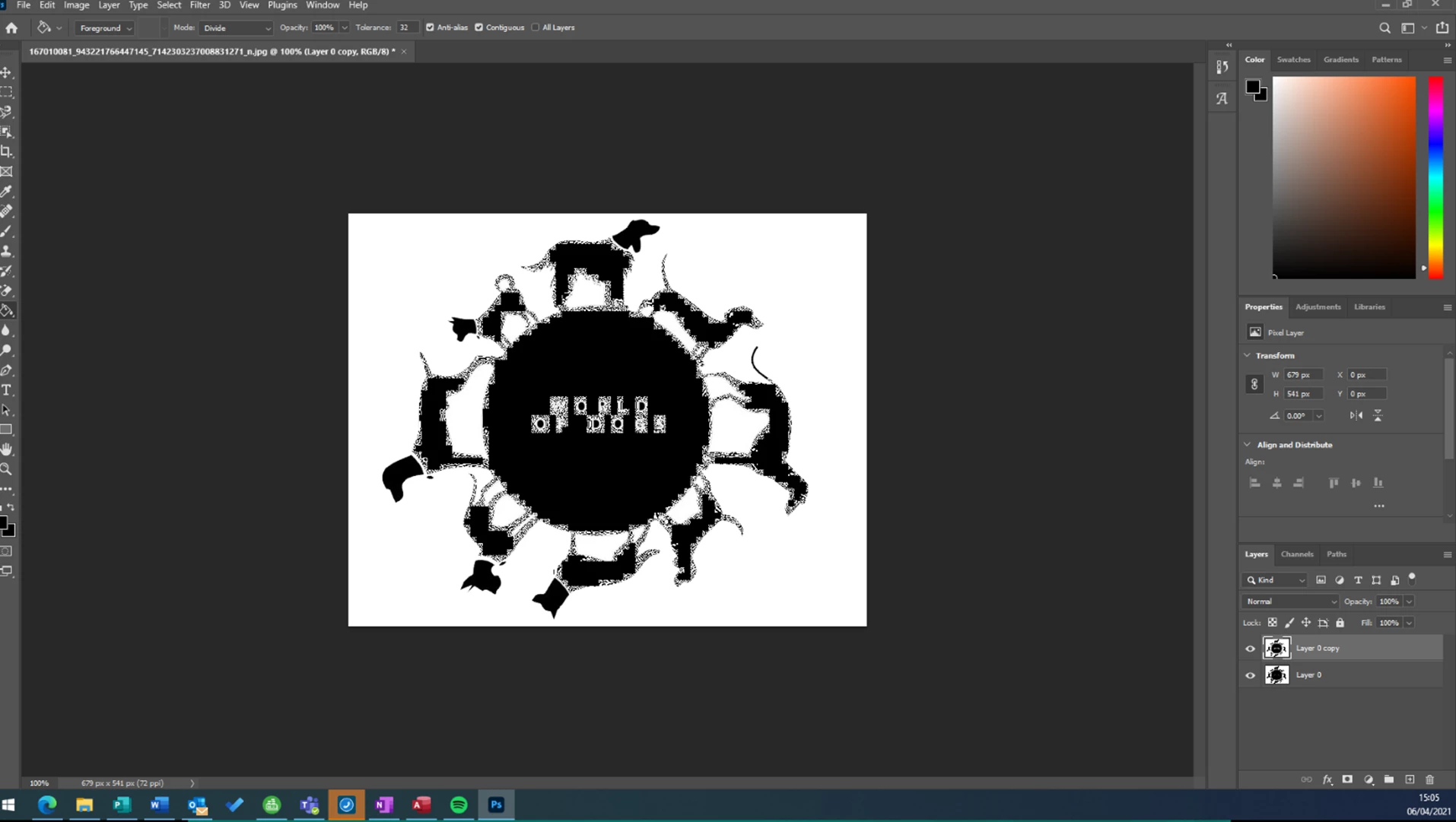
Hi All, Photoshop newbie here, i am trying to colour in using the fill option, and when black is selected it is colouring in white and/or going very fuzzy. It was working fine then i coloured a few different objects in and all of a sudden it has come up like this (see screenshot) when i try to fill. 
This topic has been closed for replies.

1 reply

Mylenium
Brainiac
April 6, 2021

As far as can be judged from your screenshot it seems to work just as expected, given that the base image is some noisy pattern. the fill would simply not progress beyond the parameters you have defined in the settings. Your image is rather low-res for that kind of work to begin with. All that said, you may want and need to look into other techniques liek actualyl extracting the contours with selections or manual tracing annd then fill them. i realyl can't see a quick and dirty way that would give the result you seem to expect here.


Mylenium

verde0D4CAuthor
New Participant
April 6, 2021

Hi thank you for your reply, the image itself is actually not too bad quality, i have worked with worse qual images before and not had this issue, i have attached a normal copy of it here, the one you can see on the first post is what happens when i try and fill in the background. Thank you