
Participant
December 11, 2018
해결됨

Font looks different in Photoshop than on System and other Adobe Tools

  • December 11, 2018
  • 3 답변들
  • 8799 조회

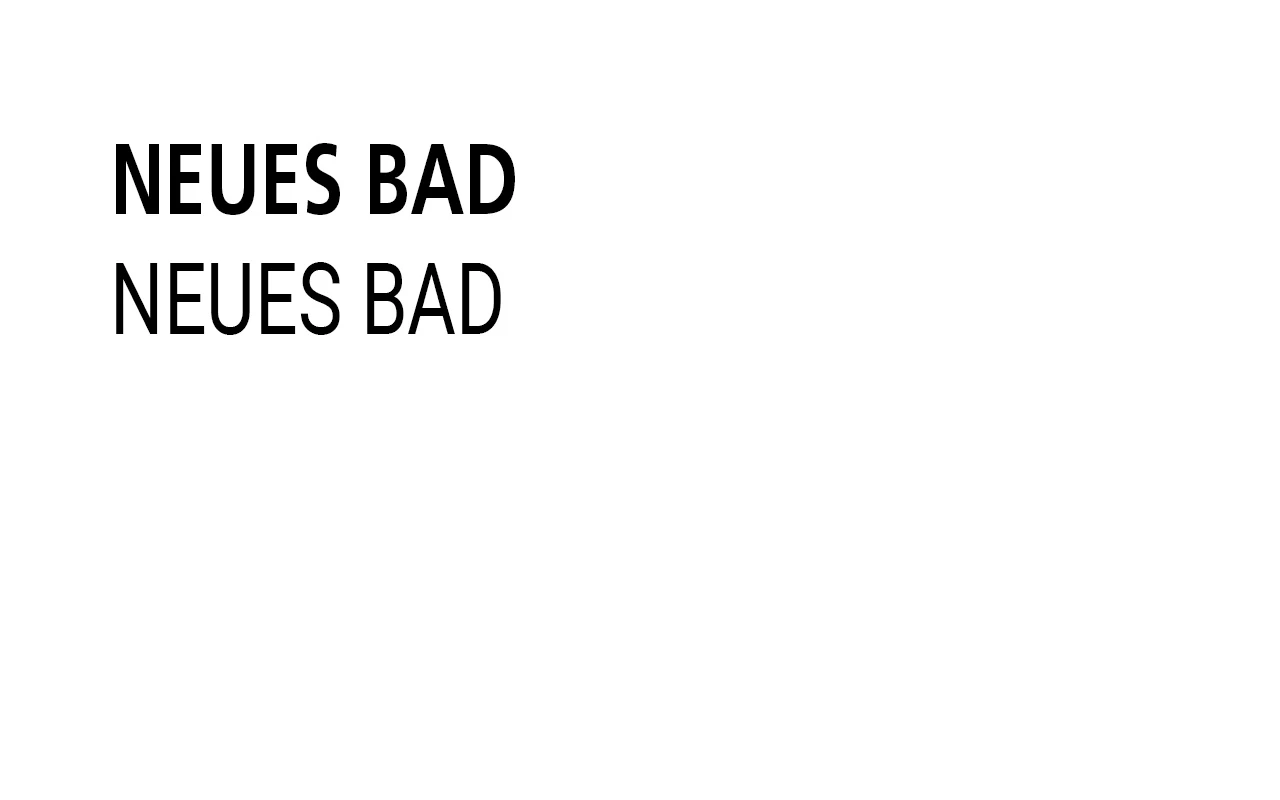
My fonts look different in Photoshop, much more narrow.

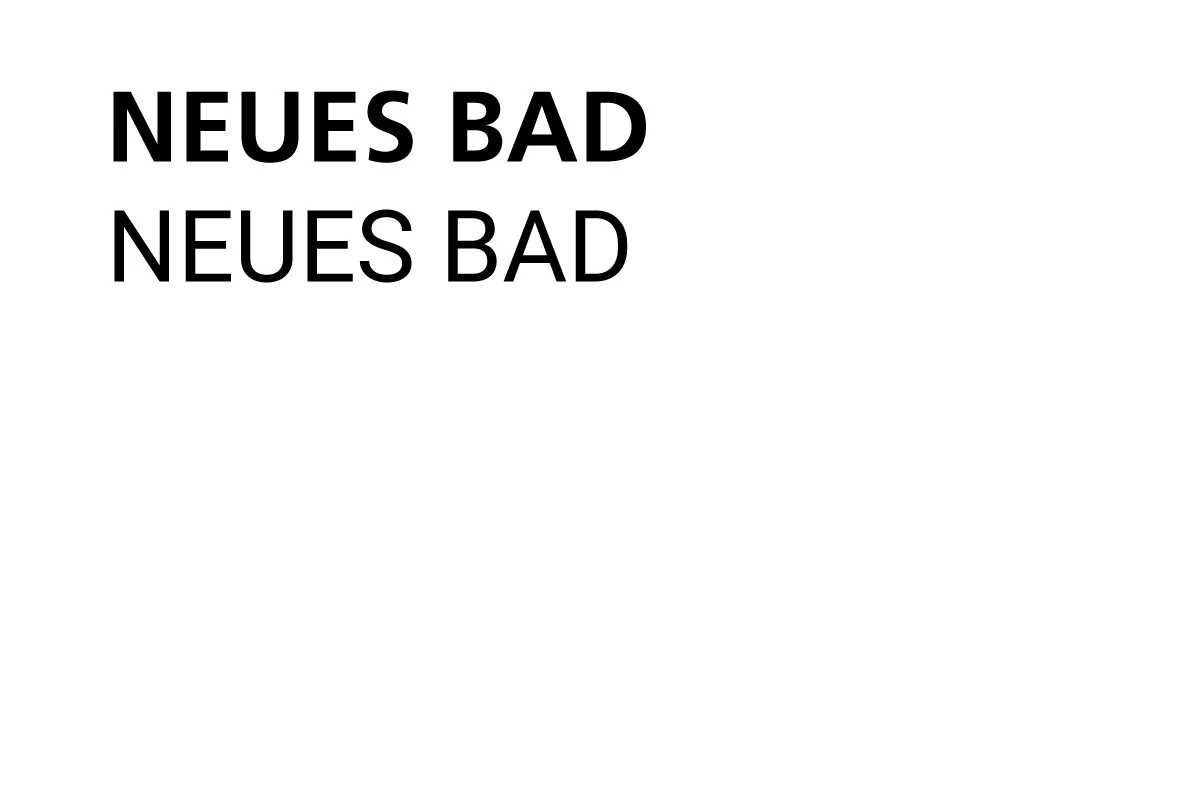
First example from Illustrator: Frutiger LT Pro 65 Bold and Roboto Regular
Second example same fonts in Photoshop 20.0.1
이 주제는 답변이 닫혔습니다.
최고의 답변: Derek Cross

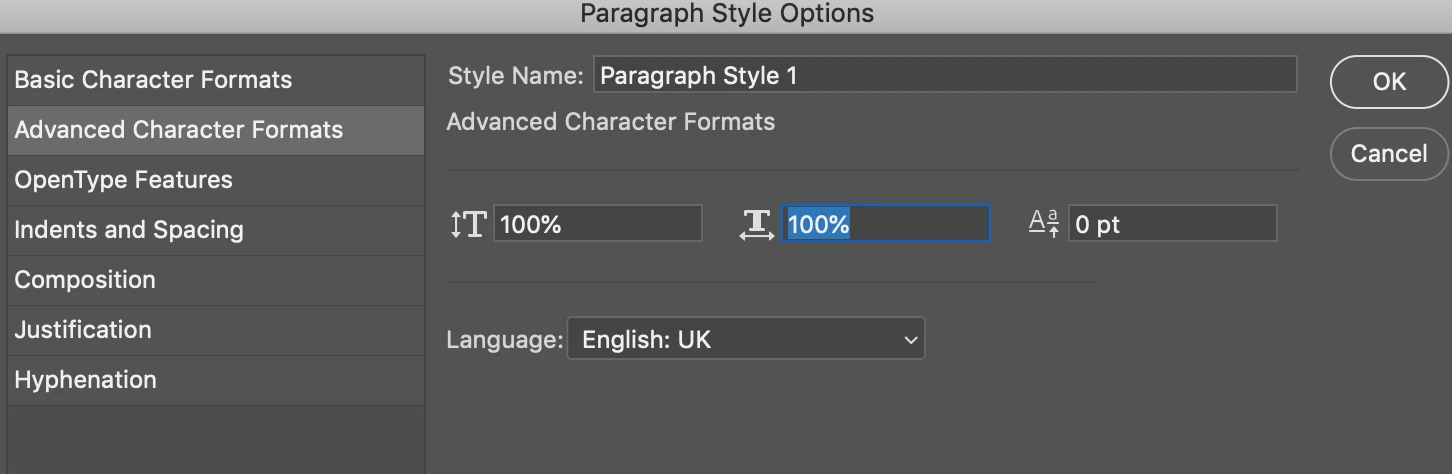
Check Paragraph Styles, Advance Character Formats, Horizontal Scale should be 100%.

3 답변

Derek Cross
Community Expert
Community Expert
December 11, 2018

Check Paragraph Styles, Advance Character Formats, Horizontal Scale should be 100%.

Participant
December 11, 2018

This fixed it for me, when I created a new paragraph style and switched over to it. But I can not identify any values in the basic paragraph style that cloud cause the problem. Anyway thank you for your kind support.

Per Berntsen
Community Expert
Community Expert
December 11, 2018

And make sure that Horizontal scale is set to 100% in the Character panel.

Participant
December 11, 2018

This was also my thought, but this looks fine

Mylenium
Legend
December 11, 2018

Start by checking your document's pixel aspect ratio.

Mylenium

Participant
December 11, 2018

Pixel Aspect in PS is set to squared, so should be fine.