Participant
February 12, 2020
Question

Font Matching in Photoshop

  • February 12, 2020
  • 3 replies
  • 830 views

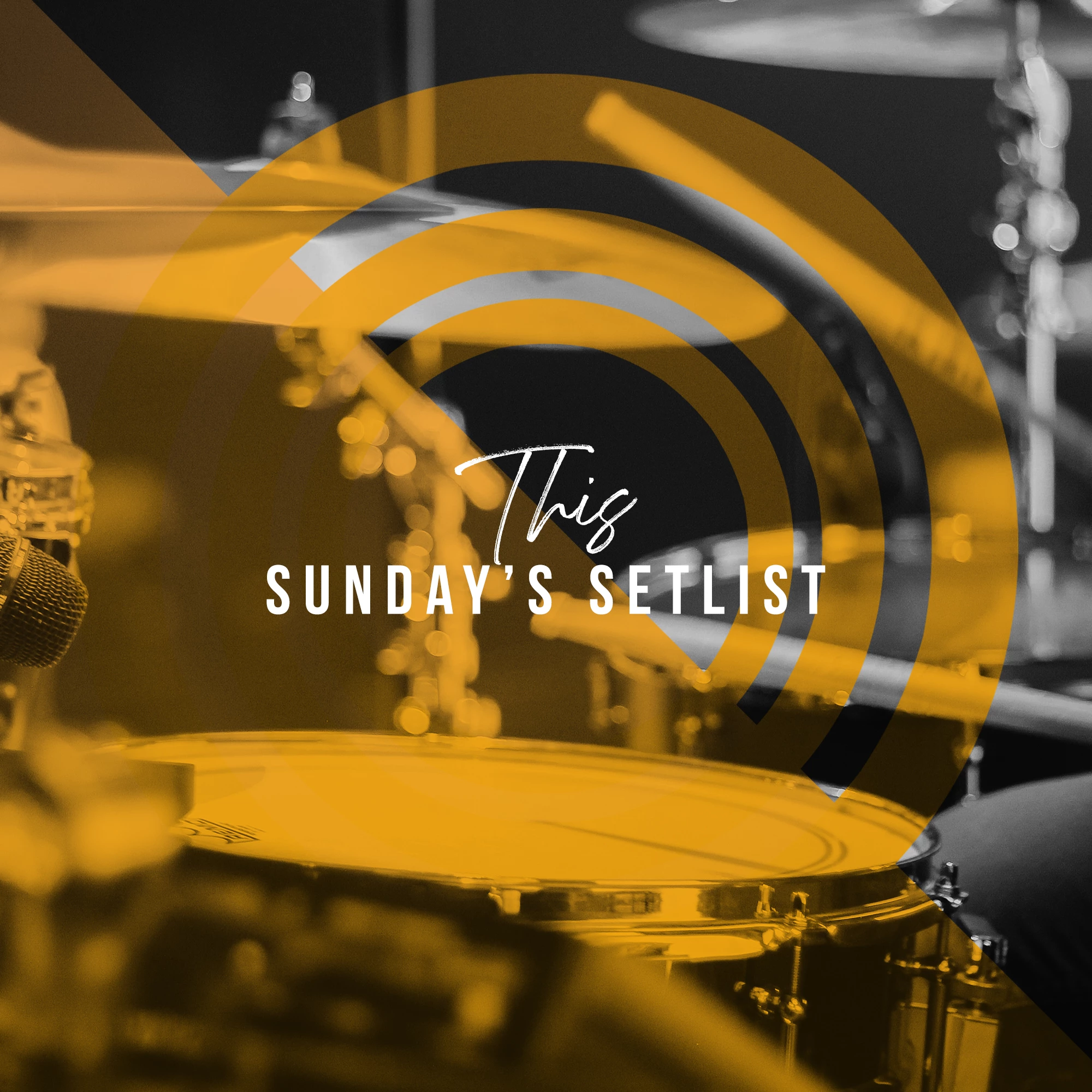
I got these photos from an online design studio called Church Motion Graphics. I'm unhappy with the font matching I was able to find. I'm very new to Photoshop, but my question is how do I get my fonts to look like the image that says "This Sunday's Setlist?" I want to change the wording but use the same fonts. The 2nd image is what I curated through the font matching, but it's not the results I wanted. I was going to contact Church Motion Graphics about this but I think I just don't know how to use Photoshop to match their graphics, so I'm hoping someone on here can teach me what to do. 
               

This topic has been closed for replies.

3 replies

Legend
February 12, 2020

Adobe offer thousands of fonts but there is no guarantee of a match. There are millions of fonts, many of them private/not sold. Sometimes text you see wasn’t made with fonts but drawn by a skilled artist. 

jane-e
Community Expert
Community Expert
February 12, 2020

Hi

If if doesn't have to be an exact match, your Creative Cloud Subscription comes with Adobe Fonts. Type in your sample text and use the filters on the left to narrow your search. For this one, I chose Sans Serif and your sample had a low x-height, so I chose that (if the low x-height doesn't matter, then look at others.) In addition, they used Tracking (Character panel) to space out the letters, and your example did not. I think they also added a Vertical Scale to distort the letters.


For the text on top, type in your Sample Text, clear the current filters, and change the Filter to Script. There are 15 screens to look through. These letters should be larger and closer together (Tracking) than the ones you have.


~ Jane


nikunj.m
Community Manager
Community Manager
February 12, 2020

Hi there,


You can use the Match Font feature in Photoshop to find the font that most closely resembles the font in your document. The Match Font feature will scan the font in the document and give you the possible matches for the font, from your computers font book and those available on Adobe Fonts.

Please check: https://helpx.adobe.com/photoshop/how-to/match-font-image.html


Regards,
Nikunj