Copy link to clipboard
Copied
Hey Guys,
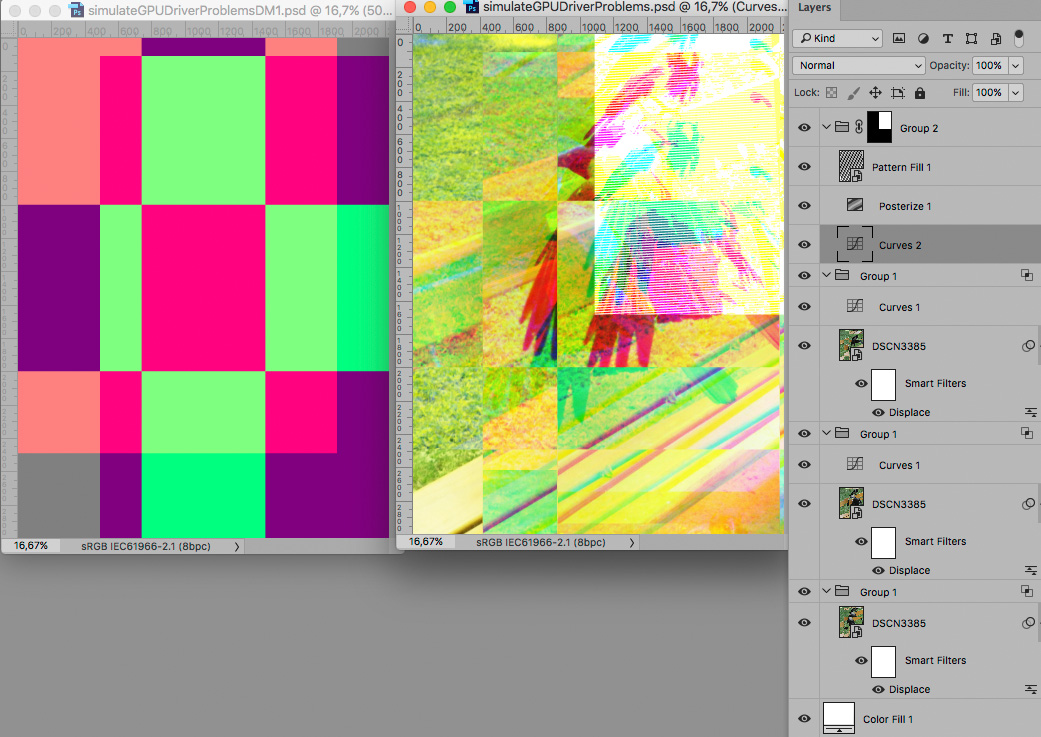
so I placed an image into a Photoshop Doc earlier and due to some graphics card glitch, the image became messed up. But the thing is, I really like what's happening with the glitch, and want to figure out a way to deliberately create this effect. It reminds me of certain CMYK print effects I've seen around. Any ideas?


Incidentally the effect happens when transforming the image, changing with each slight movement, but once you commit the transformation it changes again, and the final result is less pleasing, hence why I'm looking for a way of achieving this kind of effect with some control over it.
Thanks!
Copy link to clipboard
Copied
The Filter Displace with different settings/Displacement Maps applied to each Channel, patterns and Adjustment Layers might provide some options.

Copy link to clipboard
Copied
Great, thanks! I'll have a play with that ![]()
Copy link to clipboard
Copied
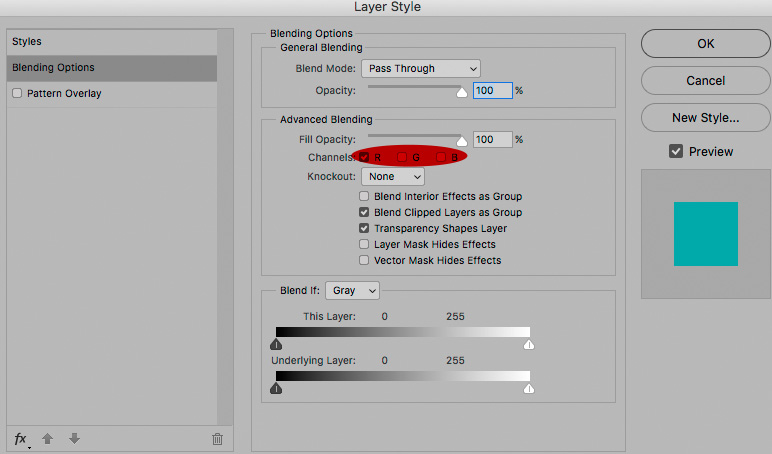
I omitted to mention that on the example the Groups were limited to affect one Channel each.

Copy link to clipboard
Copied
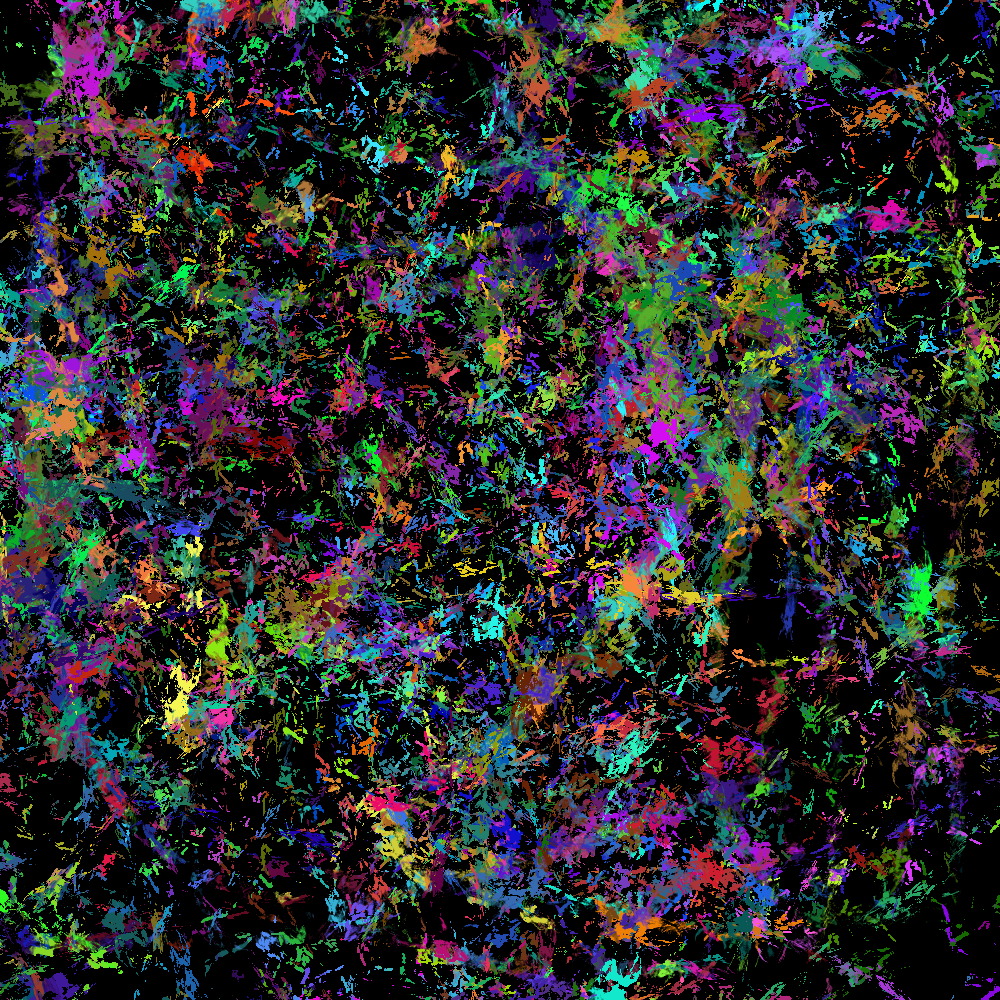
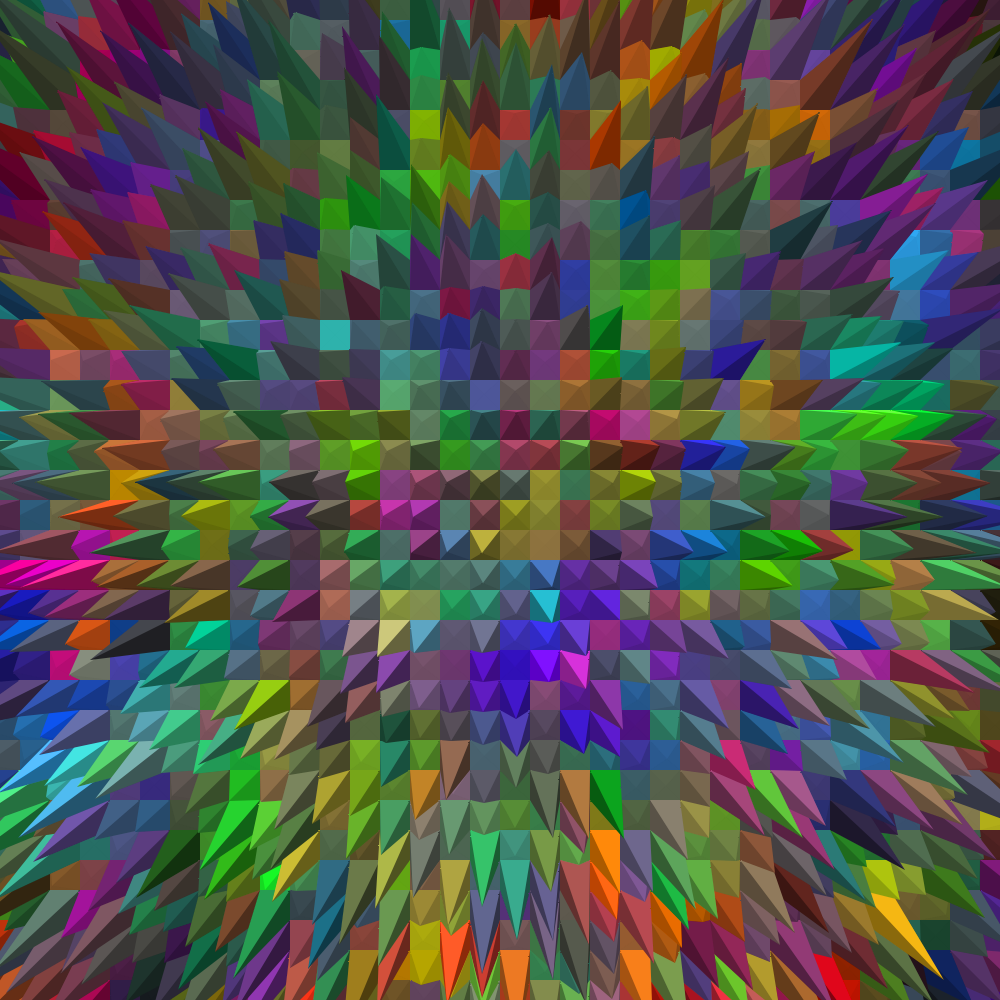
Absolutely noting like your example, but still a lot of fun. Pick a nice abstract brush, and go crazy with the settings. Size, angle, and scatter all pushed to max. Foreground/background and Hue jitter also maxed out. Dual brush, and Count pushed up a bit to quicken the process, and it's Jackson Pollark eat your heart out.
The first example shows a lot of the black background layer.
Or after another ten seconds of laying down
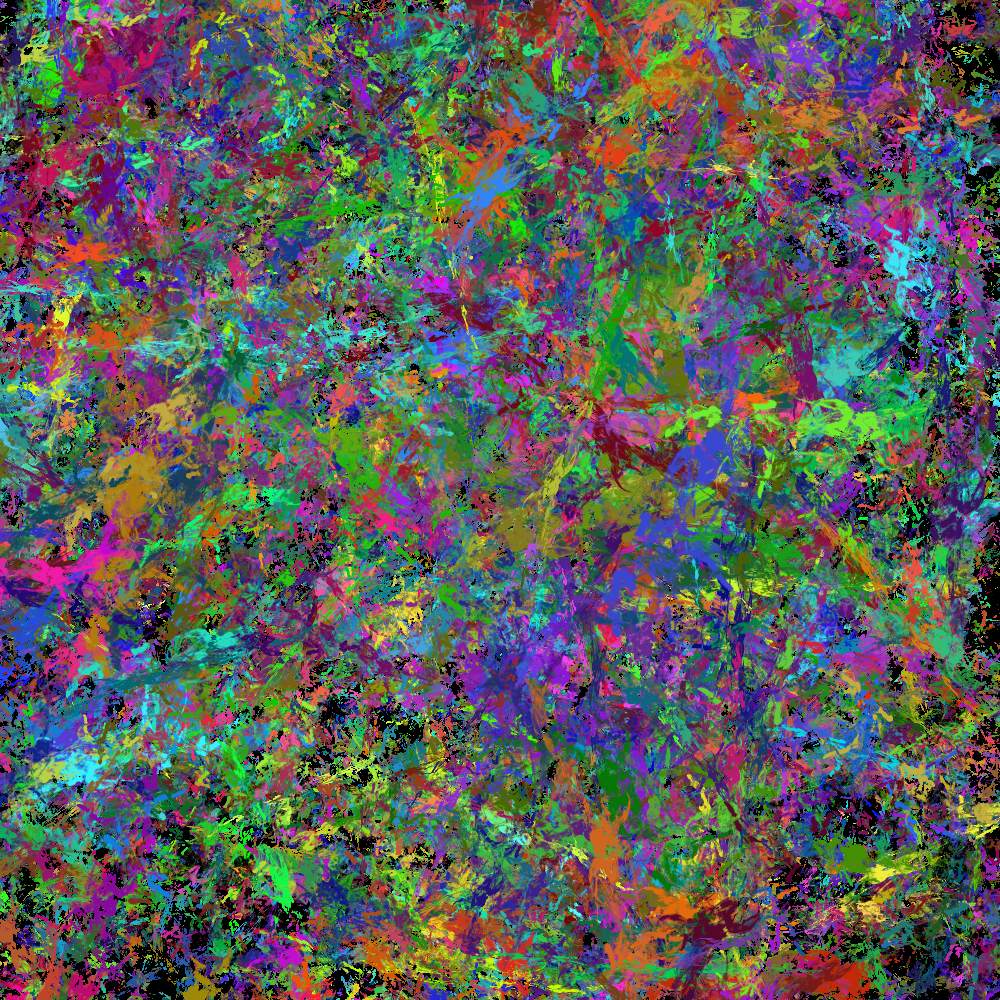
And then go crazy with filters. Stylize > Extrude > Pyramids is good value.
Hmmm... I'm feeling a bit queasy all of a sudden. 😞

Get ready! An upgraded Adobe Community experience is coming in January.
Learn more