TheToyminator
Participant
October 30, 2020
Question

Getting Program Errors in Photoshop 2021

  • October 30, 2020
  • 5 replies
  • 773 views

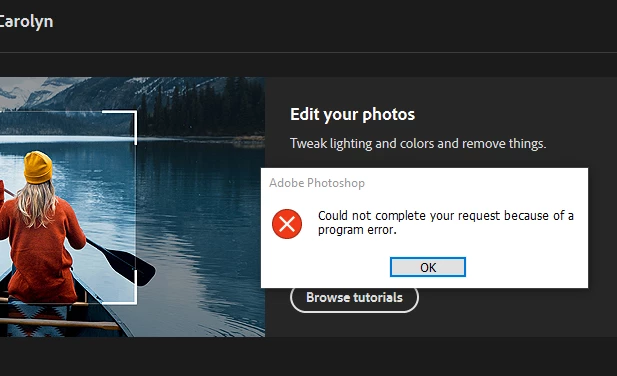
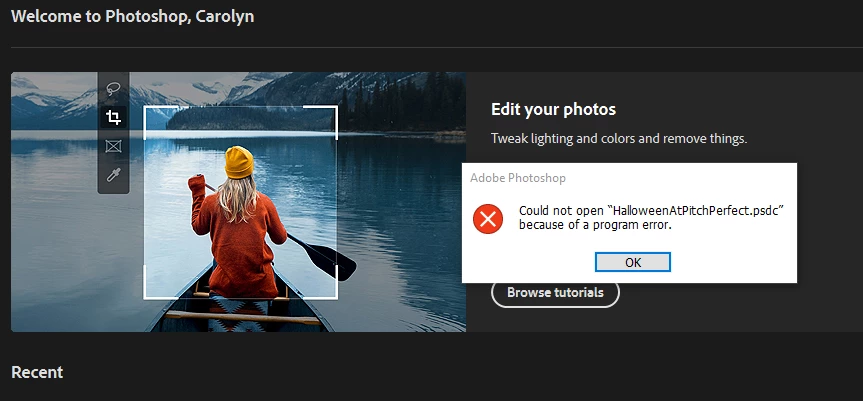
I cannot open files and cannot shut down the program as I keep getting a "program error".  I have to use Task manager to close the program down.


Adobe Photoshop Version: 22.0.0 20201006.r.35 2020/10/06: 4587a1caa63 x64
Number of Launches: 67
Operating System: Windows 10 64-bit
Version: 10 or greater 10.0.16299.1087


See attached images
This topic has been closed for replies.

5 replies

Participant
February 5, 2021

I have the exact same problem for the second day in a row. Photoshop version 2021. I create a new file and transfer all layers there, only then can I save. Previously, such a mistake could be once every half a year or less.

Participant
February 5, 2021

I didn't elaborate. The problem is encountered with saving files. I am afraid that one day the file may not open

Known Participant
December 23, 2020

Having the same issue. Have rolled back to a previous version. My advice is not to update until this issue is solved.

Participant
December 23, 2020

I started getting program errors when I tried to do certain tasks like save files and when I tried to flatten layers. I ended up going back to version 22.0.1 and the error message went away that I was having when I tried flattening layers. I am on Windows 10 running version 10.0.18363.

Known Participant
December 23, 2020

Having the same issue. Have rolled back to previous version and everything works.

Participant
October 30, 2020

Go to edit/preferences and select performance and unselect the graphic proccesor checkbox that will do the work, bad things is that I get this error when I try to use the hand tool . Hope not your case.

TheToyminator
Participant
October 30, 2020

Hi I tried your suggestion but still having issues.  The one thing I can do is create a new image but cannot open existing work.

Thanks for the suggestion.

Known Participant
October 30, 2020

I am having exactly the same problem. Could someone from Adobe answer with a solution. Is this a fault in the new version? I am sure there must be more than 2 of us with this issue. It is very disappointing.

Participant
December 23, 2020

I am having the same issue, anytime I rasterize a layer, I suddenly cannot save anything. Three hours of work in the trash because of this error. I hope there is a fix in the process. This is unacceptable!