Mike_Gondek10189183
Community Expert
Community Expert
February 5, 2019
Answered

GRACOL Color Profile(s)

  • February 5, 2019
  • 2 replies
  • 13497 views

Wanted to learn more about the gracol color profile(s), to learn about your experiences with this profile. We have a dozen retouchers, and atleast one of them has a different version of the color profile.
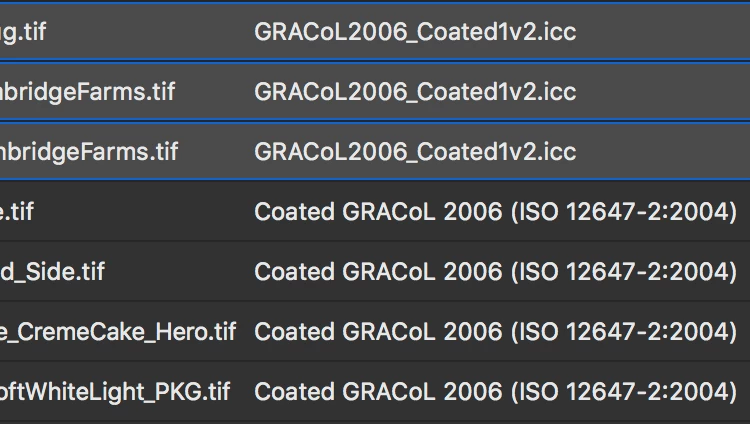
They both have coated & 2006 in the name, and when reassigning the profile on the oddballs to the make the profiles all exactly the same, I do not visually see a shift. Anyone know why there are 2 different Gracol color profiles and why the printing companies prefer Gracol (we have 3 printers for this color newspaper weekly sale paper).
    This topic has been closed for replies.
    Correct answer G_Hoffmann

    Some more information:

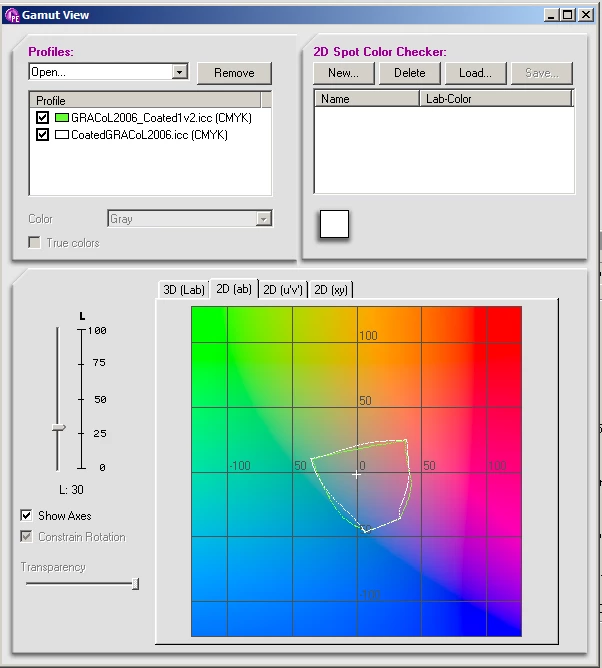
    Coated_GRACOL (long name in the graphic):

    Signed by Adobe, 2009/6/26

    GRACOL..._Coated (long name in the graphic)

    Signed by X-RITE, 2007/1/28

    The newer the better? Maybe.

    Tiny differences in the gamuts in the lower part of the volume are hardly relevant

    This graphic doesn't say anything about GCR.

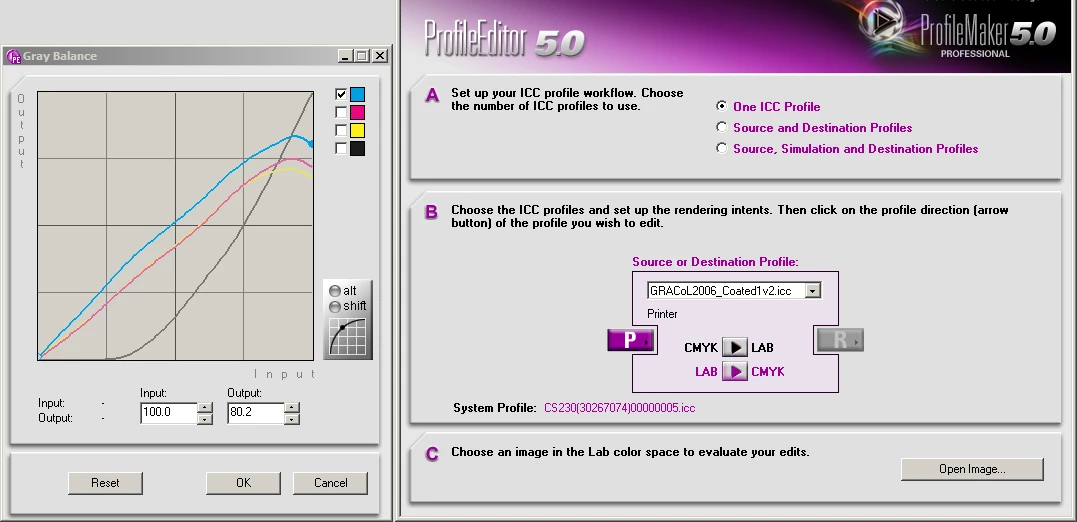
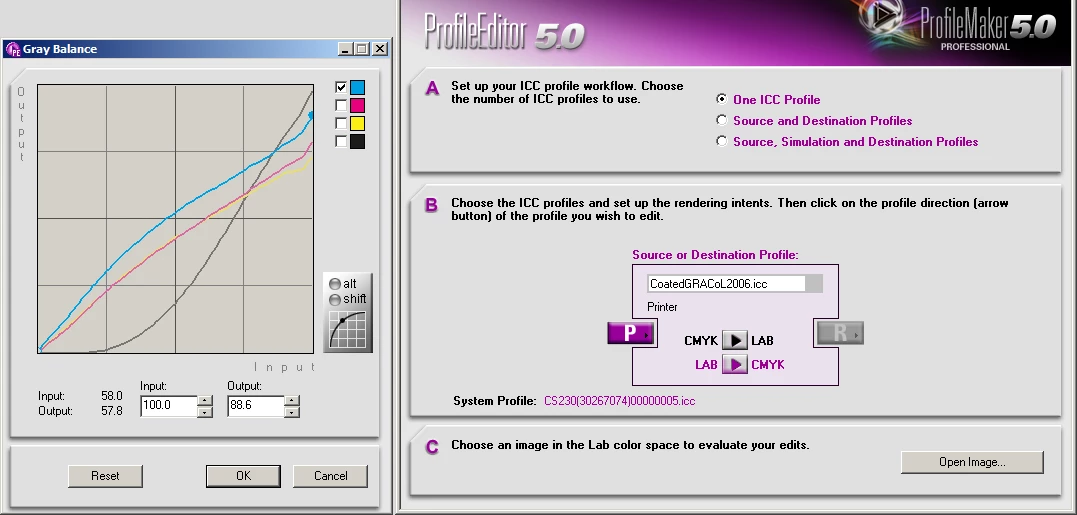
    Diagrams for GCR, here for "Gray Balance":

    Not very different, concerning the strategy.

    2 replies

    Inspiring
    February 7, 2019

    Mike,

    here is a list by the ICConsortium with several profiles, with fundamental

    parameters:

    TAC, GCR, MaxK, TVI (Tone Value Index, formerly called Dot Gain).

    More information is found by clicking on the profile name.

    ICC Profile Registry

    The graphic in #3 shows TVI. It does not show GCR, for which one

    needs four curves, as used by Gretag-Macbeth ProfileMaker (for

    inkjet RIPs). Changing the "strength" of GCR shows how the curves

    are modified.

    For offset profiles GCR is simply characterized by Medium or Max.

    Dan Margulis, Professional Photoshop, here 4.Edition 2002, had

    explained the meaning of different GCR strategies very well, IMHO.

    Best regards --Gernot Hoffmann

    G_HoffmannCorrect answer
    Inspiring
    February 7, 2019

    Some more information:

    Coated_GRACOL (long name in the graphic):

    Signed by Adobe, 2009/6/26

    GRACOL..._Coated (long name in the graphic)

    Signed by X-RITE, 2007/1/28

    The newer the better? Maybe.

    Tiny differences in the gamuts in the lower part of the volume are hardly relevant

    This graphic doesn't say anything about GCR.

    Diagrams for GCR, here for "Gray Balance":

    Not very different, concerning the strategy.

    c.pfaffenbichler
    Community Expert
    Community Expert
    February 6, 2019

    I work in Europe so I have no relevant experience with GRACoL, just curious: Do the two profiles have the same GCR or do the images’ Channels differ?

    Mike_Gondek10189183
    Community Expert
    Community Expert
    February 6, 2019

    Not sure how to find GCR settings for Gracol. I click on CMYK: Gracol, and  changes to Custom CMYK to get GCR settgings, but in process it changes to SWOP coated

    The channels are RGB, are you asking me to do a difference calculaiton between 2 test files possibly?

    Conrad_C
    Community Expert
    Community Expert
    February 7, 2019

    I don't know what the difference is, but since this is on a Mac, you might try comparing the two profiles in ColorSync Utility. If you double-click one, a window opens with a lot of technical info. I don't know what all of it means, but there are some items that might help…

    …but the point is that you can compare it to the other profile:

    I only have one GRAcol profile (Coated GRACoL 2006 (ISO 12647-2:2004) ), so my screen shot compares duplicate ColorLCD profiles found on my Mac. The highlighted areas show that they're slightly different, I don't know why.

    The one GRAcol profile I have has Adobe copyright information in it when inspected in ColorSync Utility, and is installed in /Library/Application Support/Adobe/Color/Profiles/Recommended/, so I think it got installed with Photoshop.