
Known Participant
June 13, 2023
Answered

Gradient doesn't use current foreground color photoshop may 2023

  • June 13, 2023
  • 17 replies
  • 21765 views

why the new photoshop is not using colors for basic gradient that are currently chosen (in tools pannel) like it was in all previous versions? It's really annoying- I have to change colors erey time in the gradient options, instead of what was before -  photoshop used current foreground color (i use it for shadows, for example)

Correct answer Kevin Stohlmeyer

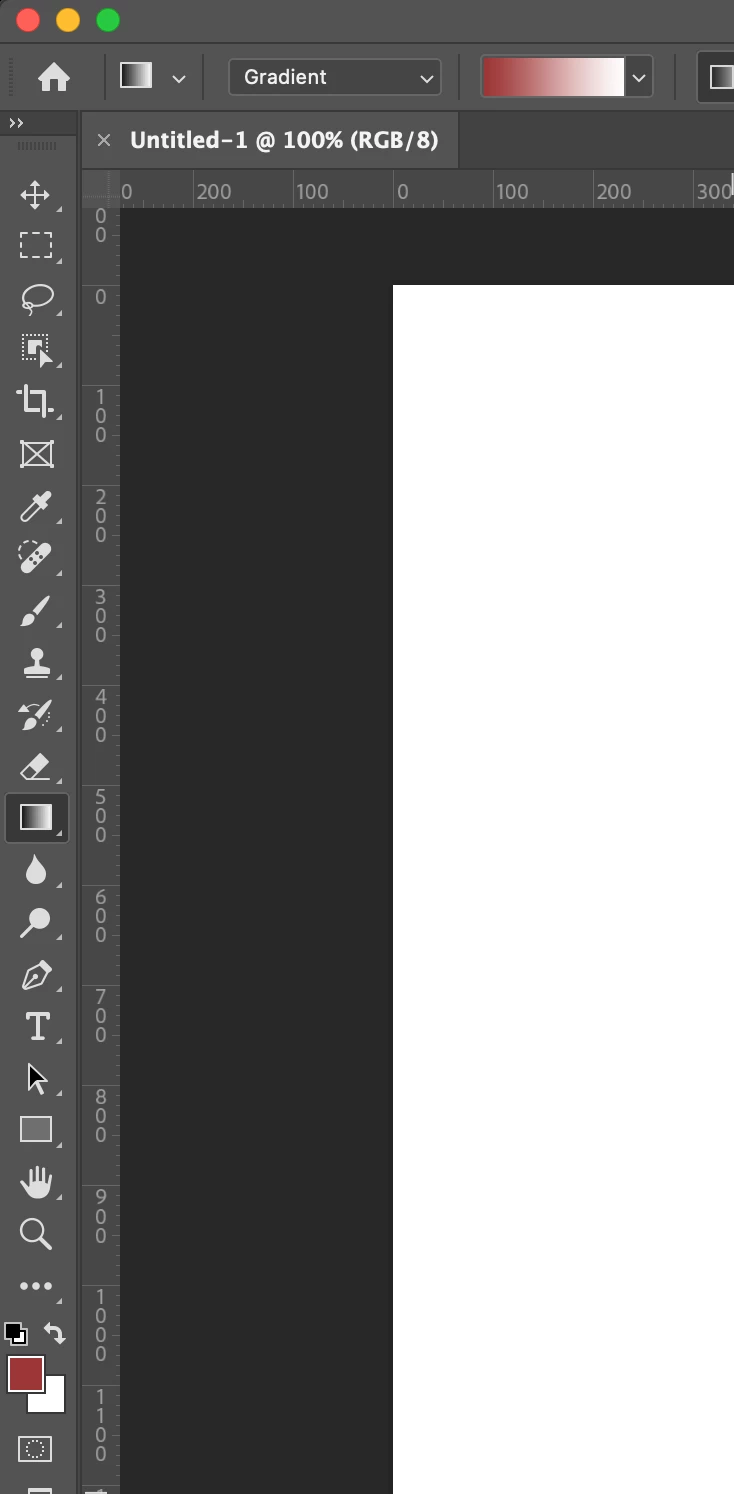
That is not how its acting on my version of PS - 24.5. Once I have the tool set to Foreground/Background its auto updating when I change a color. Try resetting the tool by clicking the gradient icon top left of the option bar and choose reset tool.


17 replies

Participating Frequently
January 11, 2025

I'm having this issue too. How do I get gradient back to how it workd before? I expect them to use my foreground/background colours. I dont need preset or rainbow or greyscale colours to be the default. Why would Adobe make this change? Its actively ruined a tool I use all the time? How do I get gradients to operate like they used to?

Participant
January 11, 2025
It’s the first selection under the gradient type.. hard to find
Known Participant
August 13, 2024

Did you find an answer Marius? 

Resetting the Gradient tool does not apply the foreground colour for me. I used to just flip foreground/background with X to have feathered black or white gradients ... now I have to flip my colours with X then click in the Gradient's dropdown to reselect the Basics gradient, only then it changes to the foreground colour.

Regards, Peter

PS -- just discovered you can go back to 'Classic gradients' to get rid of the anoying new vector gradient UI ... but that does not solve the fourground colour switching problem unfortunately.

Participant
August 15, 2024

Hello, same problem here, with the latest versions I can't find a way to keep foreground to background gradient as default and switch with X as needed, for a long time that's been a second nature behavior. Really annoying having to set these options constantly. Does anyone knows how to fix this?

Semaphoric
Community Expert
Community Expert
August 15, 2024

Other than only using "Classic Gradient" and NEVER using "Gradient", I haven't found any.


This has been an issue for well over a year now. I find the on-image controls for the "new" Gradients to be useful, but why are there really two different tools with the same icon? And why does using one break the interface of the other? And why hasn't it been fixed in at least fourteen months?

SWagnerPhoto
Participant
May 31, 2024

Agreed, I can't for the life of me figure out why Photoshop would change from the foreground background color palette for gradients. 
I have no idea how to use the gradient tool effectively even though I have it in "classic" mode. 

Participant
October 13, 2023

Same thing here. Keeps on bugging me for a while now and really slows down my workflow. Hope Adobe fixes this and revert back to the same way it interacts with your current colors

J. Stuart Johnson
Inspiring
October 26, 2023

Why not just make a Tool Preset?

ilan.yinkas
Participant
September 20, 2023

Was this solved? I have the same issue. I can recreate it but once you change tools and come back to gradient it will not change to the current Forground/Background colors and rather not switch at all. I use D to reset my colors to black and white and X to toggle between them. While this all is happening the gradient is staying the same as it was previously clicked on. 

I work fast and only use shortcuts, this slows me down by alot and even creates confusion as I need to remember to now click on the gradient part in order to lets say, delete an area. ughhh.

Known Participant
February 14, 2024

Over 8 months later and one major new version, and this is still broken for me.

Participant
February 18, 2024

Same here. Specifically was using PS 2022 all last year for this reason, installed 2024 and frustrated that this is still an issue

Participant
August 26, 2023

Hi! 
I found something that works for me. 

So you need to go in the upper menu where I put some arrows to show you in this screenshot. You need to select the Foreground to Transparent in this panel. For me, it doesn't work if i'm trying to change it from the Gradients panel like you can see in the right of my window. 


I hope that it will work for you guys! 

Participating Frequently
August 26, 2023
Well of course that works, but it's tedious slow and ought to work as it
did before.
Participant
August 26, 2023

By clicking one time in this panel, I just need to use the eyedropper tool. I don't need to click again each time with this method! 

Participant
August 14, 2023

I am having the same issue. Any fixes yet? This is really frustrating. 

ClaudiaR99
Community Manager
Community Manager
August 3, 2023

Hello @Mariusz5D34 , I apologize for the inconvenience this is causing. Can you please share what version of Photoshop are you on? Would it be possible to do a video that shows the layers panel as well ? Thanks you 

Participant
August 3, 2023

Can confirm I am having the same problem. Never had a complaint about gradients in the past. I can understand adding functionality, that's fine. But if you are going to call something "classic" don't make THAT work differntly as well.

Participating Frequently
August 1, 2023

This is super annoying and whatever psychopath at adobe decided to put all gradients and shapes and everything into these awfully organized folders, obviously does not use the software they develop because all of these are steps backward, please keep the things that have worked for 20+ years working!!!!!!!! @adobe