
Harsh selections when using magic wand (no antialiasing)
Hi all, I am struggling to get around this issue, and it makes my whole workflow significantly harder. Im having this issue, that even with the antialiasing option selected and my tolerance above 0, the selection seems to show no antialising whatsoever. This is only a problem with the magic wand tool, and resetting the tool has had no effect. Here is an example of what I mean.

Here is a nice anti-aliased edge, now when I select it with the magic wand tool, this is the selection.
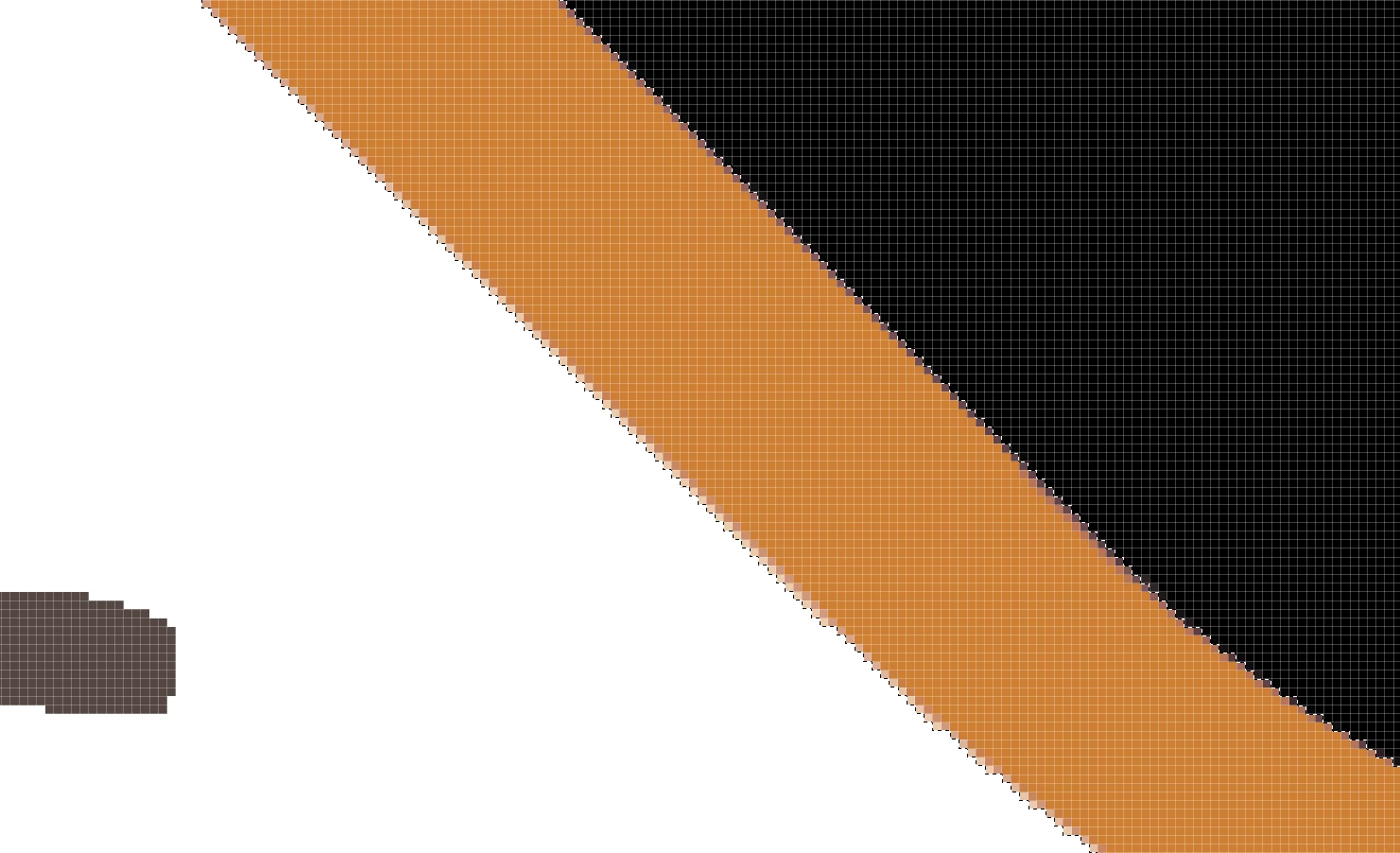
Now, when using the brush tool to paint in this selection, this is what I get:
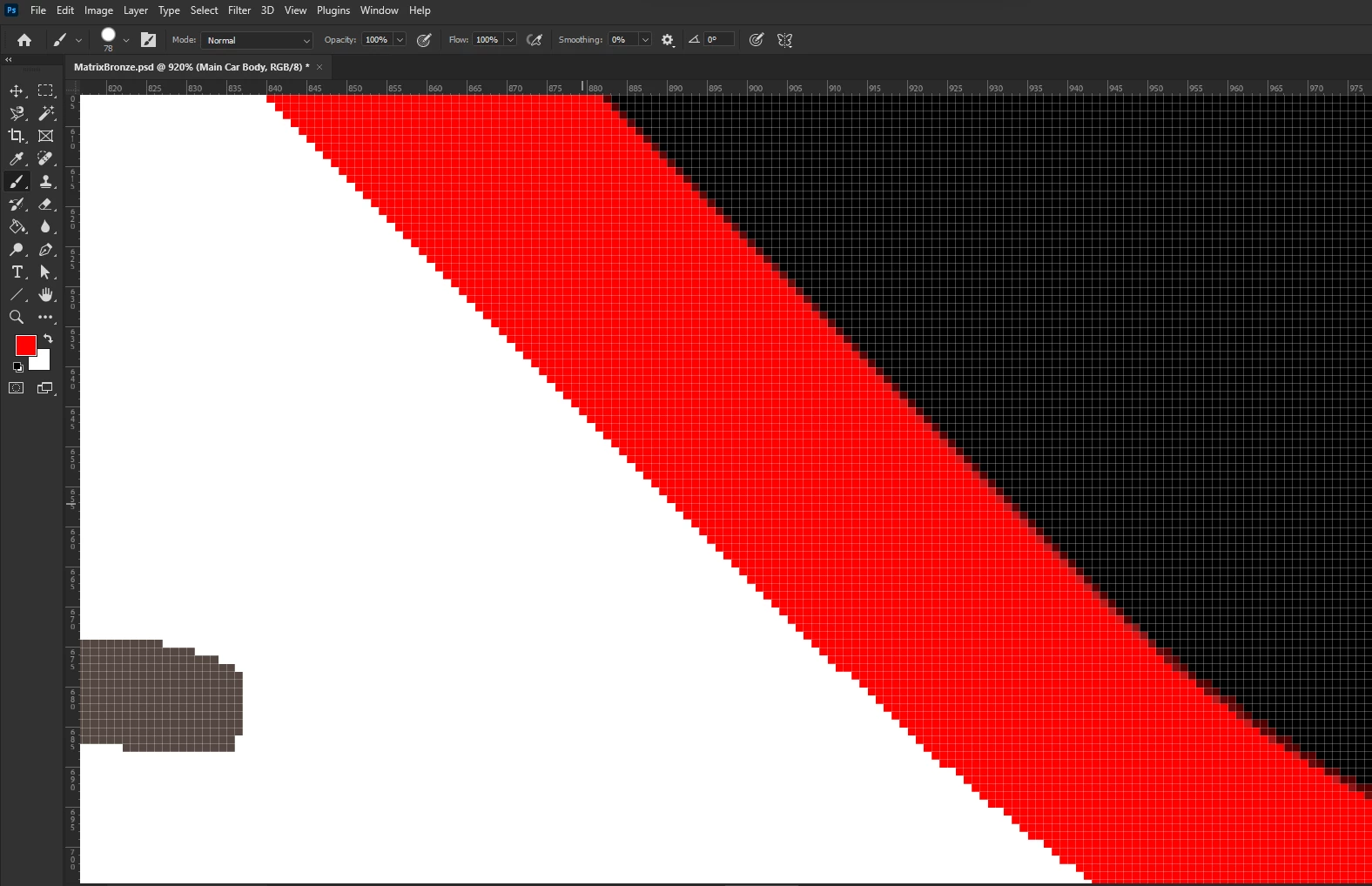
The inside edge is anti-aliased but the outside edge is not. Could this be because this layer is above the white background layer? and if so, how can I get it to antialias with an alpha layer?
Thanks for any help.
 AdChoices