


Participating Frequently
September 14, 2021
해결됨

Having Trouble Scaling Image in Photoshop

  • September 14, 2021
  • 1 답변
  • 786 조회

Photoshop v22.5
Windows 10 Home

I've started having trouble scaling images.

When I open an image, make a duplicate layer or my background, and I choose free transform or scale, it moves the layer but doesn't shrink or expand the image. Instead it moves it around and hides it beneath the edges of the layer below it.
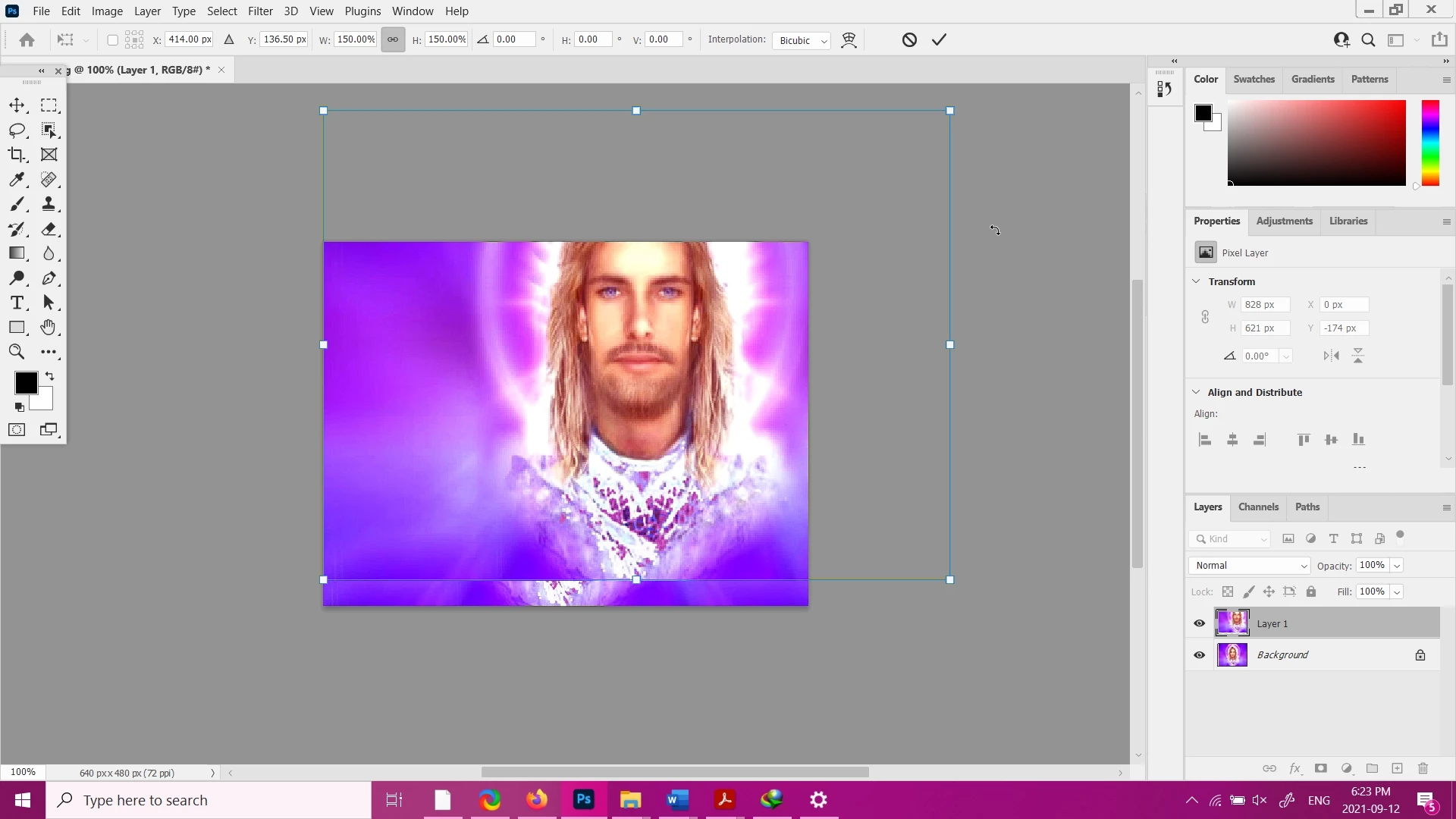
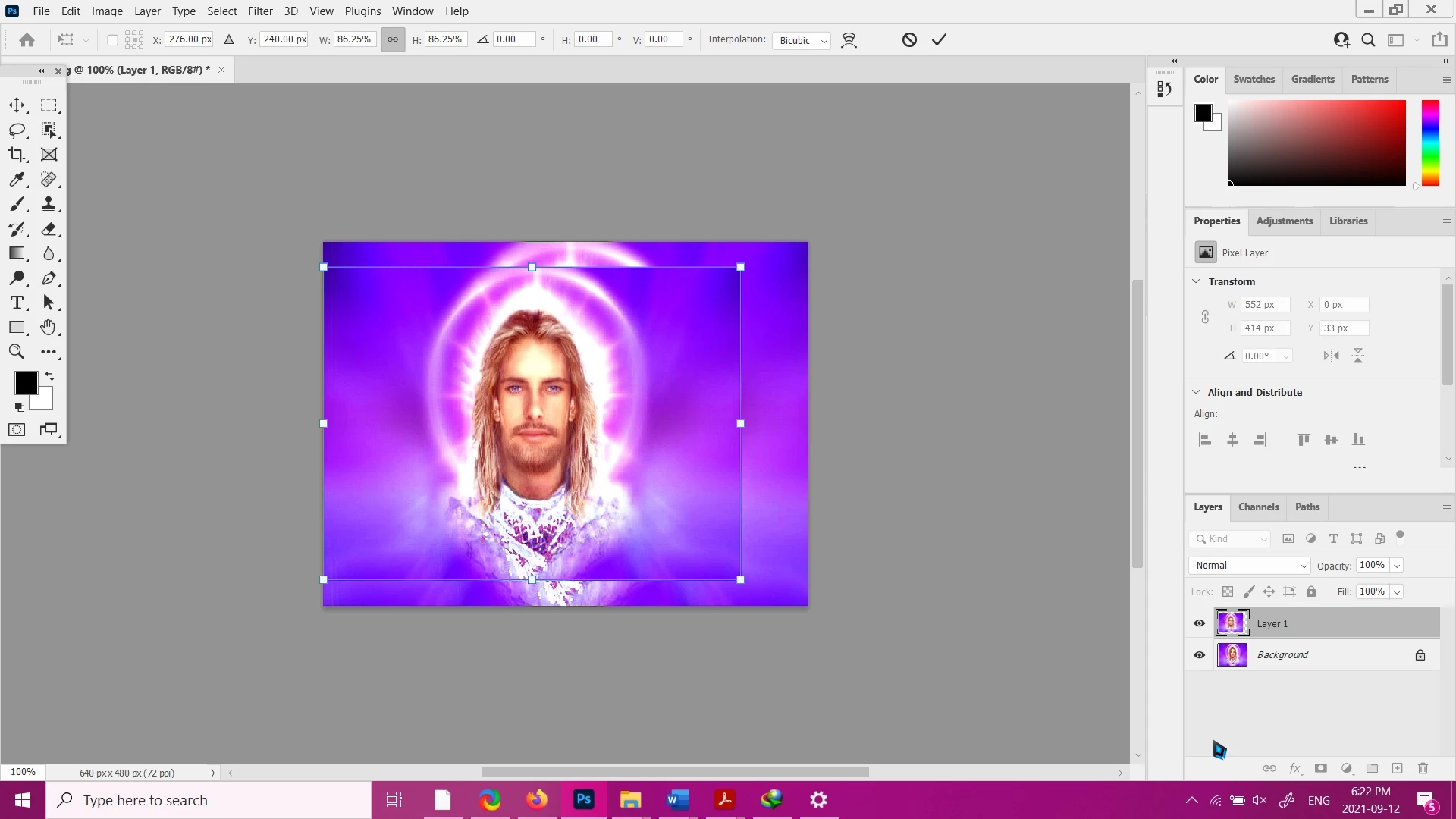
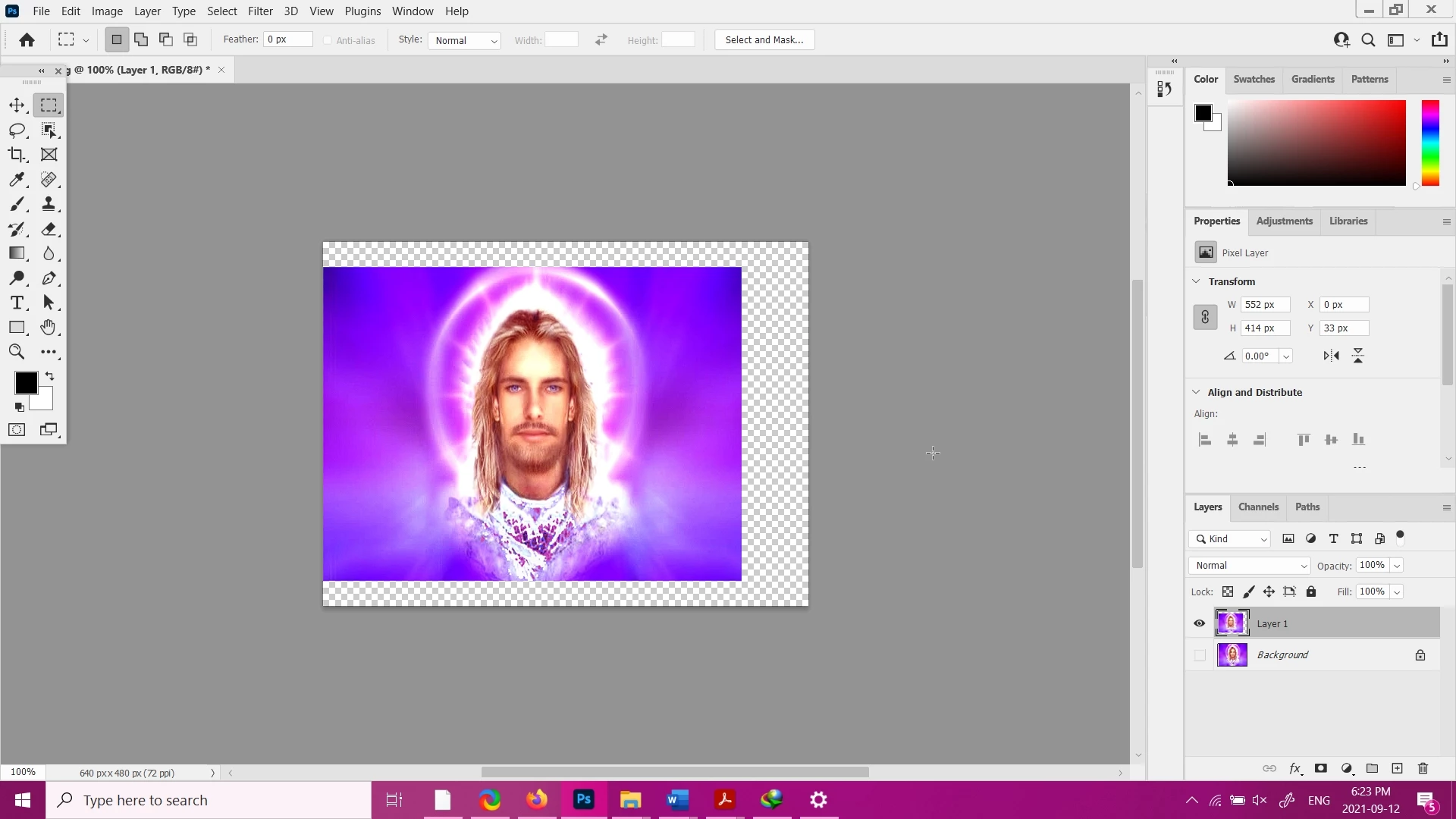
I'm not sure what is different with my images lately, it happens with all of them. I tried jpg and png. I tried resetting all my preferences and restarting. These images were done right after resetting my preferences.

I have a brain injury so I might have completely forgot how something works, or some procedure that I already did a hundred times...it really does happen sometimes.

Does anyone have any ideas?

This is my first post, please let me know if I need to provide any more information. Thank you so much.


이 주제는 답변이 닫혔습니다.
최고의 답변: jane-e

Hi @corykent7 

Free Transform does not change the overall size of the canvas. There are two ways to change the canvas size:

  • Image > Canvas Size
    and
  • Crop tool, then crop larger

Is that what you are trying to do? If not, please clarify.


~ Jane

1 답변

jane-e
Community Expert
jane-eCommunity Expert답변
Community Expert
September 14, 2021

Hi @corykent7 

Free Transform does not change the overall size of the canvas. There are two ways to change the canvas size:

  • Image > Canvas Size
    and
  • Crop tool, then crop larger

Is that what you are trying to do? If not, please clarify.


~ Jane

corykent7작성자
Participating Frequently
September 15, 2021

I'm trying to take the edges of the picture and expand them, and ideally watching the picture grow, so that I can see the point at which the image quality is too poor to look proper on the screen.

When I use crop and enlarge the canvas, the picture remains the same size and there's simpy a large empty space off to the side of the picture. It doesn't change the picture at all, which is what I'm trying to do.

Is there a way to do what I want? And if not exactly as I describe, once I have a larger canvas, how do I make the picture grow to fit the new canvas size?

Sorry I had a delay in replying...turns out I can't use the forums in Firefox. I get lots of errors and lose basic functionality in doing anything but reading. Now I'm on Chrome.

You see, the difficulty with this method is that once I enlarge the image, if I see that it's too pixelated, I have to undo and try again. I have no way to see it live as it's happening and stop when I am at the right size.

Thank you so much for your help.

(Sorry I had a delay in replying...turns out I can't use the forums in Firefox. I get lots of errors and lose basic functionality in doing anything but reading. Now I'm on Chrome.)

corykent7작성자
Participating Frequently
September 15, 2021

Sorry for the problems in my reply too. I wrote about going to Chrome once, and when it wouldn't post, I refreshed, and it was in the middle of my post not at the end anymore. So I tried to cut and paste it at the end, and now when I posted, the same line is in both places.

And as per forum policy, I can't edit my own post to correct that, and it's recommended that I add a reply to clarify anything.