


질문
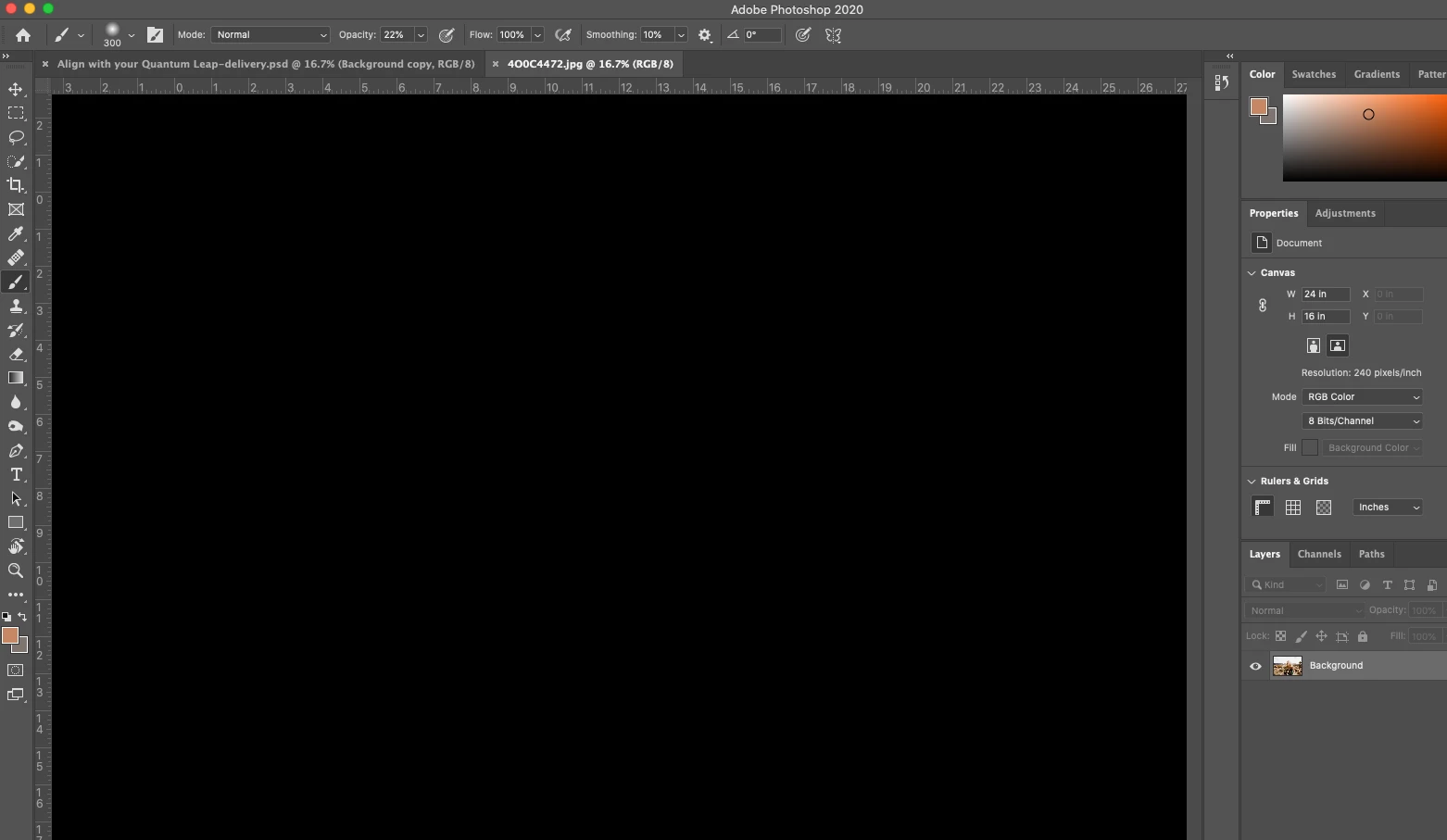
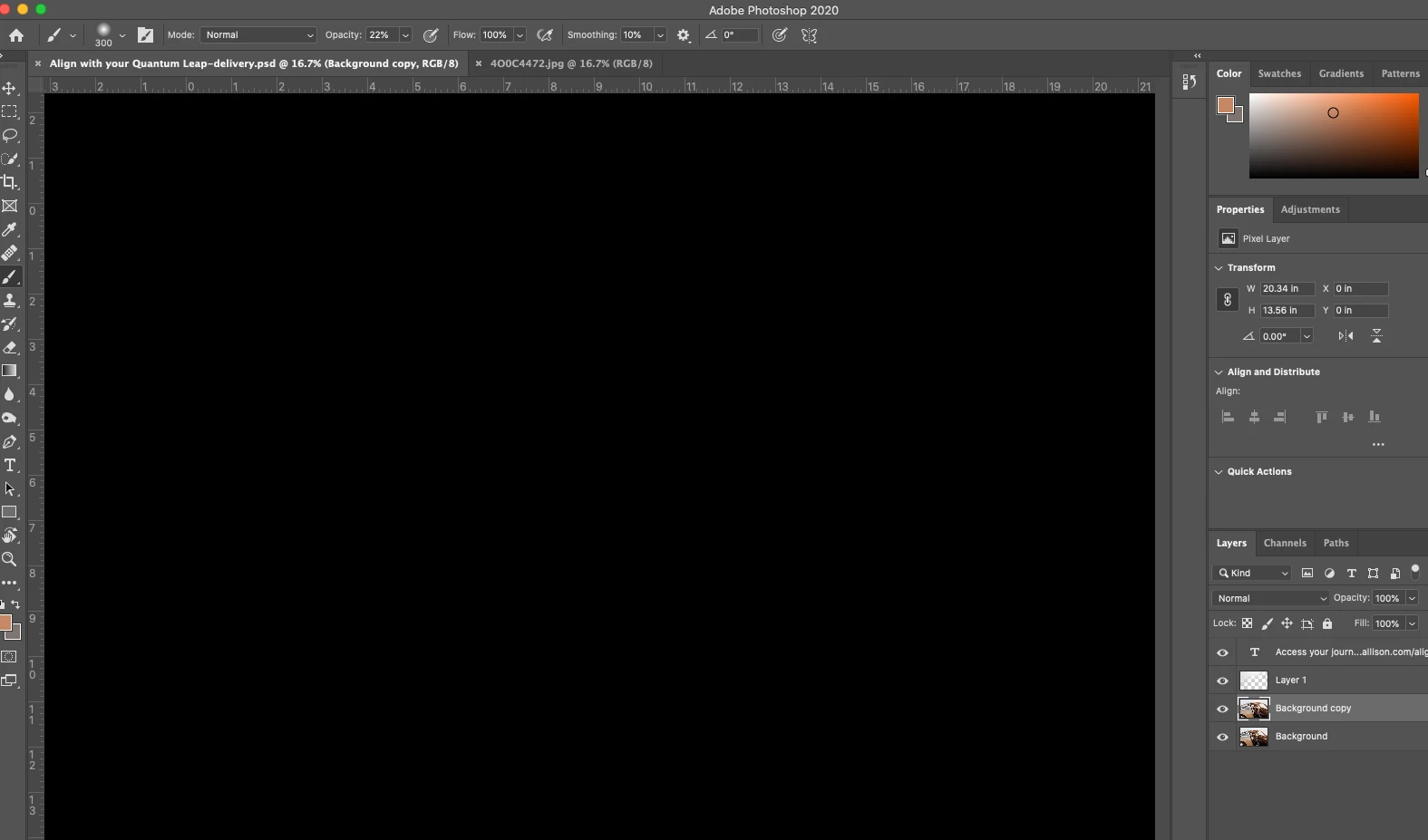
HELP. Updated Photoshop to 21.0.2 — and now all files are appearing as totally black screen
Just updated Photoshop to 21.0.2 because of some serious lag / hangtime -- and now every file I'm attempting to open shows a totally black screen, as if there's no file open at all. There's not even an outline of a file visible -- just pure black. But all layers are visible, images are large so it's not a zoom issue... What broke??
Please help?
[Moving from generic Start/Help forum to the specific Program forum... Mod]
[To find a forum for your program please start at https://community.adobe.com/]
 AdChoices