sametyukselmlg
Participating Frequently
February 4, 2020
Answered

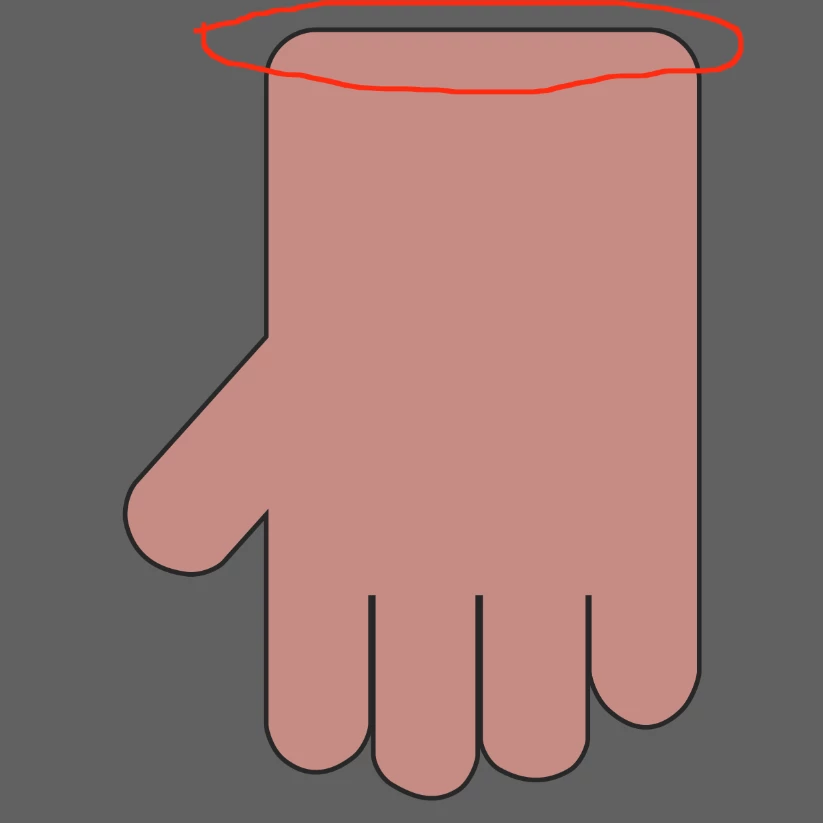
How can I delete some part of contour on my shape ?

  • February 4, 2020
  • 1 reply
  • 1878 views

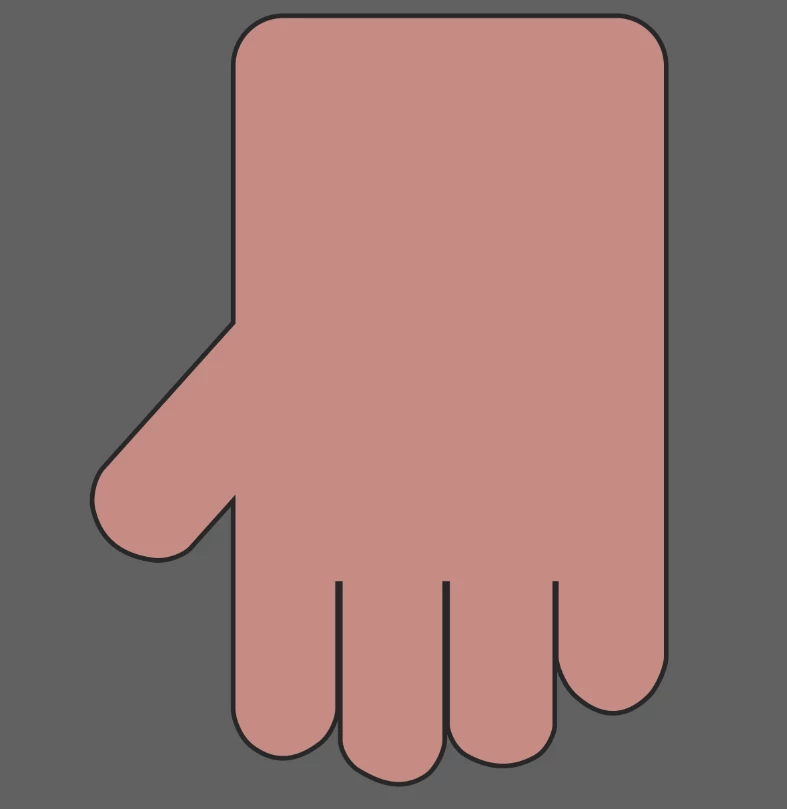
Hello everyone . I am Samet. I have a question. I made a hand with rectangle tool. I used contour option of rectangle tool. But I want to delete some part of the contour without converting my shape to smart object or rasterize it . I  hope i could tell. (Sorry for my English.)
 

This topic has been closed for replies.
Correct answer c.pfaffenbichler

1 reply

c.pfaffenbichler
Community Expert
Community Expert
February 4, 2020

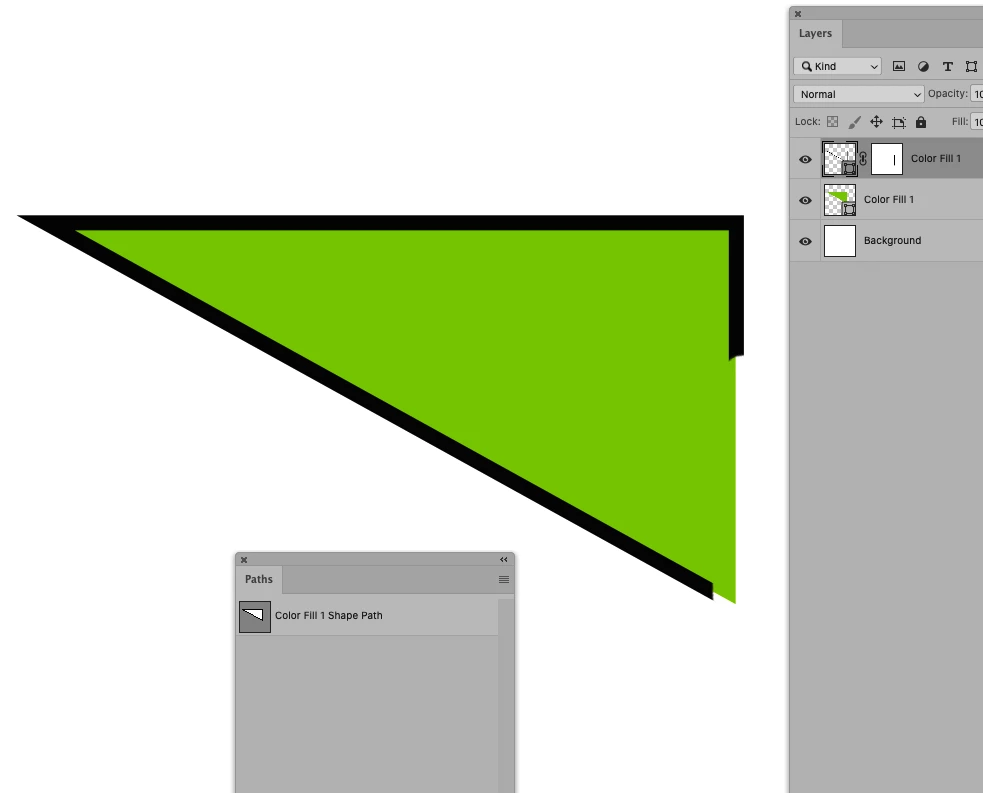
Please post a meaningful screenshot that includes the pertinent Panels (Layers, Paths, Options, …). 


If you want to maintain the Fill, but break the Stroke you will probably have to use two separate Layers. 

You could then apply a LayerMask to the Stroke Layer. 

sametyukselmlg
Participating Frequently
February 4, 2020

sametyukselmlg
Participating Frequently
February 4, 2020

Like I mentioned you need two Layers if you want to mask the Stroke but not the Fill (see screenshot above). 


Thank you so much. You made my day !