


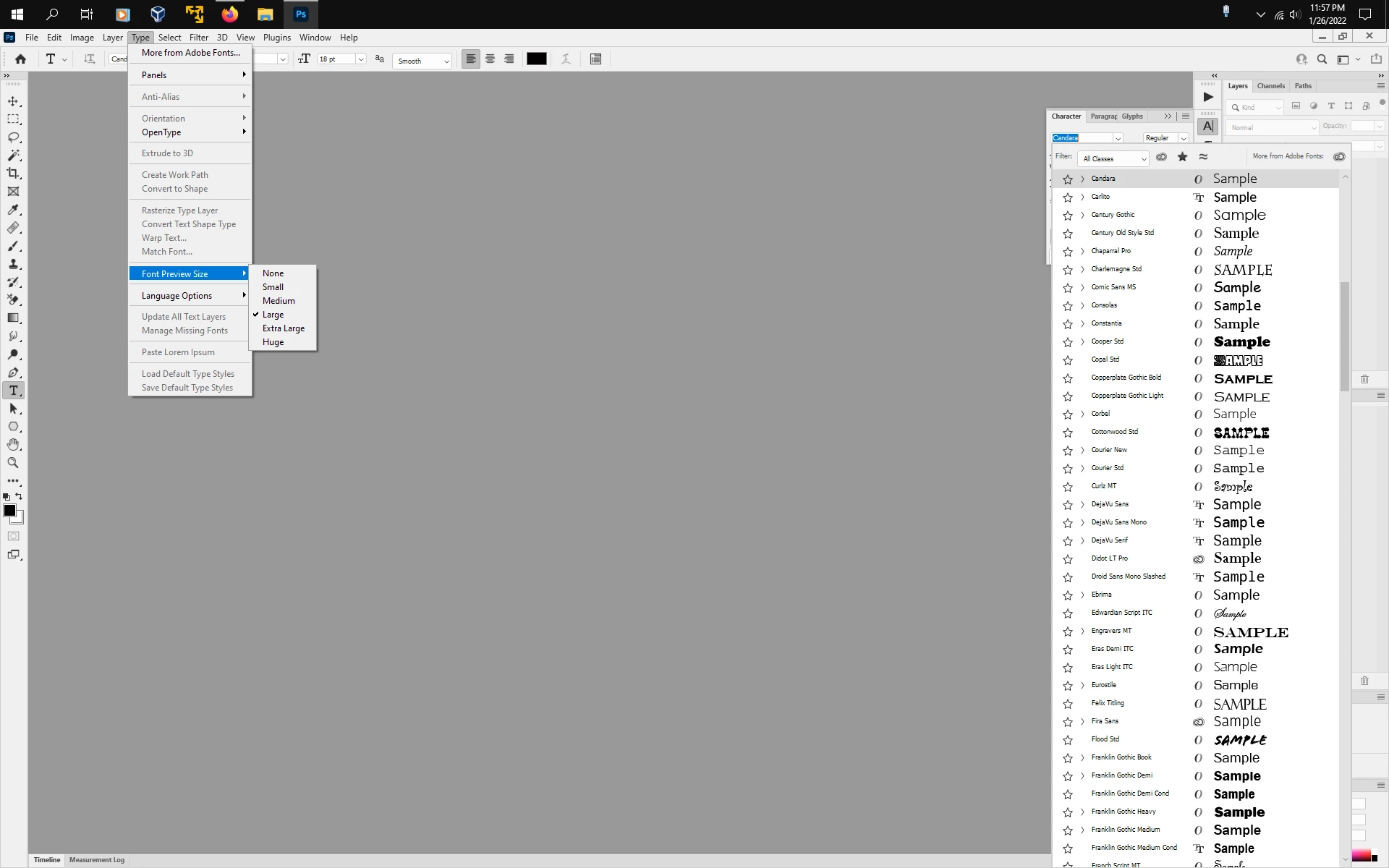
How can I get the text larger in the window where you pick fonts?
Since the latest update for Photoshop I have had numerous problems, i.e. all my saved preferences were gone along with a whole lot of other stuff. Photoshop opened after the update as if it had never been on my machine before, scratch brand new. I have managed to fix most of the preferences after a lot of trial and error (they had almost everything already checked off as wanted) Anyhow the big problem I have now is that when I select text and the window that has all the fonts in it is too small, I had it larger before this, but now I cannot figure out how to get the fonts inside that window larger so I can actually see them. If anyone knows how to do this please do let me know. I do not enjoy having to use a magnifying glass to see which font I want to use.
 AdChoices