
Participant
April 11, 2017
Question

How can I take a sample of a picture and use it as a brush

  • April 11, 2017
  • 1 reply
  • 1853 views

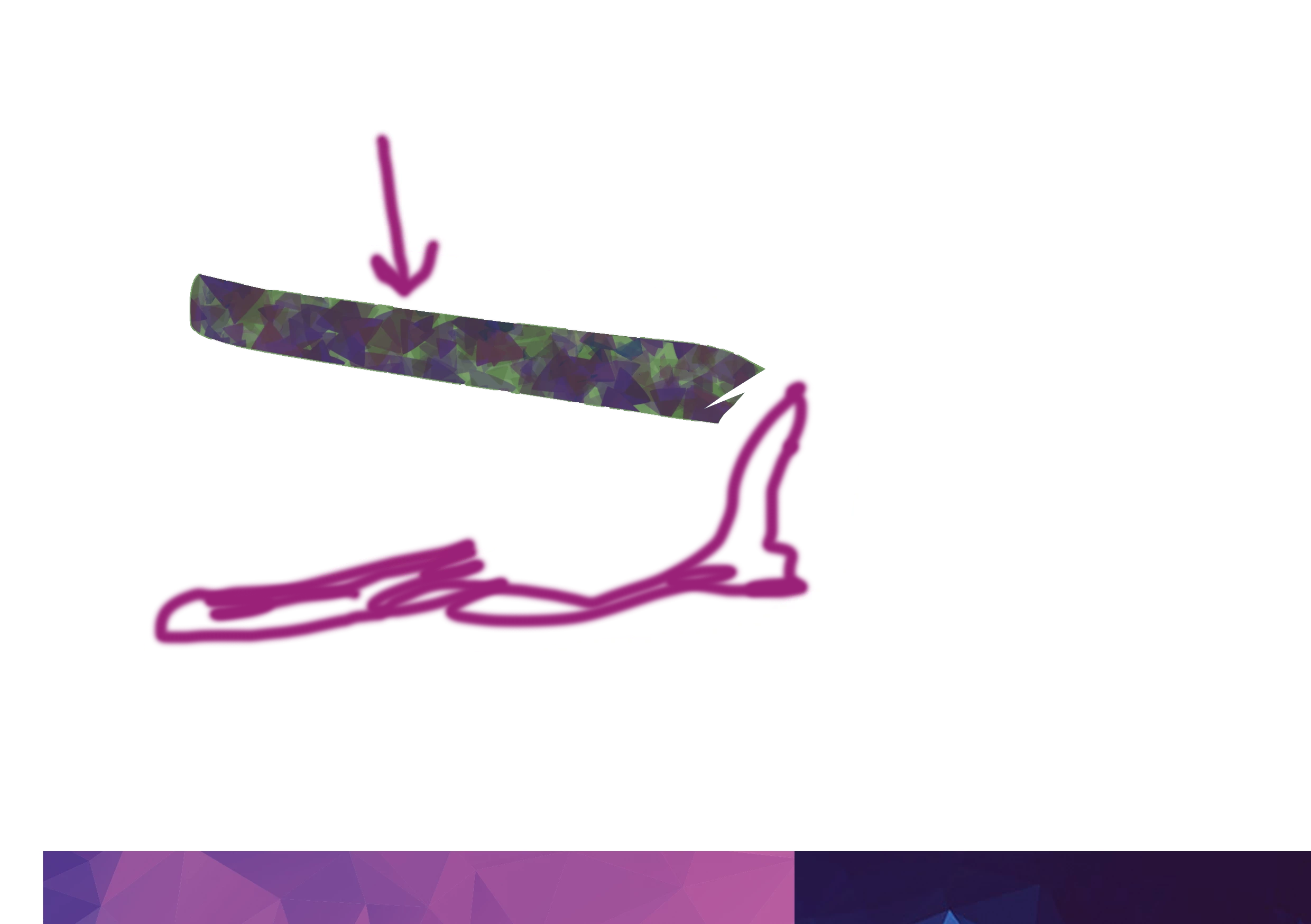
Is there any way I can take a sample from the area where the arrow is pointing then use that sample to cover the rest of the picture with the sampled part of the picture so it all looks blended and looks like a pattern. If you have any questions on what I mean just ask. Thank You!
This topic has been closed for replies.

1 reply

c.pfaffenbichler
Community Expert
Community Expert
April 11, 2017

Photoshop does not feature full-color Brush-tips, instead the sampled Brushes use just one Channel to define their transparency.

You could try using the Clone Stamp Tool, but I suspect you may be better off creating a Pattern from scratch (based on the distorted triangle that seems to feature so prominently in the snippet and with lots of randomisation and scattering).

seanpfettAuthor
Participant
April 12, 2017

I am trying to remake the image now I am in brush presets and for some reason when I use my brush it adds a third color which is grey is there a way to get rid of that? I just want to use the two colors I have in the picture but it seems to be adding more colors. I dont know which options to change in the brush preset menu to get my desired colors. If you know anything I would appreciate it thank you!

davescm
Community Expert
Community Expert
April 12, 2017

Try unchecking color dynamics - or adjusting the settings within it.

Dave