
How do I center text in Photoshop before variations or after with actions.
I have a list of a few thousand images that I need to make. The only thing changing is the text in the middle.The text needs to be centered in the middle of the red circle but the text needs to be inside the white ellipsis circle.
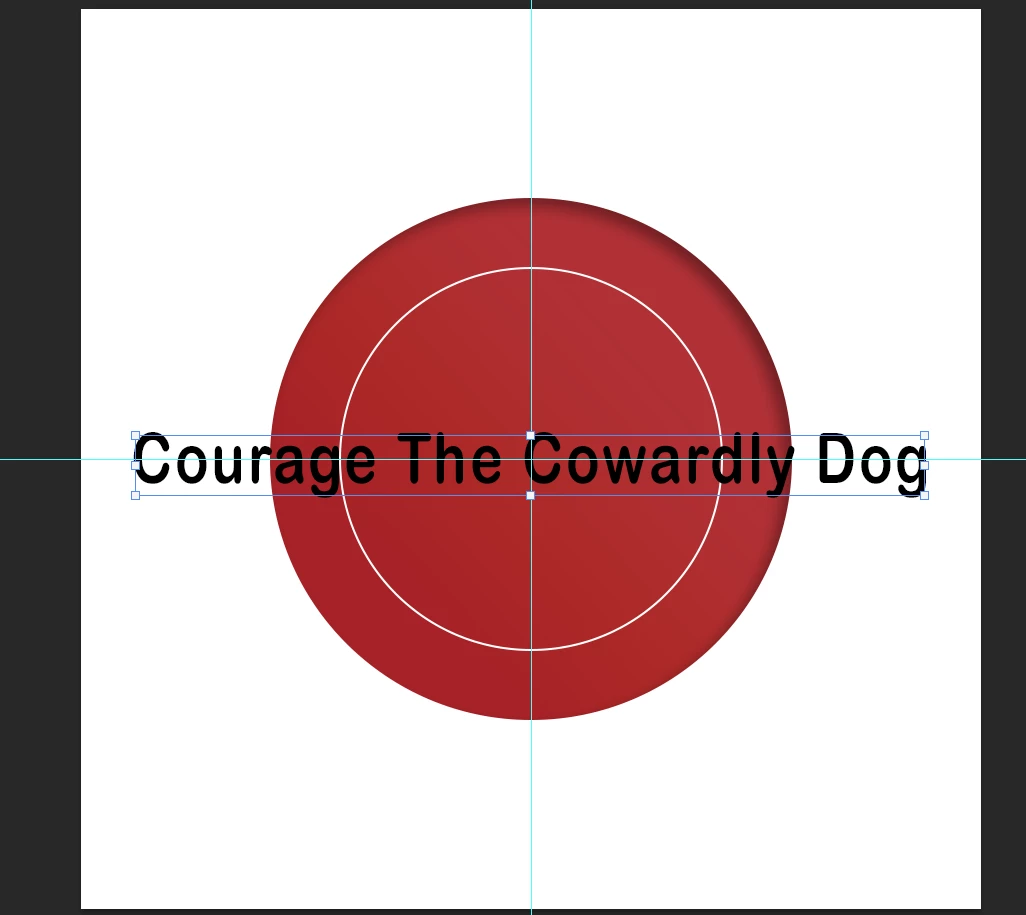
I was going to use variations and then make an action to center all of the text after the variations make new files. But I know this make cause issues with some having only 1 or 2 words that should fit but if the title is 3-5 words it will just be really long like the example below.
Is there a way to set up the PS file before the variations are made so that the text would be inside the white ellipsis circle?
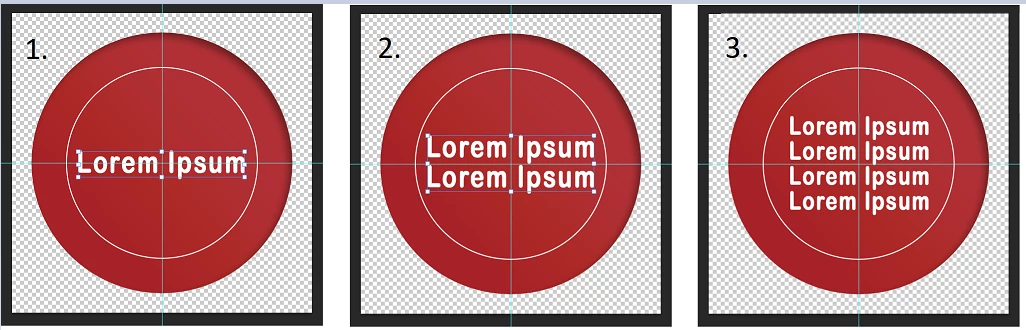
If no, is there a way to set up an action to center the text and even lower the font size to fit within the center without effecting titles that are short and do not require resizing like #1 or dropping down to the next line because the title is too long like the second example below #2 & #3?
I attached a mock up example PS file that I attached in case you want to test out some ideas. I feel like I was able to do this before but I cannot remember how I got it done.
Thank you
 AdChoices