Participant
December 13, 2024
질문

How do I DIY modify the appearance of the cursor in the 2025 version of Adobe Photoshop?
  • December 13, 2024
  • 2 답변들
  • 531 조회


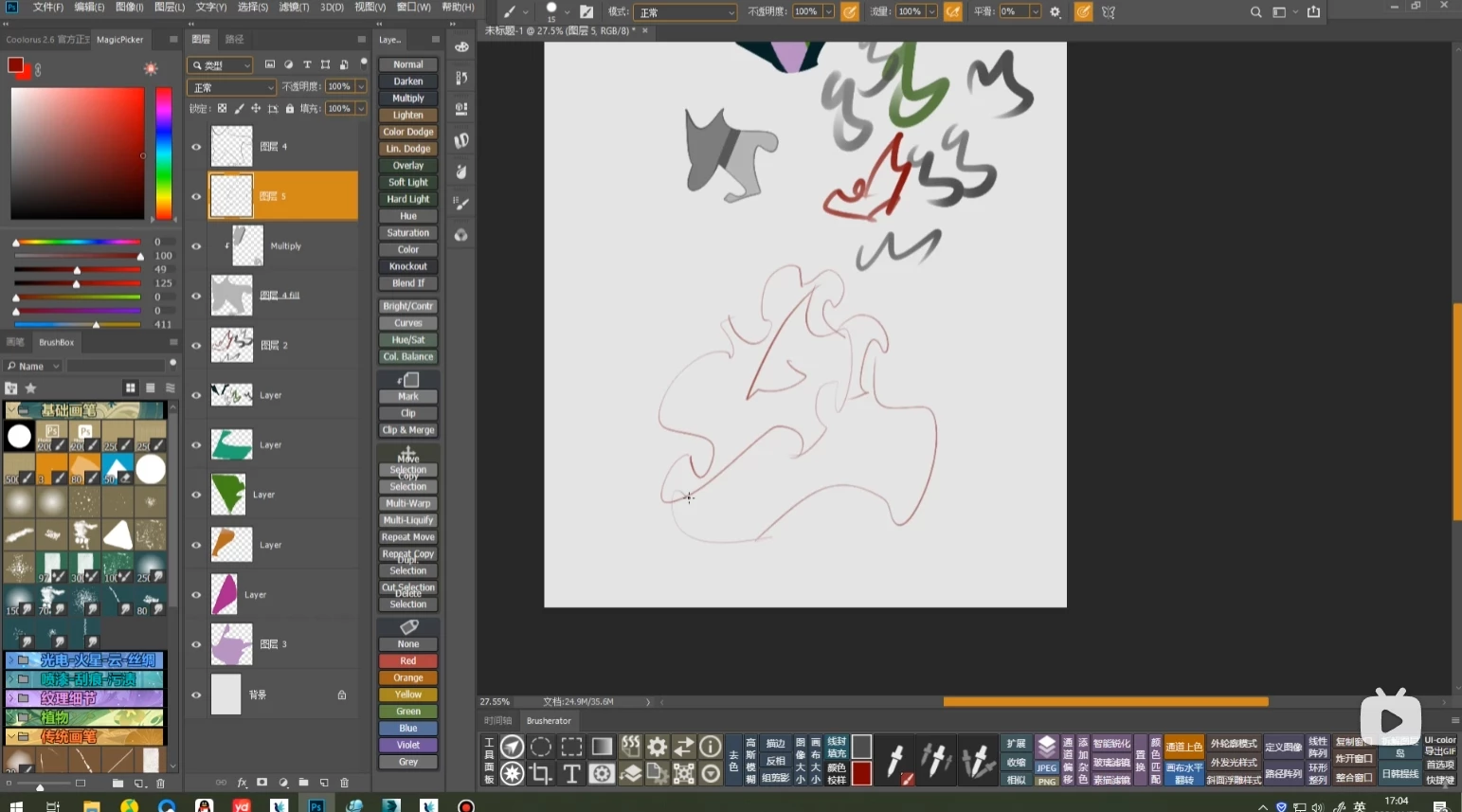
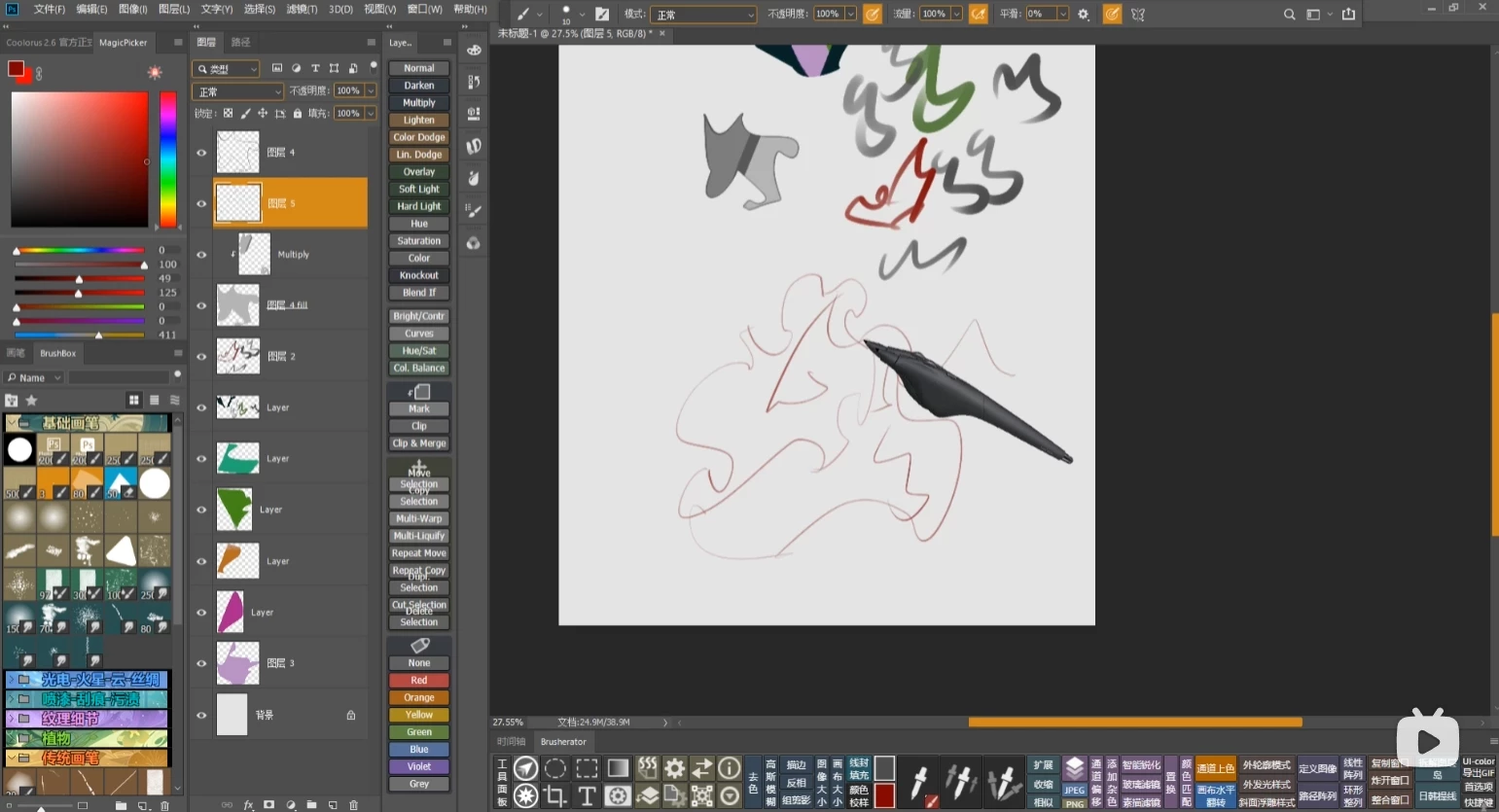
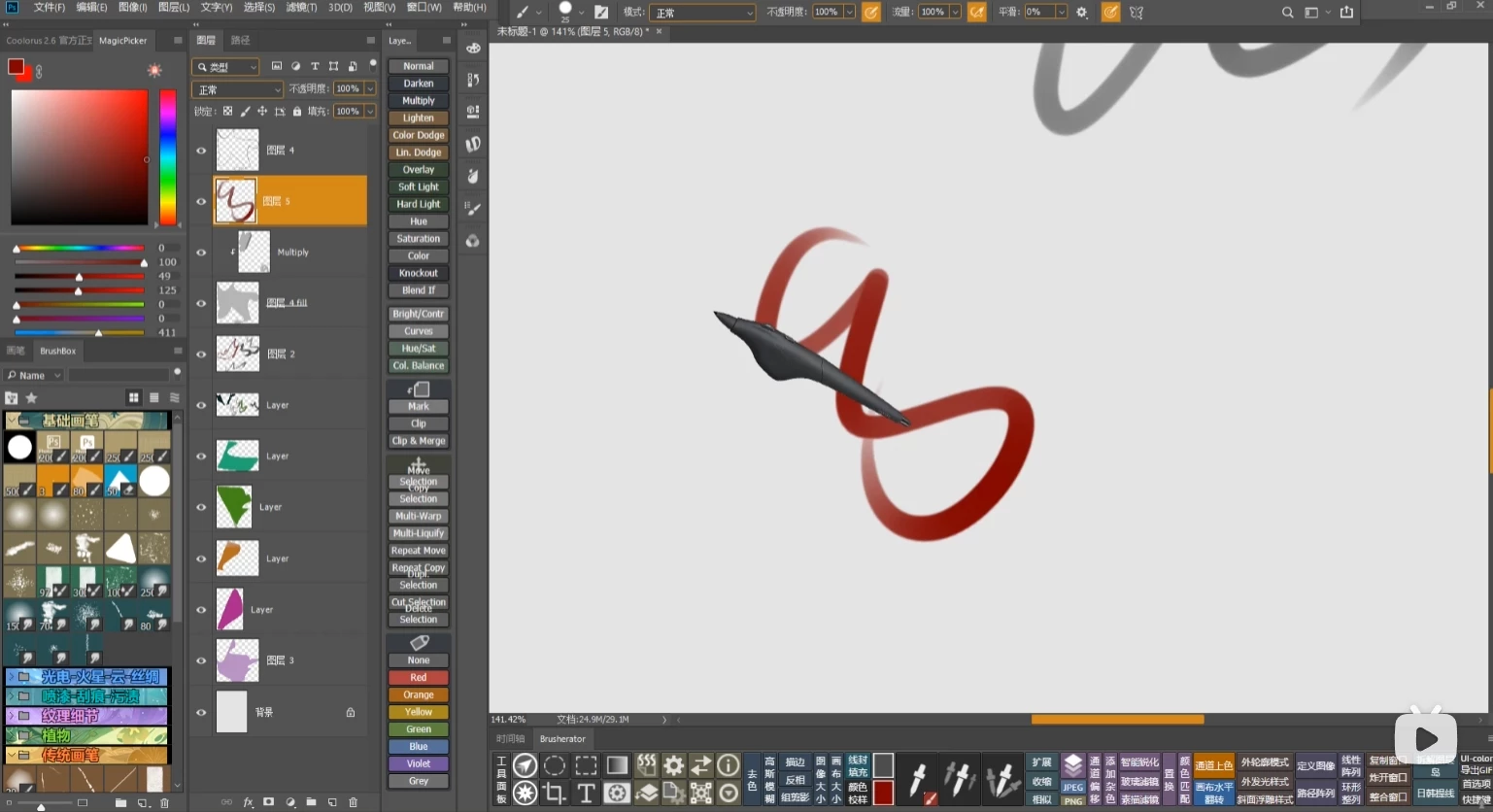
I would like to directly DIY the cursor of the brush like the author, so that when painting, the size of the cursor remains the same no matter how small the brush is reduced. However, I can't seem to find a way to change the latest version of the cursor on the entire network. In the past, it seemed possible to change the 2018-19 version, but now I mainly use the 2025 version. I would like to know if there is any way to modify it?

이 주제는 답변이 닫혔습니다.

2 답변

Jeff Arola
Community Expert
Community Expert
December 13, 2024

Another way in Photoshop is to go to go to Edit>Preferences>Cursors and set the Painting Cursors to Standard.


 Won't be like the big cursor like in your screenshots, but rather a small Brush icon.


Ydrdy작성자
Participant
December 16, 2024

感谢您

PECourtejoie
Community Expert
Community Expert
December 13, 2024

Hi, it caps lock, you get the precise cursor.
There are also some features that only work with  the default round brushes.

Ydrdy작성자
Participant
December 16, 2024

Thank you