

How do I get rid of 'measurement/alignment lines? they are not 'slice' lines but something else...
Changing to updated version of Photoshop is plagued with plenty of headaches this time... Version 21.2.1 of Photoshop and on Mac OS Catalina 10.15.6...
There are lines that show up for vertical and horizontal alignment with center and edges whenever I try to move anything that has the transform box around it. Been through all of the preferences menus and this one escapes me...
You can see the lines in one case here, when I hold the shift key down and the item on a layer gets these 'measurement' or 'location' lines, not exactly like the other lines that show up when there is nothing on a layer but the cursor is moved to various locations on screen over an image and lines come up showind 'centering' et. al. - would love to turn all of that off.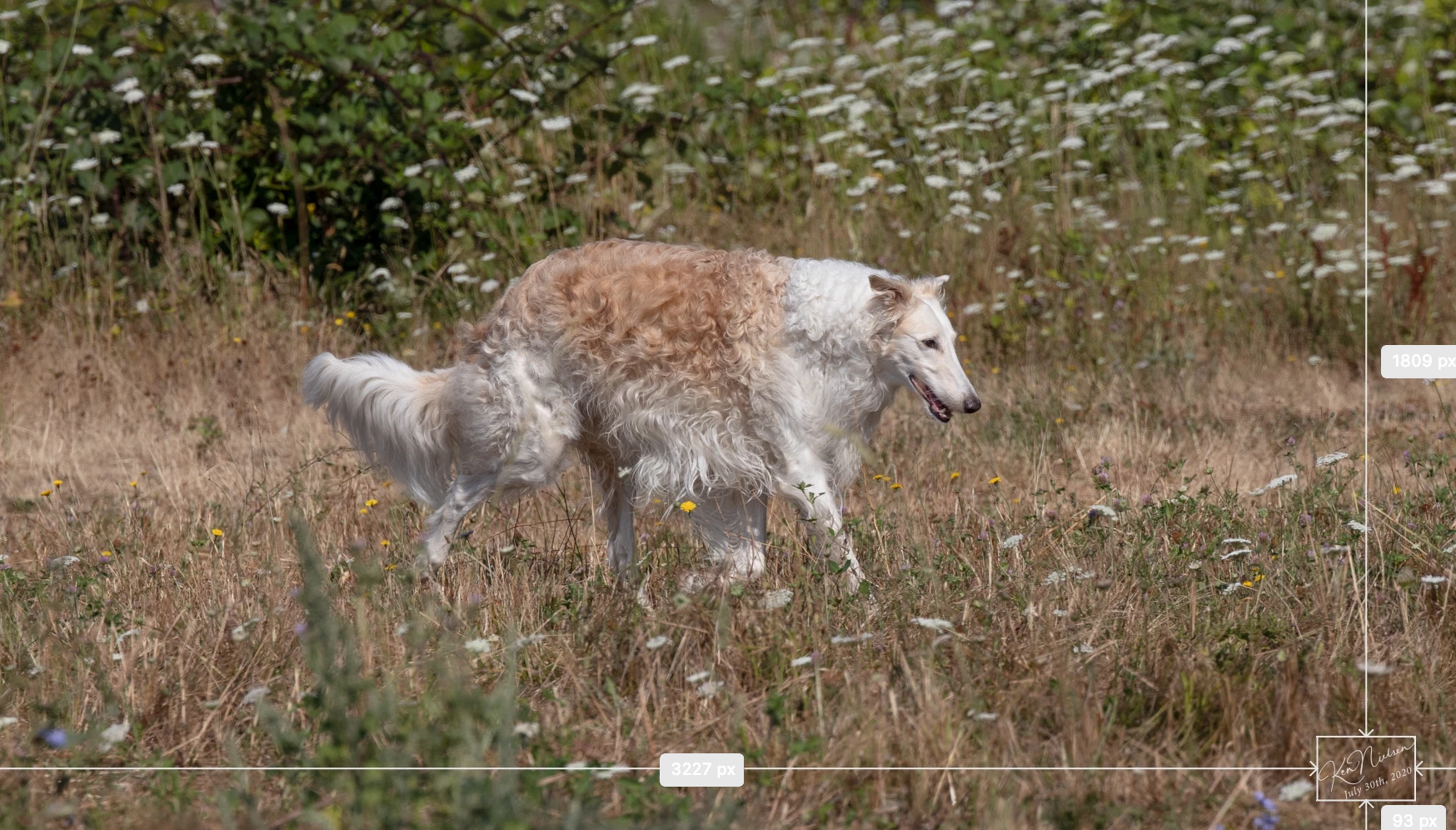
 AdChoices