


NightShadow28
Participant
November 22, 2023
질문

How do you make a filter affect more than just the boundaries of a PNG?

  • November 22, 2023
  • 3 답변들
  • 321 조회

I am trying to add a filter to a transparent PNG but the filter (brush strokes) is constrained to only affect the inner parts of the PNG and not cross the boundaries.

PNG without filter
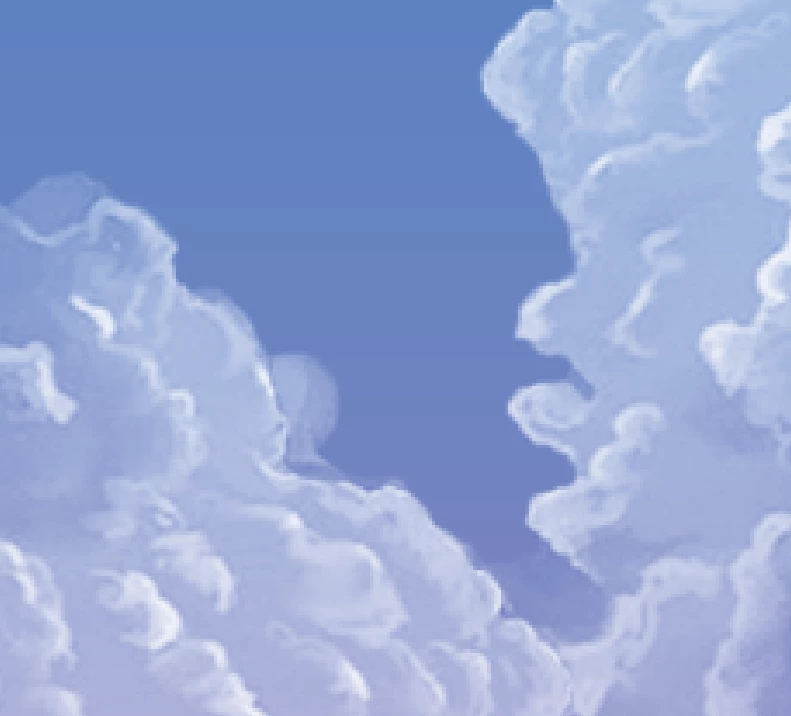

PNG with filter
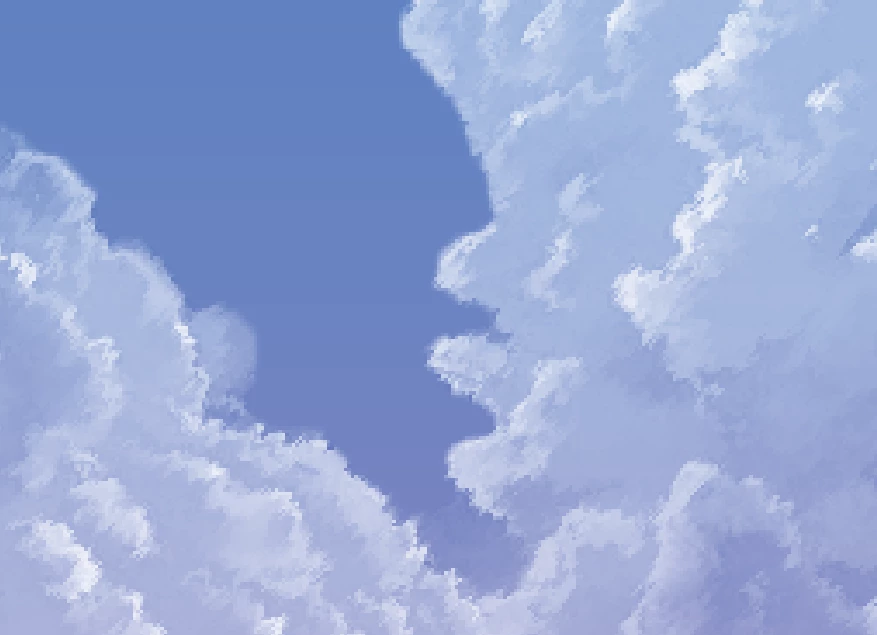

I merged the PNG with the blue background (with spreads across the entire artboard) to see if that would allow the filter to affect the edges of the PNG, and it worked! (It might be a little hard to tell but the edges in this bottom picture expanded beyond the boundary, so the edges have more strokes)
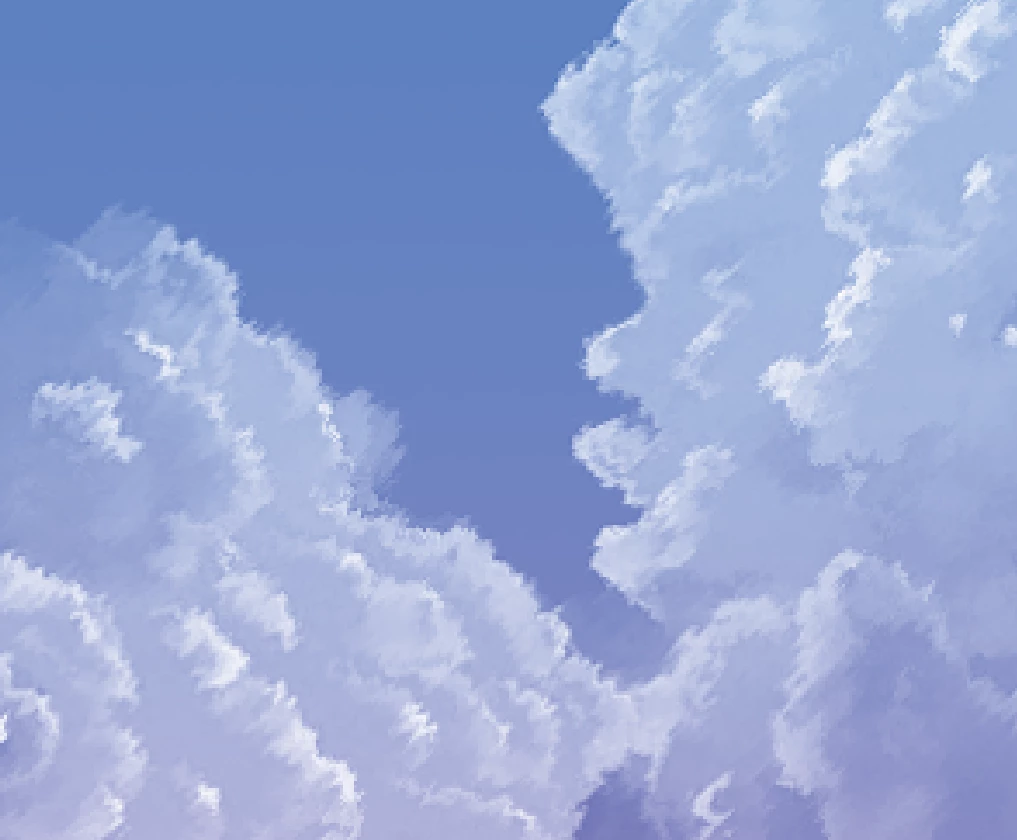
The only problem is that I want the PNG to be separate from the background.

Any idea on how I can go about having the filter affect more than just the inner parts of the PNG?


이 주제는 답변이 닫혔습니다.

3 답변

D Fosse
Community Expert
Community Expert
November 22, 2023

Seems simple enough: copy merged/paste, run filter on this new merged layer, crop layer back to original size (ctrl-click the original layer to get selection).

NightShadow28
NightShadow28작성자
Participant
November 22, 2023

Yes, that does work, however, the selection isn't going to be the cleanest. It's going to be a hassle to clean up the edges.
Thank you for your answer.

c.pfaffenbichler
Community Expert
Community Expert
November 22, 2023

Some Filters disregard Transparency; as a Work-around one can split RGB-content and Transparency and apply the Filter to both. 

c.pfaffenbichler
Community Expert
Community Expert
November 22, 2023

Which exact Filter are you talking about? Please post screenshots. 

Could you please post screenshots taken at View > 100% with the pertinent Panels (Toolbar, Layers, Options Bar, …) visible? 

NightShadow28
NightShadow28작성자
Participant
November 22, 2023

Filter:


100% view


c.pfaffenbichler
Community Expert
Community Expert
November 22, 2023

Bojan Živković11378569
Community Expert
Community Expert
November 22, 2023

The answer seems to be that the filter requires details to produce the effect.