


How to bring out the texture of a paper through my illustration ...
- October 3, 2020
- 3 답변들
- 2747 조회
Hello,
I'm struggling to find the words to explain my problem but I'll try to be clear and put screenshots to illustrate.
Voila, I make illustrations on illustrator, and to make them more realistic, I paste them on the photo of a textured paper on Photoshop. Basically the goal is to act as if I had made the drawing on the textured paper directly.
So usually I use a ready-made thing called Atomica from True grit texture. I copy my illustration from illustrator, I paste it and place it in the Atomica .psd file, I put it to the desired size, and it works great thanks to a layer called "highlights", the texture of the paper comes out through the drawing , in short, it's nickel.
Today, for several reasons, I would like to do the same thing but on different papers. So there you go, I went to adobe stock, downloaded some textured paper (more white this time), and tried doing like what I explained just before.
The problem is, I can't bring out the texture of the paper through the design.
I tried copying the highlights layer from the Atomica .psd file, but the texture of the atomica paper stands out.
Here I hope it is clear, otherwise I can detail more.
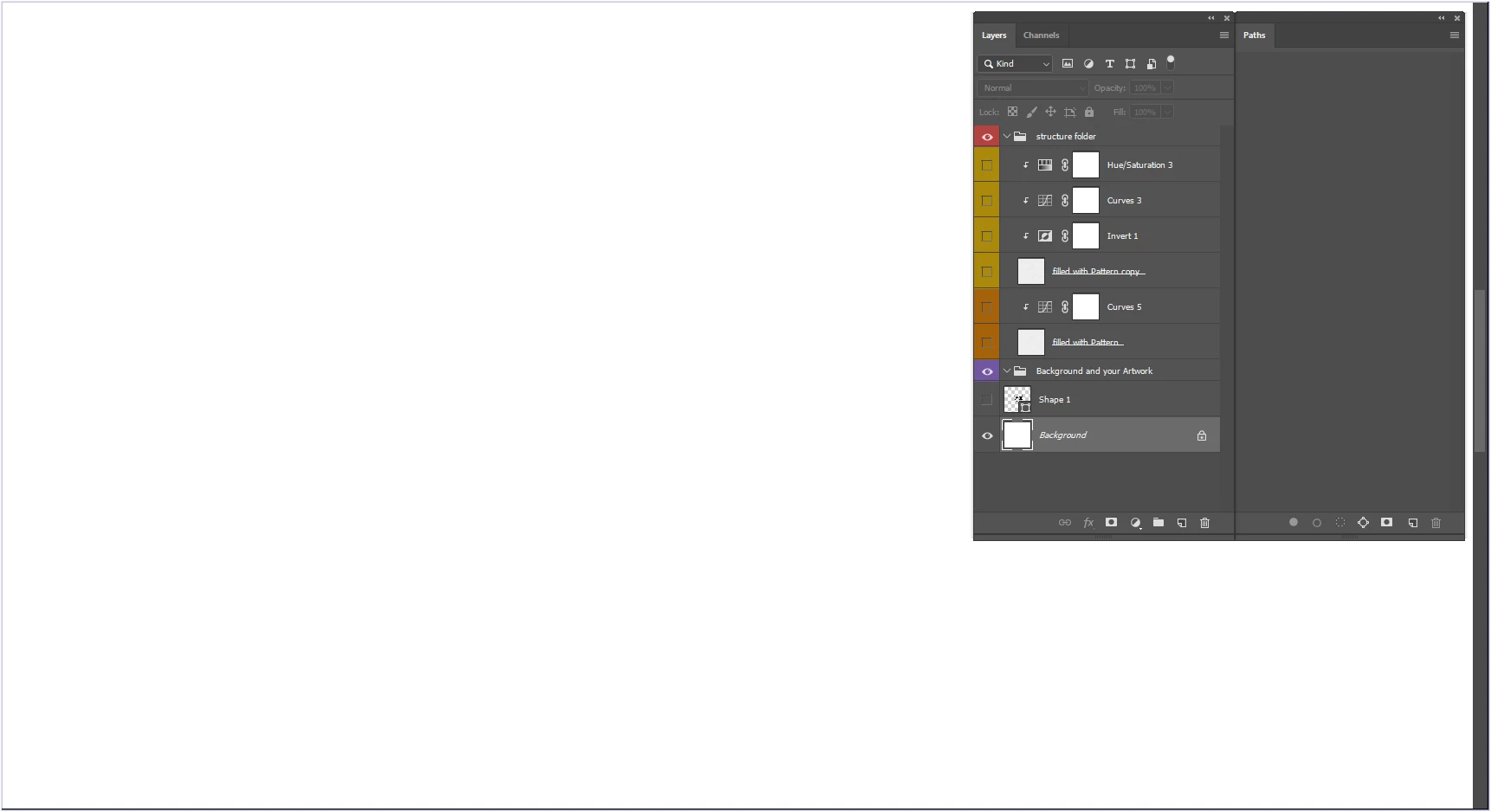
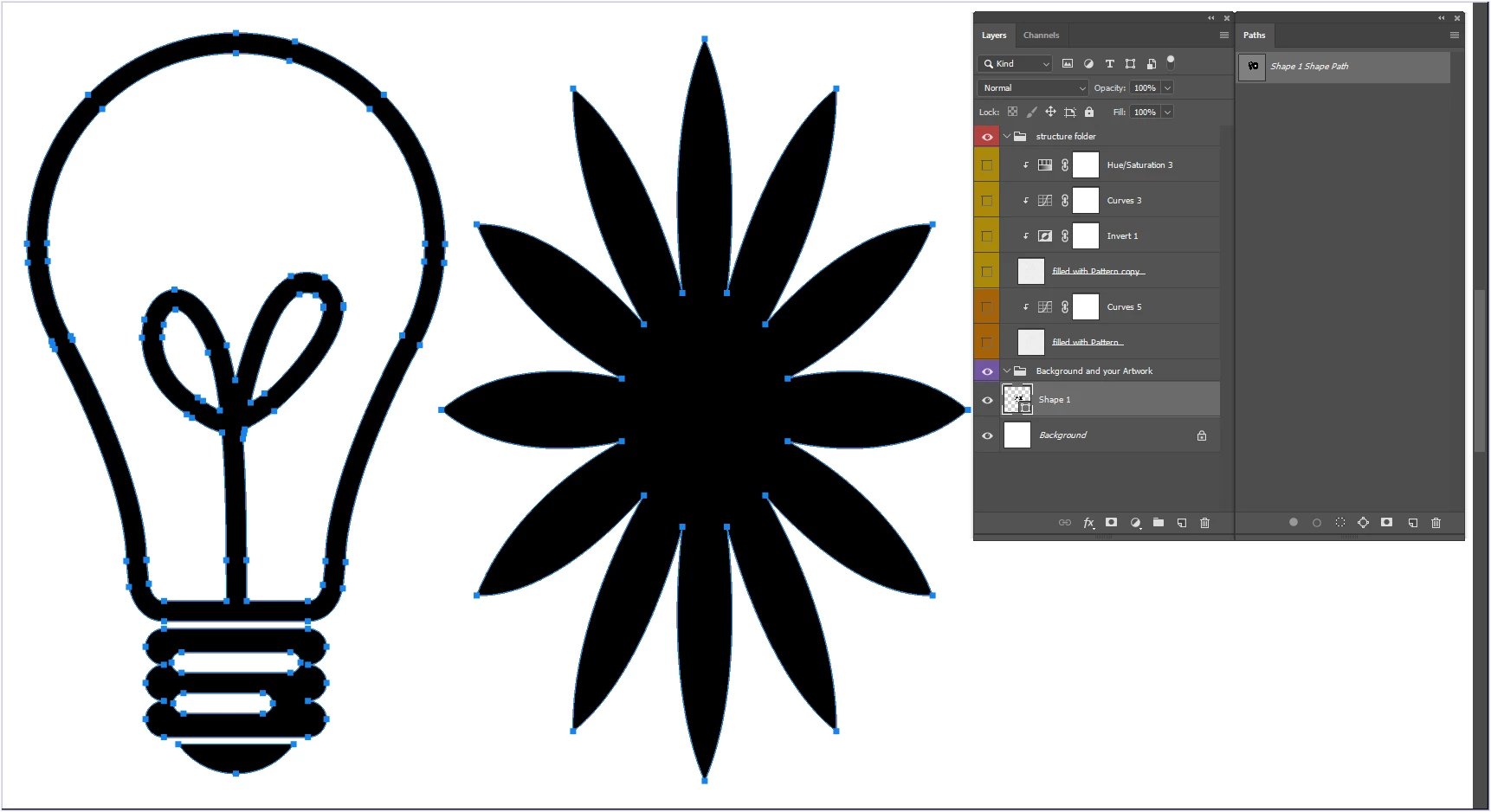
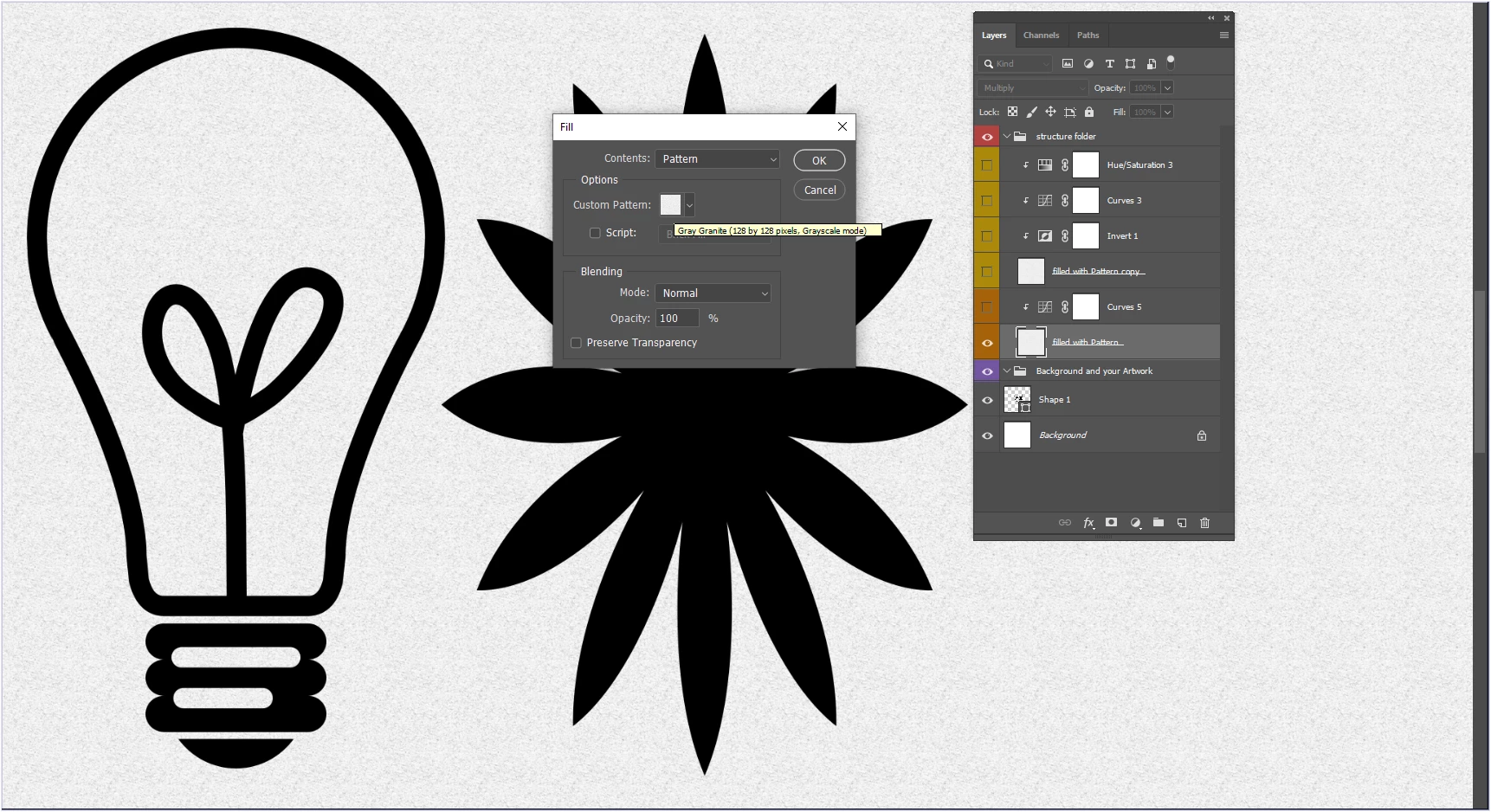
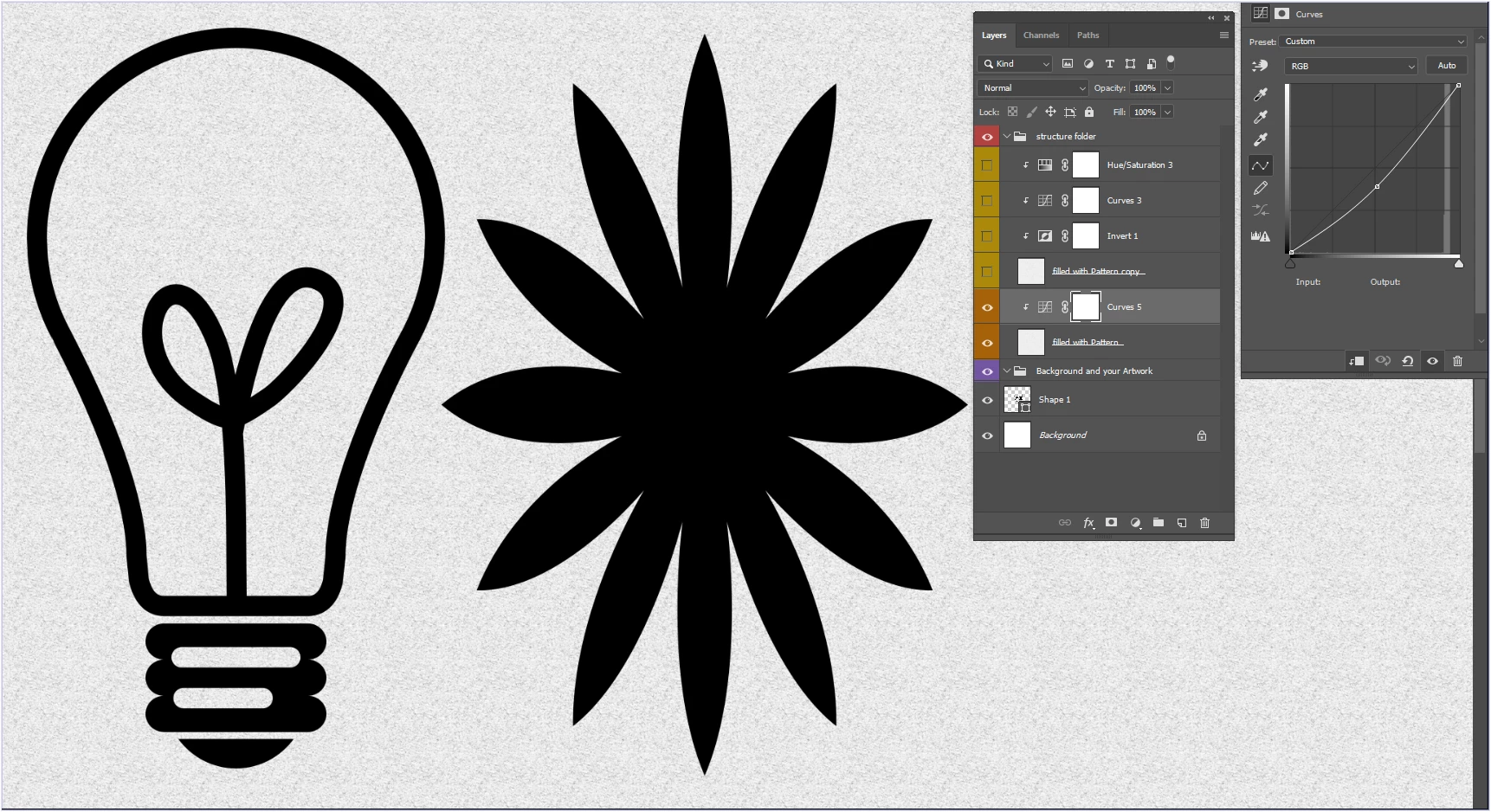
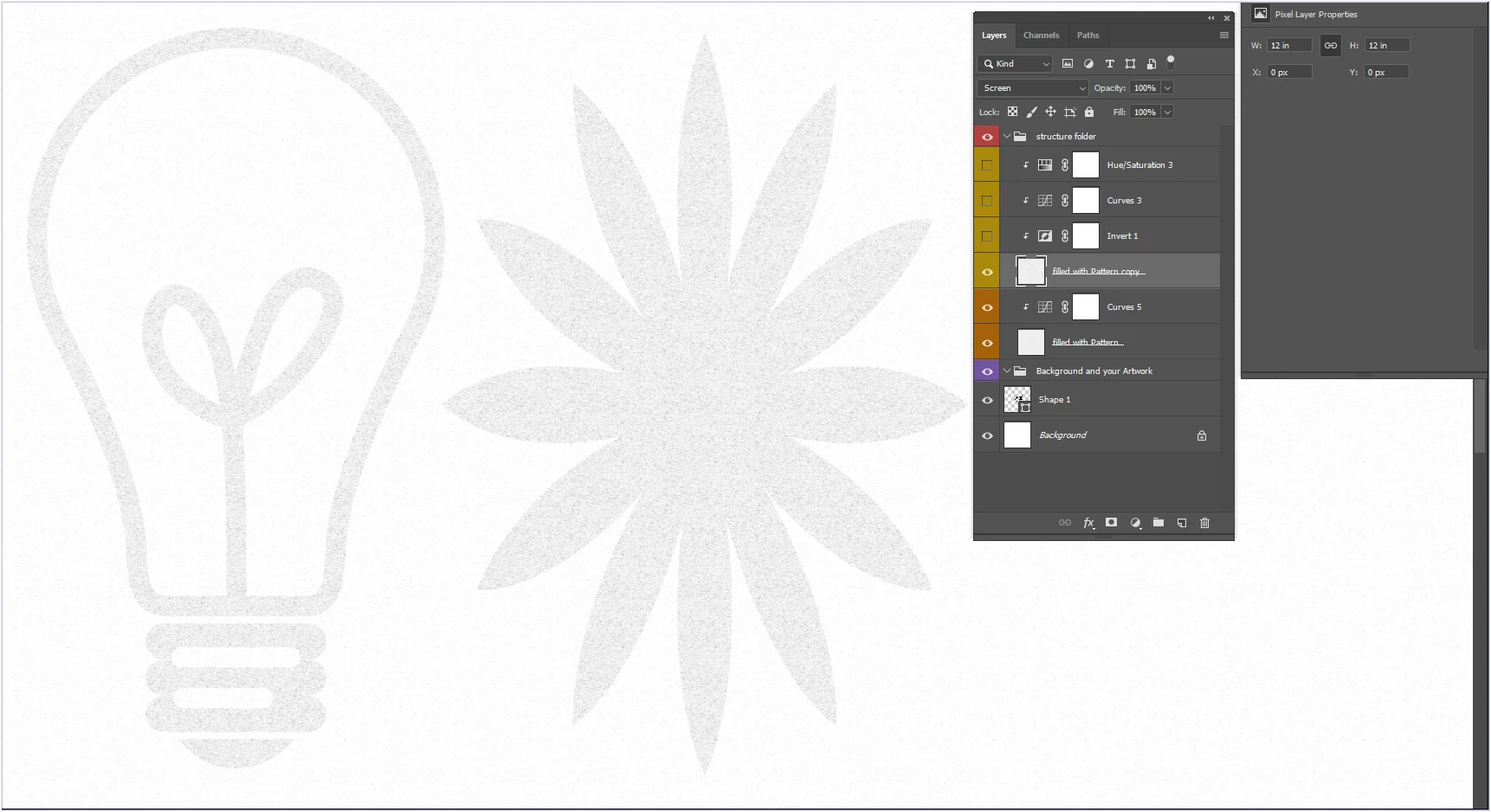
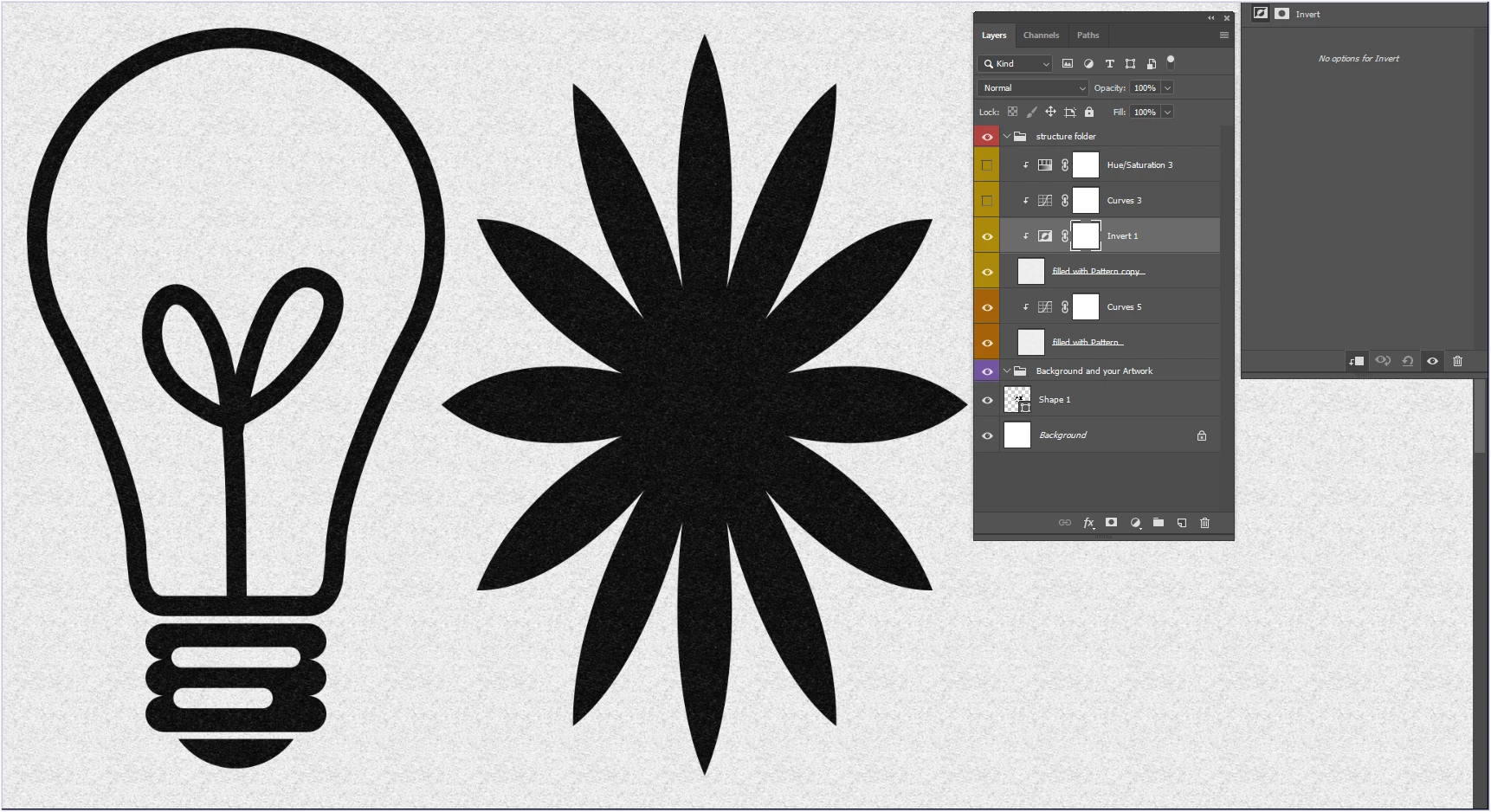
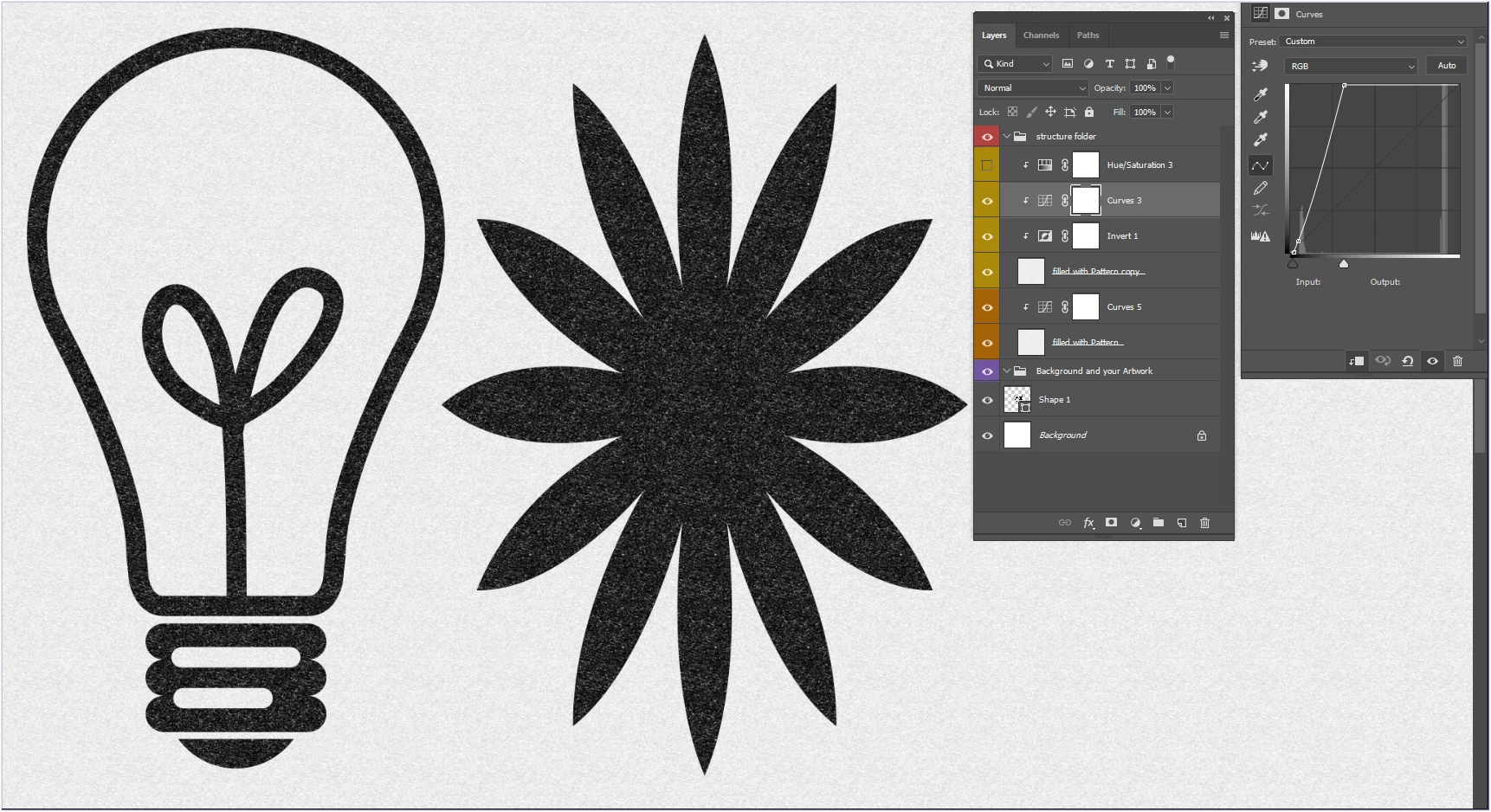
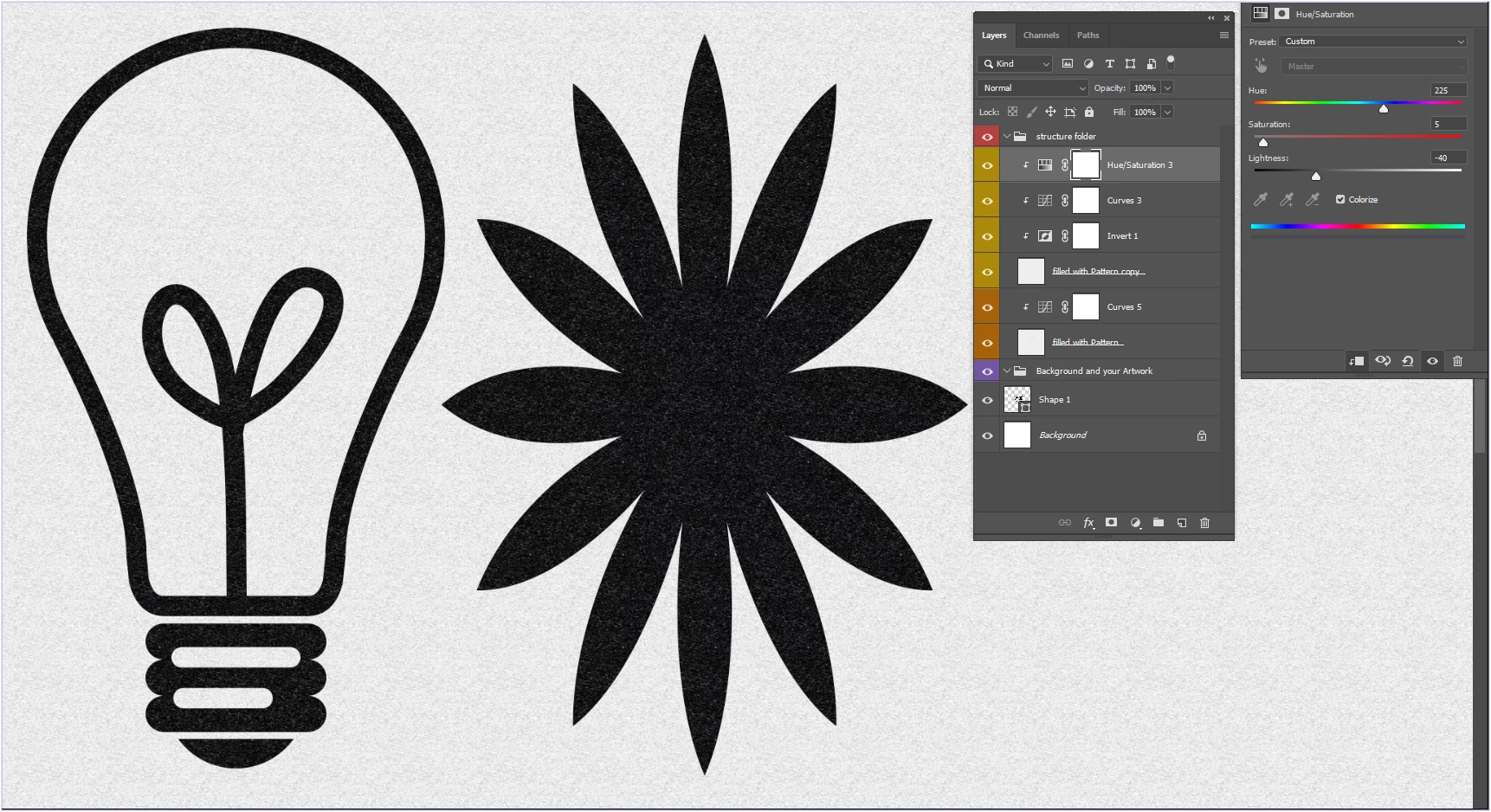
I put you screenshots:
- the first is the atomica .psd file which works great
- the second is what I want to reproduce with a new paper but it does not work
- the third is when I paste the "highlights" layer of Atomica on the file I want to create, and it is the texture of the atomica paper that emerges instead of mine
Thank you in advance for the help you can offer me
 AdChoices