


해결됨
How to change size of Open file dialog box/screen?
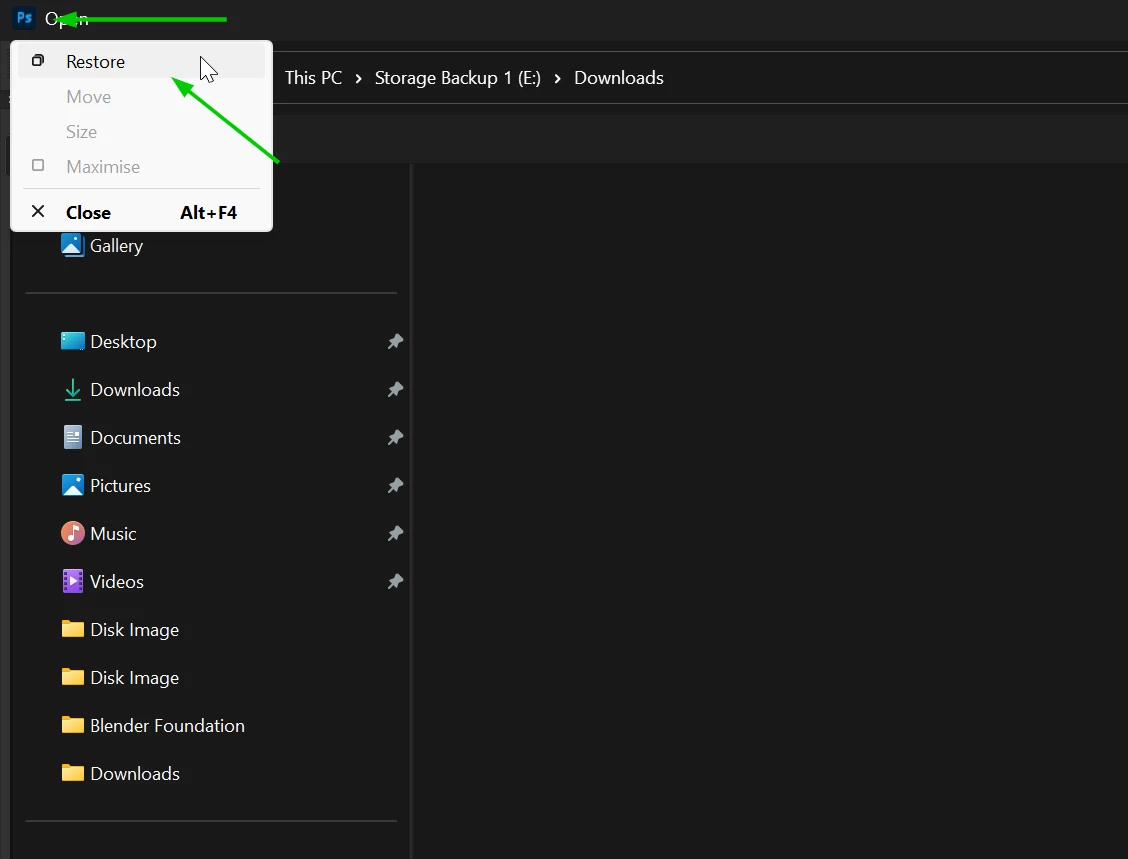
At some point I accidentally maximized my Open file dialog box, and now I'm unable to make is smaller. The mouse changes to arrows on the edges, but I cannot adjust the size of the window.
I am using Photoshop CS 6, Version 13. Yes, I know, old, not supported, ect. But it works well for what I use it for.
I found a post about this same issue here: https://community.adobe.com/t5/photoshop-ecosystem-discussions/change-size-of-open-file-dialog-box-screen/td-p/14002705
Trouble is, on my version, there is no UXP in Common Files to rename as the solution suggests.
Does anyone know of a way to fix this issue?
 AdChoices