

How to create a seamless repeating pattern using Pattern Preview: Photoshop Quick Tip 🔎
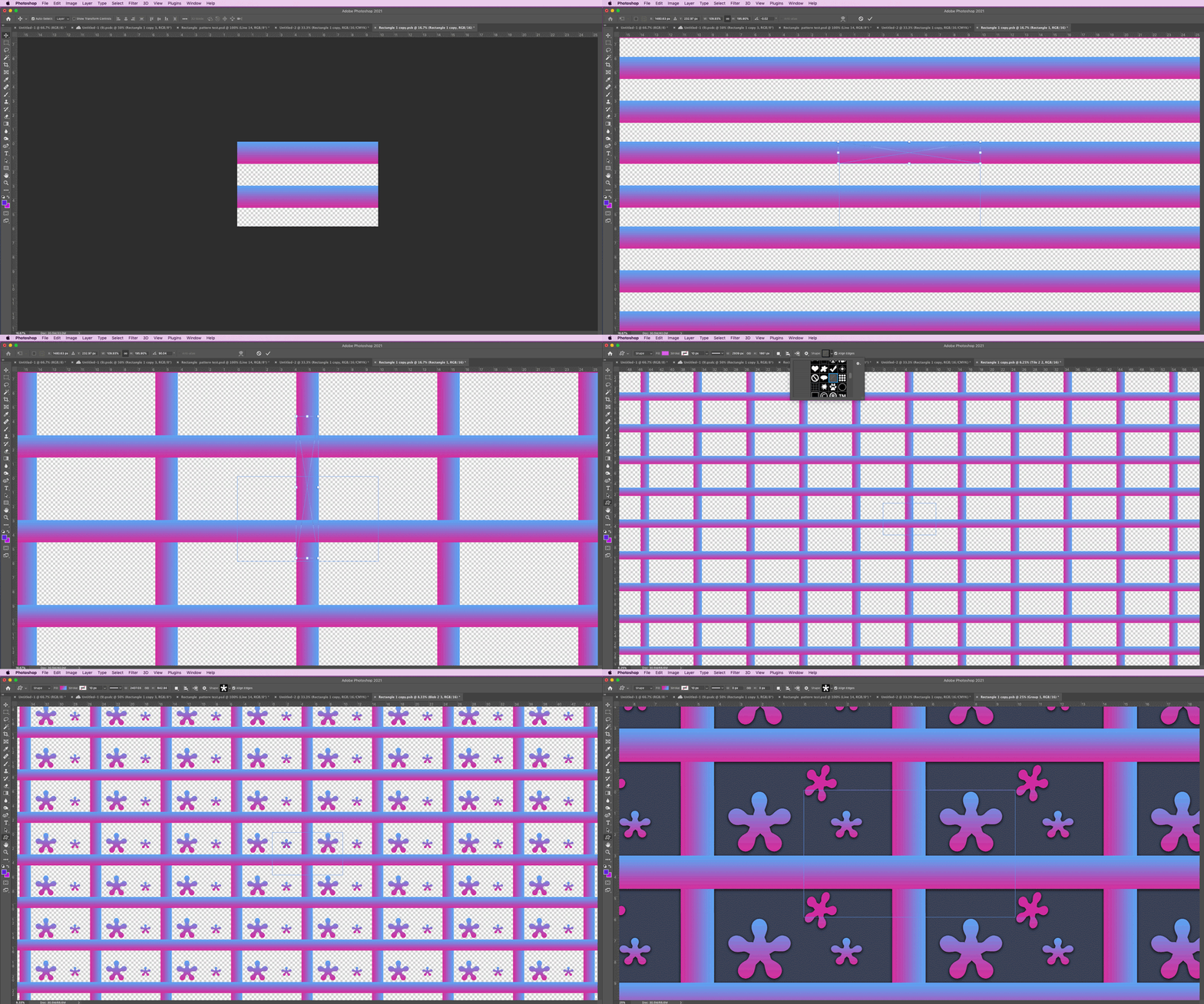
Watch your repeating pattern come to life as you create it
Creating seamless repeating patterns has never been easier. In the past, it was difficult to visualize how a pattern might look once it was tiled across a screen. With Pattern Preview enabled, you can see how a repeating pattern looks tiled across the screen as you design it and ensure the edges line up nicely. Create layers of images, shapes, and designs to make your pattern. Then, resize them and move them around and you will notice that all repeating instances of the the item in the pattern are immediately updated. Pretty cool, huh? Or, pick a brush and try painting a pattern. It's a simple task to make a seamless transition when you can see how the pattern looks as it repeats across the canvas. If you are working with raster layers, converting them into Smart Objects will produce the best results with Pattern Preview.
Try it for your self! You can enable Pattern Preview by choosing View > Pattern Preview.
For more details on this feature, see Pattern Preview.
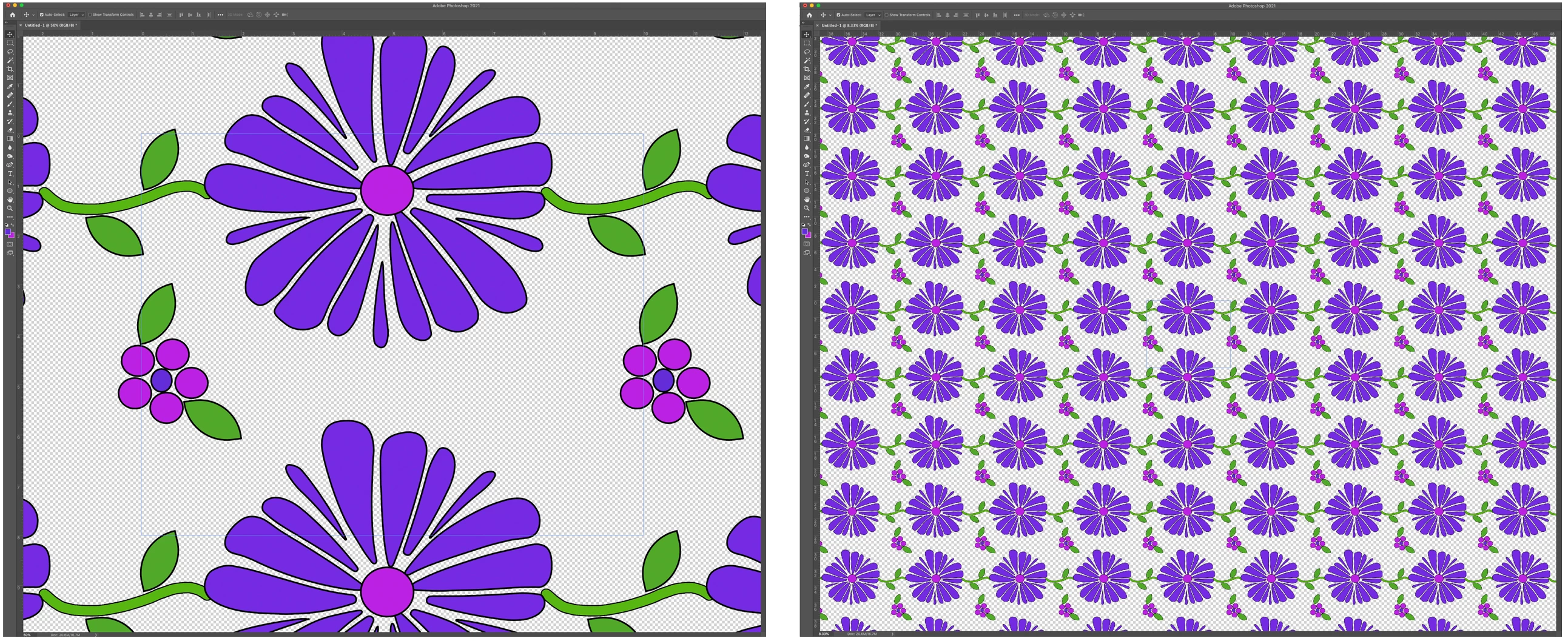
Here is a sample shown zoomed in and zoomed out.
Related Links:
Bring your patterns to life using mockup templates
Manage pattern libraries and presets
Tshirt templates on Adobe Stock


 AdChoices