


Participant
January 27, 2020
질문

How to delete parts of smart shapes to create a line art image in Photoshop?

  • January 27, 2020
  • 2 답변들
  • 10513 조회

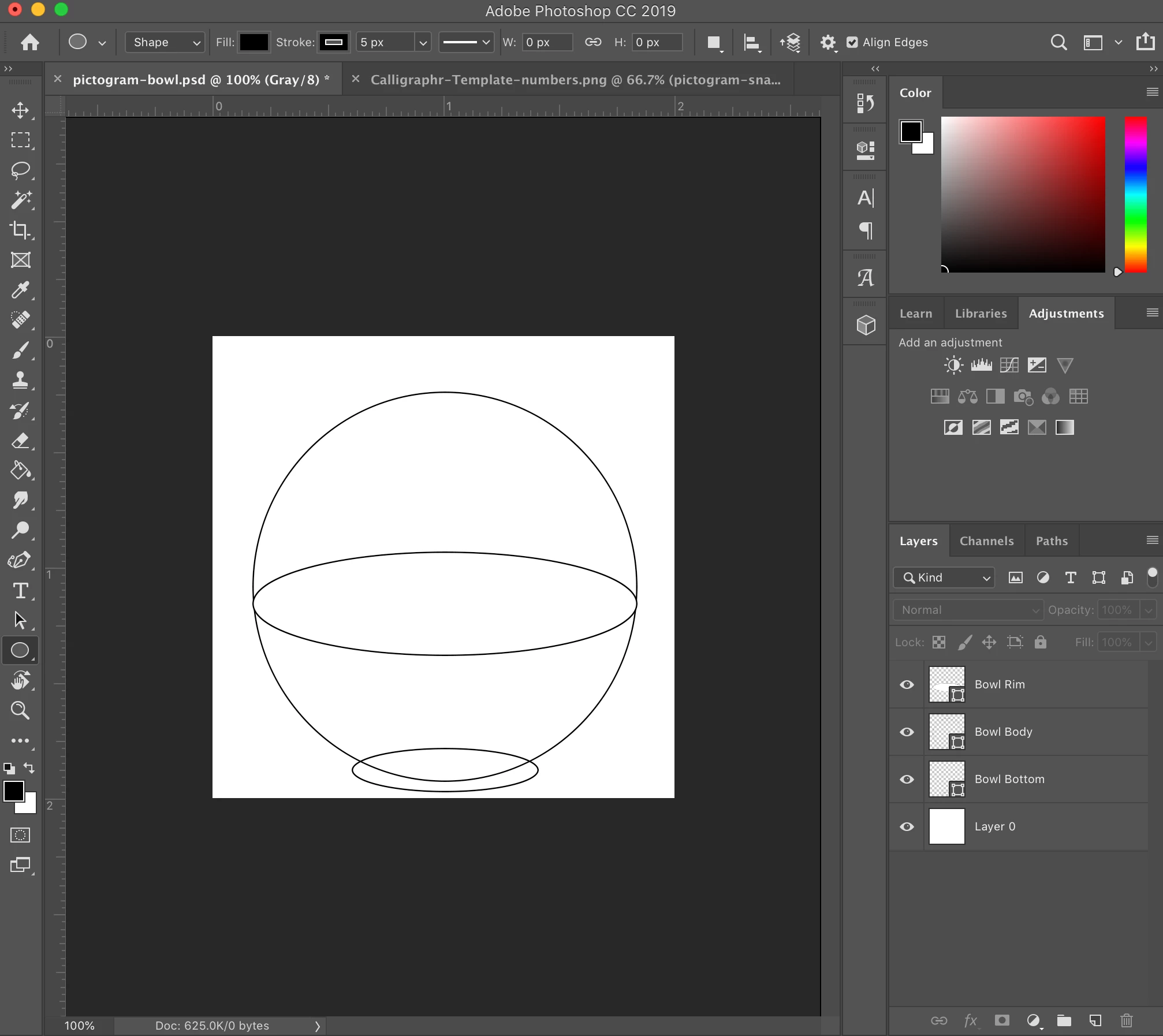
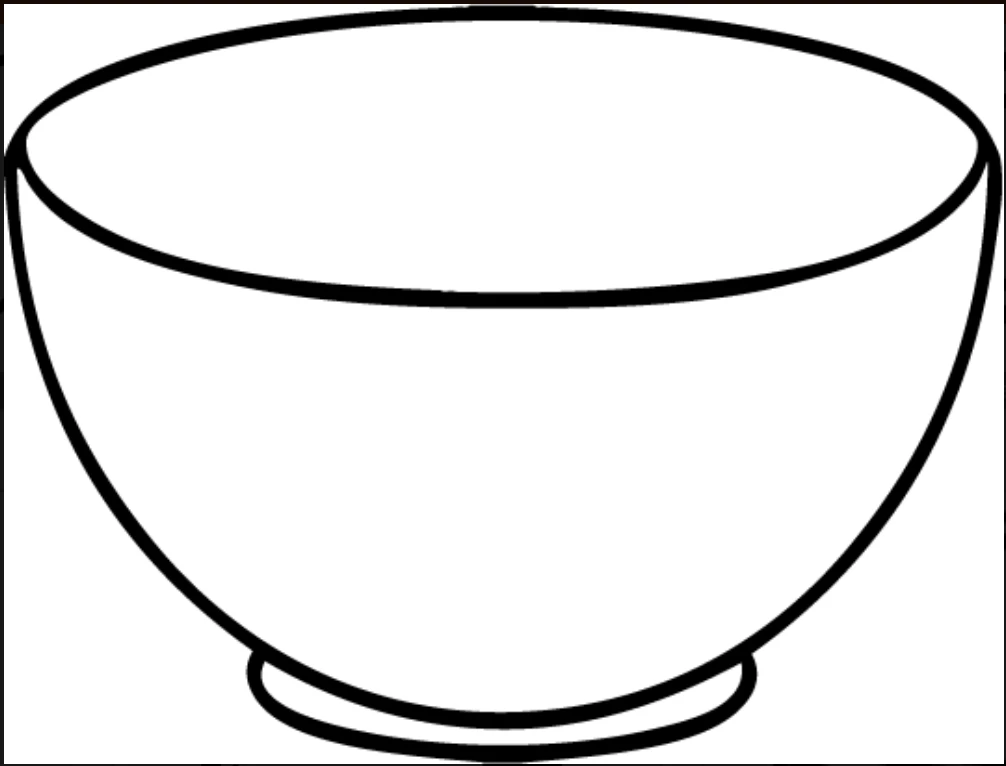
Hi all. I'm trying to create clean line-art pictograms and am completely new to smart shapes/paths. How do I remove parts of these three smart shape ellipses to create a line art bowl (example below) in Photoshop?
 

{Thread renamed by moderator}

이 주제는 답변이 닫혔습니다.

2 답변

Chuck Uebele
Community Expert
Community Expert
January 28, 2020

In your example, select the circle with the path selection tool (black arrow) copy it, then select the base elipse layer and paste the circle into it. With the path selection tool selected go to the menu and in the drop down select "Subtract front image." Then select both paths - the base and the circle that are on the same layer and select combine shapes from the same drop down menu. Then select the eclipse at the center of the circle and copy it. Paste it into the circle layer. Use the direct selection tool (white arrow) and drag the top part of the elipse outside of the circle, keeping the end side anchors where they are. Do the same as the previous: select subtract front shape, then combine the shapes.

Sahil.Chawla
Adobe Employee
Adobe Employee
January 27, 2020

Hi there,

You can edit the path in Photoshop, try adding anchor points on both ends where the line touches the bowl using the Pen Tool and then select segment of the path you want to remove using the Direct Selection Tool and hit backspace on the keyboard to delete it.


Let us know if it helps.
Regards,
Sahil