Resuelto

Este tema ha sido cerrado para respuestas.
The shape tools are here:
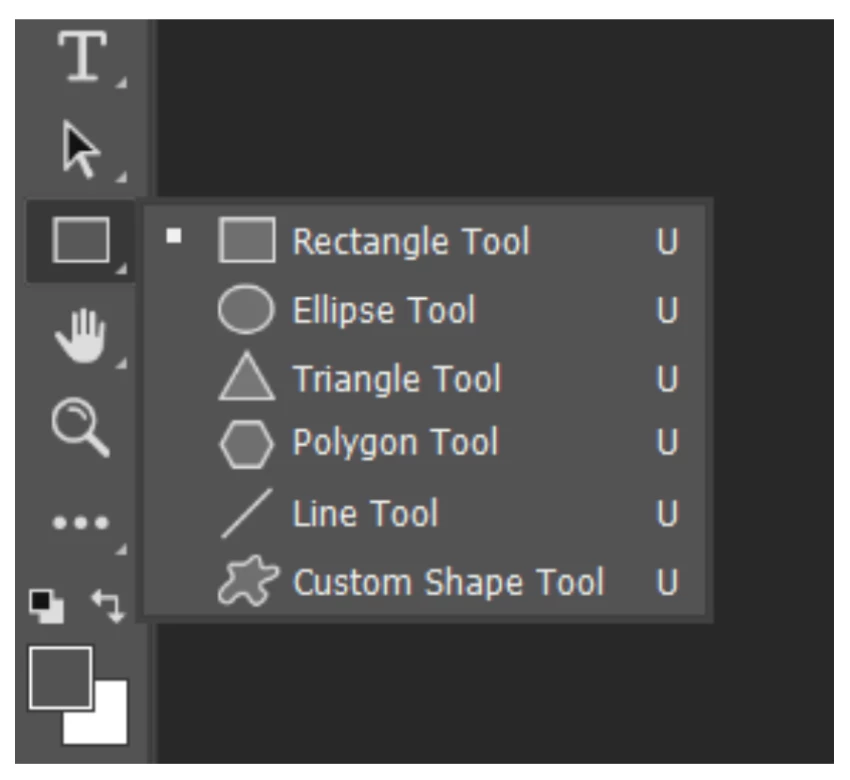
- First draw a Rectangle. In the Properties panel, format it to have white fill, black stroke, rounded corners. Details here:
https://helpx.adobe.com/photoshop/using/drawing-shapes.html - Second, type your text. Format it using the Character panel (Window menu) and the Type tool. Move it with the Move tool. Details here
https://helpx.adobe.com/photoshop/using/add-edit-text.html
See Derek's screenshot and note that the rectangle and text are on separate layers.
Jane


Enter your E-mail address. We'll send you an e-mail with instructions to reset your password.
 AdChoices