mark_proulx
New Participant
November 16, 2022
Answered

How to draw an irregular, configurable path?

  • November 16, 2022
  • 2 replies
  • 1810 views

Does there exist a way to create an irregular spline-like path that one could subsequently "nudge" into the desired contour, then stroke with a dashed pattern?  I've searched for help and tutorials on the subject, but have come up empty.
This topic has been closed for replies.
Correct answer Imaginerie

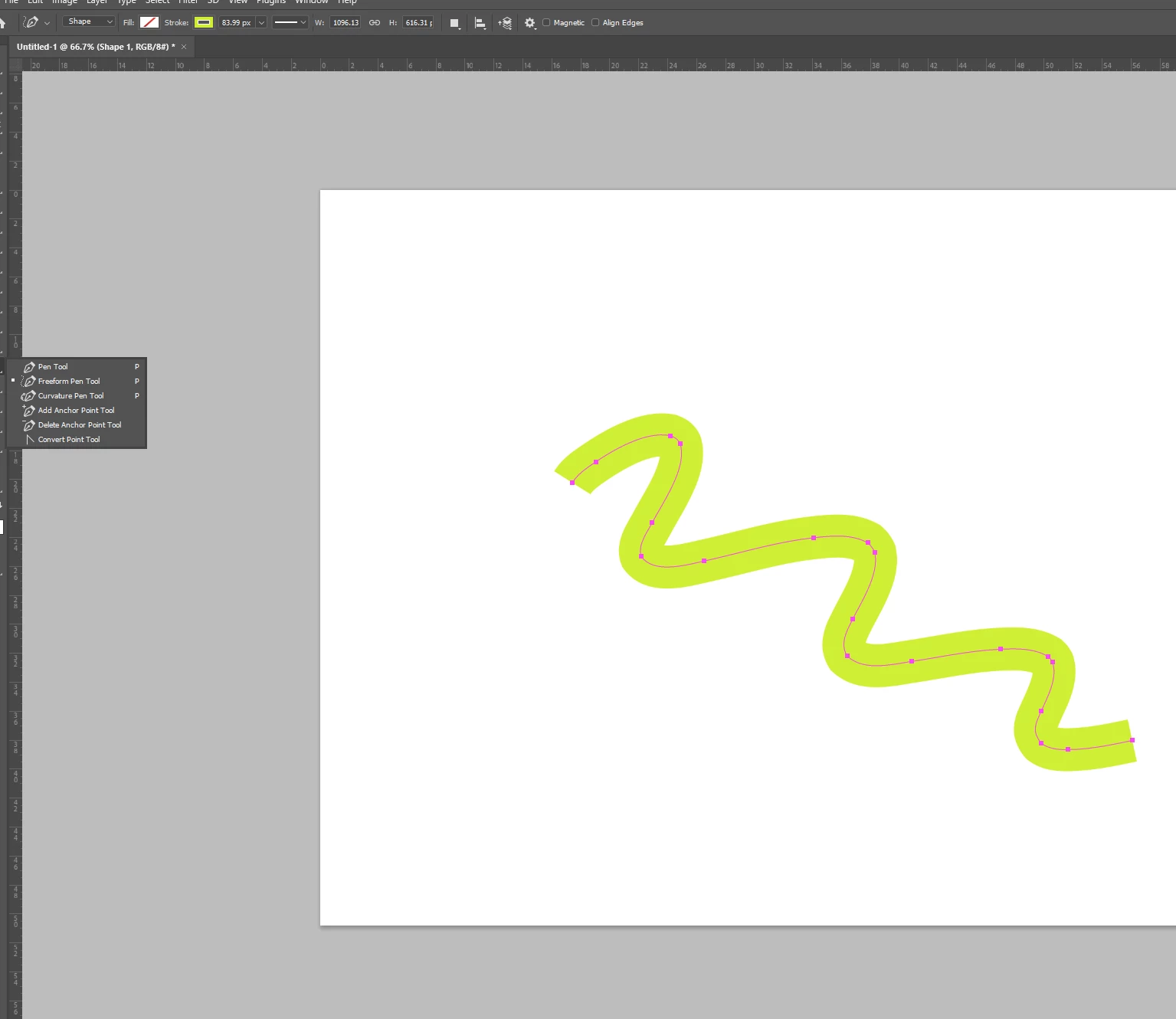
I am not sure I understand the question but one way to draw an irregular path in photoshop is to use the free-form pen tool, like in this screenshot


note the drop down menu that says "shape" in the contextual banner on top.
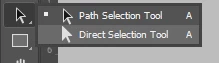
To nudge it you need to use the direct selection tool

The white arrow


the black arrow being used to move the whole path, not the individual nodes.


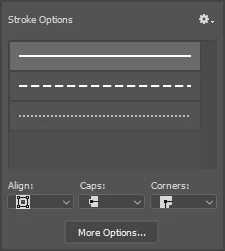
To create the dash line, change the continuous line on the top contextual menu to "dash", check the options from there...

Not sure if that's what you wanted, let me know!

2 replies

pixxxelschubser
Community Expert
November 16, 2022

@mark_proulx 

Honestly, I don't even begin to understand what you are trying to do.


Can you please show an example picture or sketch?

mark_proulx
New Participant
November 16, 2022

Thank you for responding.  I apologize if I came across as cryptic; this was certainly not my intent. Take a look at Imaginerie's response above; they appear to have nailed it.

Imaginerie
ImaginerieCorrect answer
Community Expert
November 16, 2022

I am not sure I understand the question but one way to draw an irregular path in photoshop is to use the free-form pen tool, like in this screenshot


note the drop down menu that says "shape" in the contextual banner on top.
To nudge it you need to use the direct selection tool

The white arrow


the black arrow being used to move the whole path, not the individual nodes.


To create the dash line, change the continuous line on the top contextual menu to "dash", check the options from there...

Not sure if that's what you wanted, let me know!

mark_proulx
New Participant
November 16, 2022

This appears to be what I'm trying to accomplish.  I will give it a go tonight and report back. Regardless, many thanks for taking time to post such a constructive reply.

Imaginerie
Community Expert
November 16, 2022

You're most welcome. Please report back!