Participant
December 17, 2023
해결됨

How to remove the watermark from Kyle´s inkbox brushes in the Megapack

  • December 17, 2023
  • 1 답변
  • 945 조회

A watermark "Kyle I" shows up in my drawings when I try to use Brushes from the Inkbox on my iPad. Is thera anyone that knows why and how to correct this?


With best regards

Ronni
이 주제는 답변이 닫혔습니다.
최고의 답변: jane-e

@Ronni34163898es7u 


I just downloaded the Kyle's Inkbox from the Megapack to test for you and am not getting the Watermark. Can you share a screenshot?


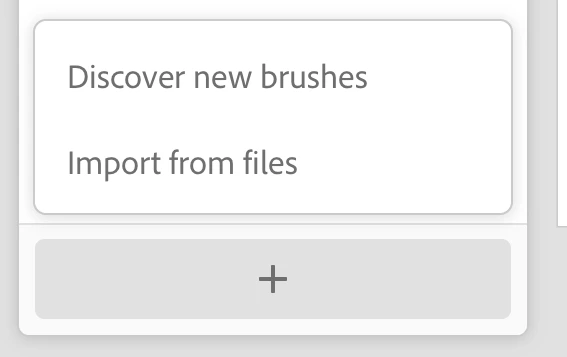
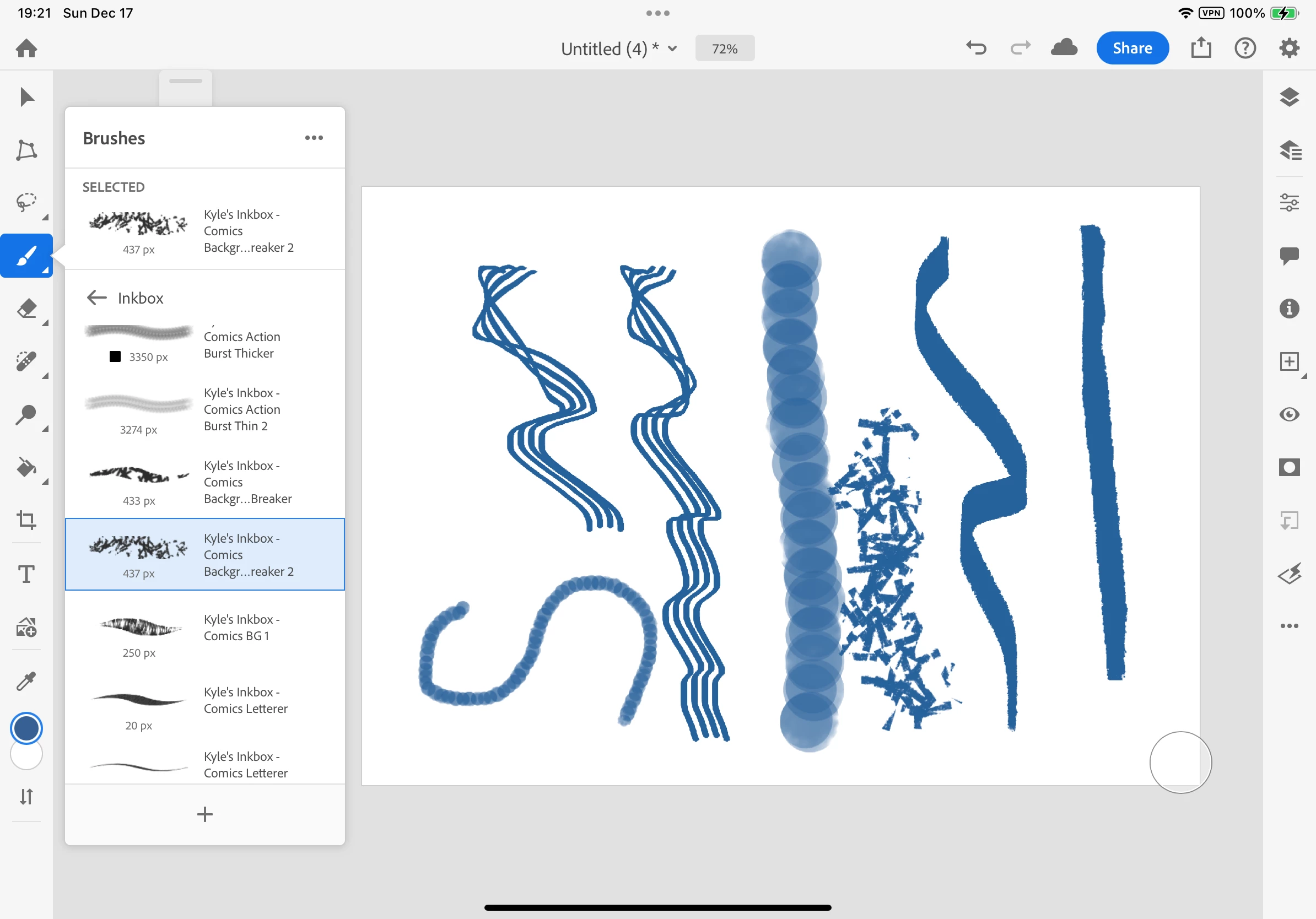
Did you start by clicking the + sign at the very bottom of the Brushes panel (visible in my screenshot)? I clicked it twice:

  • the first time to go to Kyle's website where I downloaded the ABR file to my Downloads folder (Discover New Brushes) 
    and
  • the second time to extract the ABR files from Downloads (Import from Files).


Jane

1 답변

jane-e
Community Expert
jane-eCommunity Expert답변
Community Expert
December 18, 2023

@Ronni34163898es7u 


I just downloaded the Kyle's Inkbox from the Megapack to test for you and am not getting the Watermark. Can you share a screenshot?


Did you start by clicking the + sign at the very bottom of the Brushes panel (visible in my screenshot)? I clicked it twice:

  • the first time to go to Kyle's website where I downloaded the ABR file to my Downloads folder (Discover New Brushes) 
    and
  • the second time to extract the ABR files from Downloads (Import from Files).


Jane

Participant
December 18, 2023

I tryed to reinstall the brushes, but it does'nt help. The watermark shows if i put a drawinglayer under the layer with Inkbrushes used.

jane-e
Community Expert
Community Expert
December 18, 2023

@Ronni34163898es7u 


Can you show your Layers panel so I can try to reproduce the error?


Jane