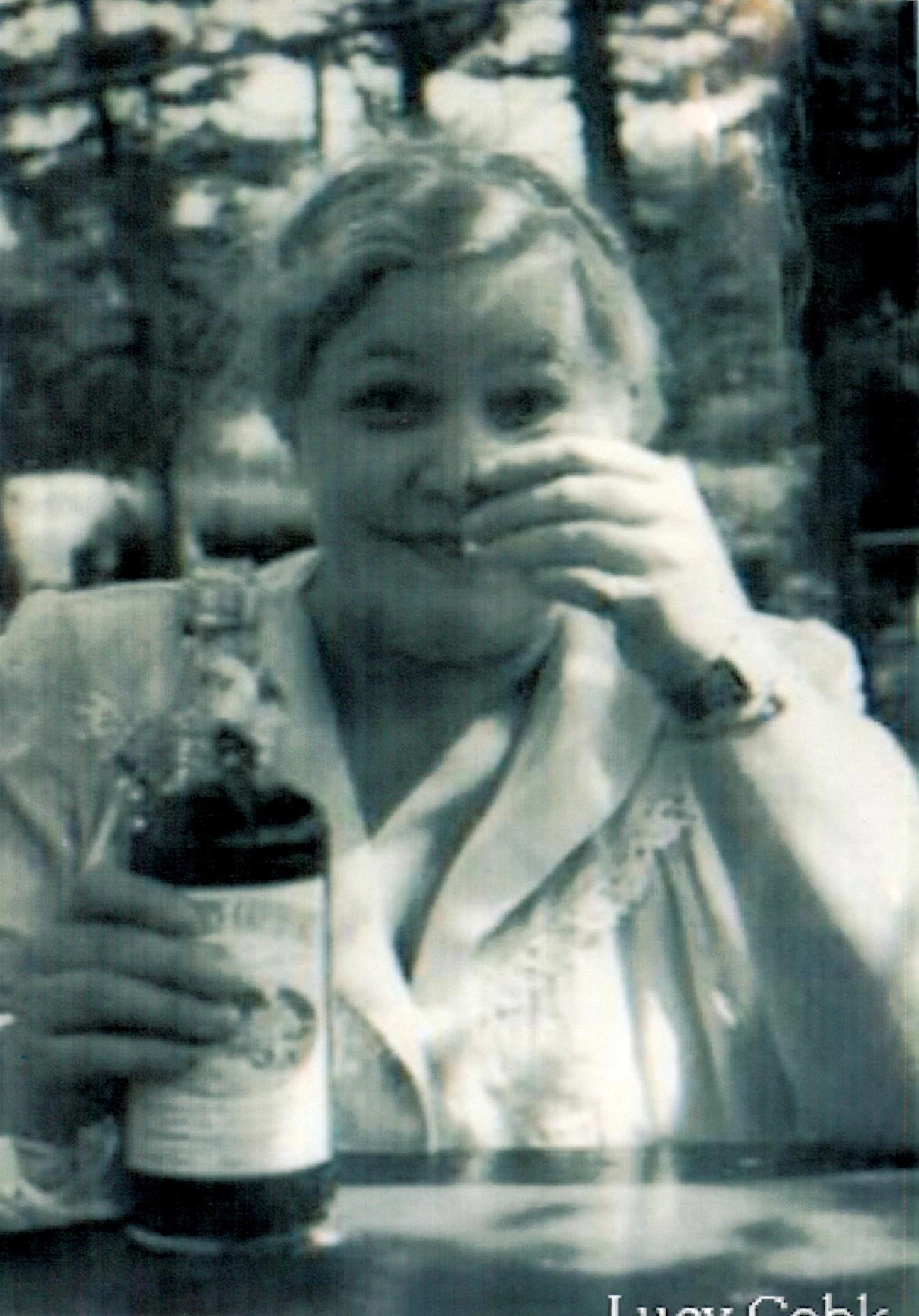
This is a difficult photo and no matter what you do it will be tedious and far from perfect.
Make 2 duplicates of the image: copy 1 and copy 2.
In copy 1, Filter > Blur > Gaussian Blur, somewhere between 1 - 10, depending on the resolution of the image. The idea is to minimize the lighter streaks, even though the image will be degraded. I copied the image from your post and used 10 because the image is low res and also because the banding is so extreme.
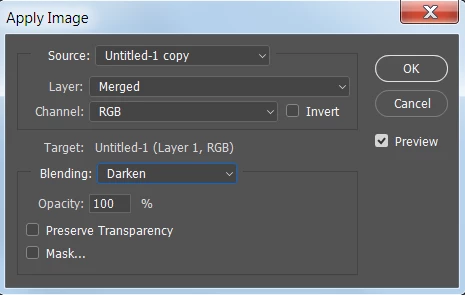
Go back to the original image. Image > Apply Image. Apply copy 1 using Darken mode.
Now go to copy 2, and use a Curve to darken the highlights.
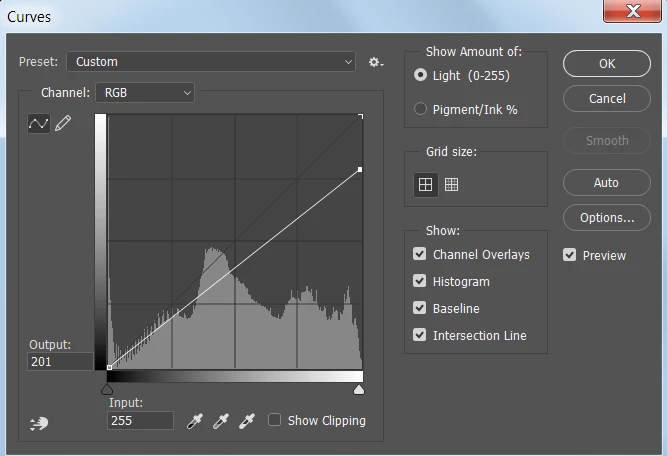
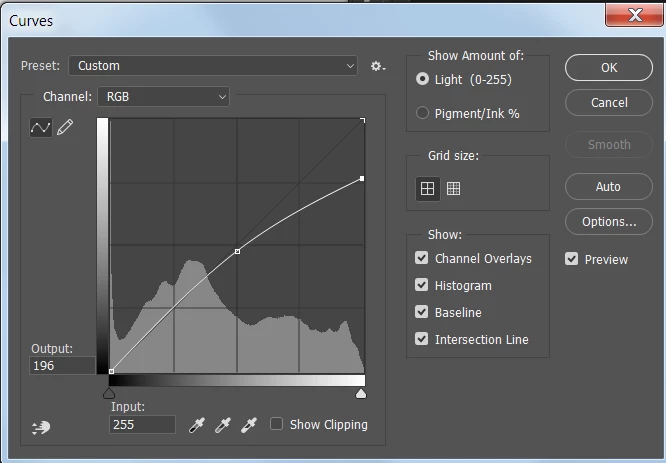
Still in copy 2, Filter > Noise > Dust and Scratches. Use the same radius that you used earlier for the Gaussian Blur.
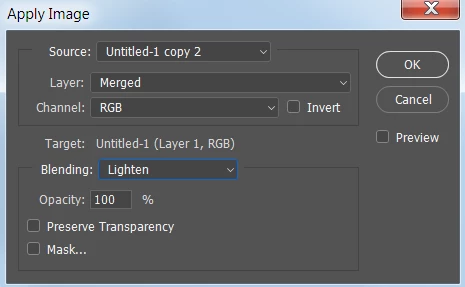
Go back to the original image. Image > Apply Image. Apply copy 2 in Lighten mode.
Select small areas one at a time and use content aware fill and use the Patch tool to remove the more prominent streaks in the face.
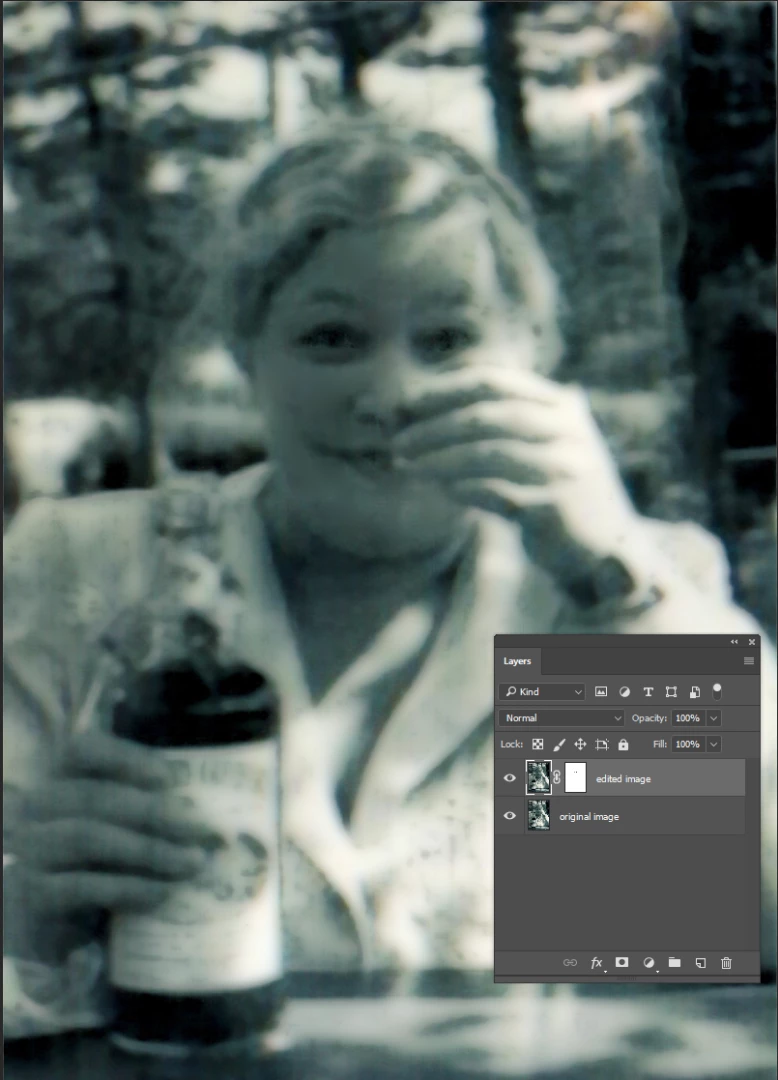
With the original on the bottom layer and the edited version on top, you could add a layer mask and hide areas like the eyes to bring back some sharpness.
You would end up with something like this:
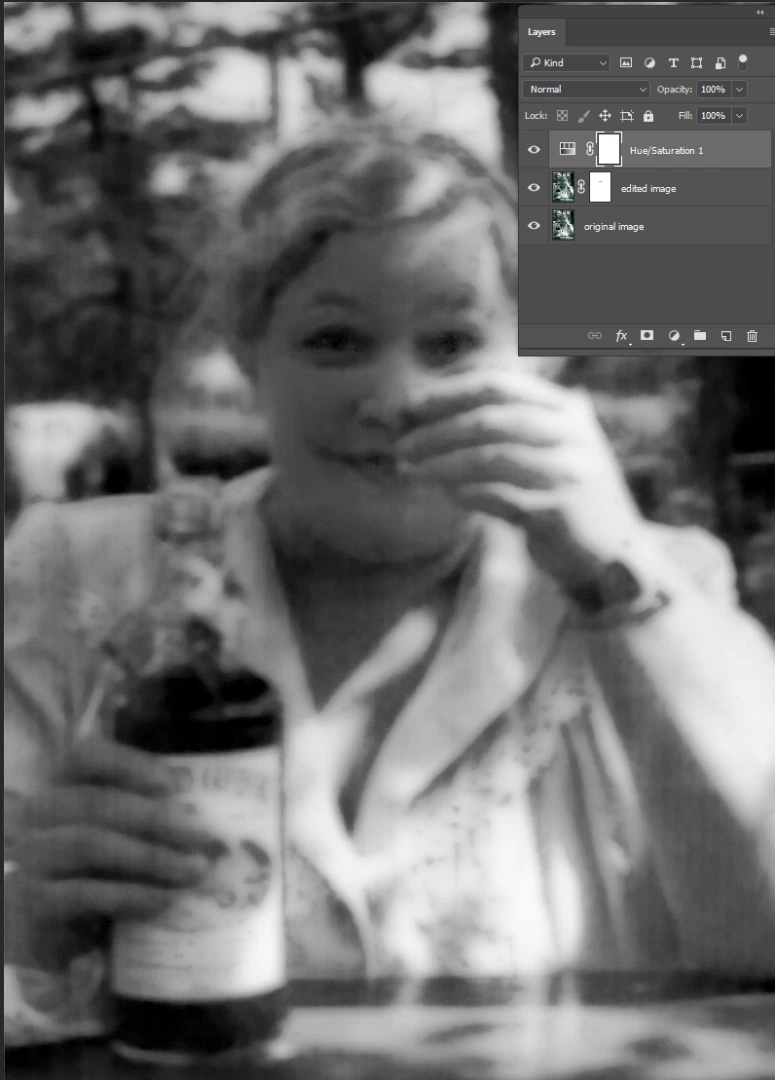
Desaturating the image would help.



 AdChoices