

Participant
January 12, 2023
질문

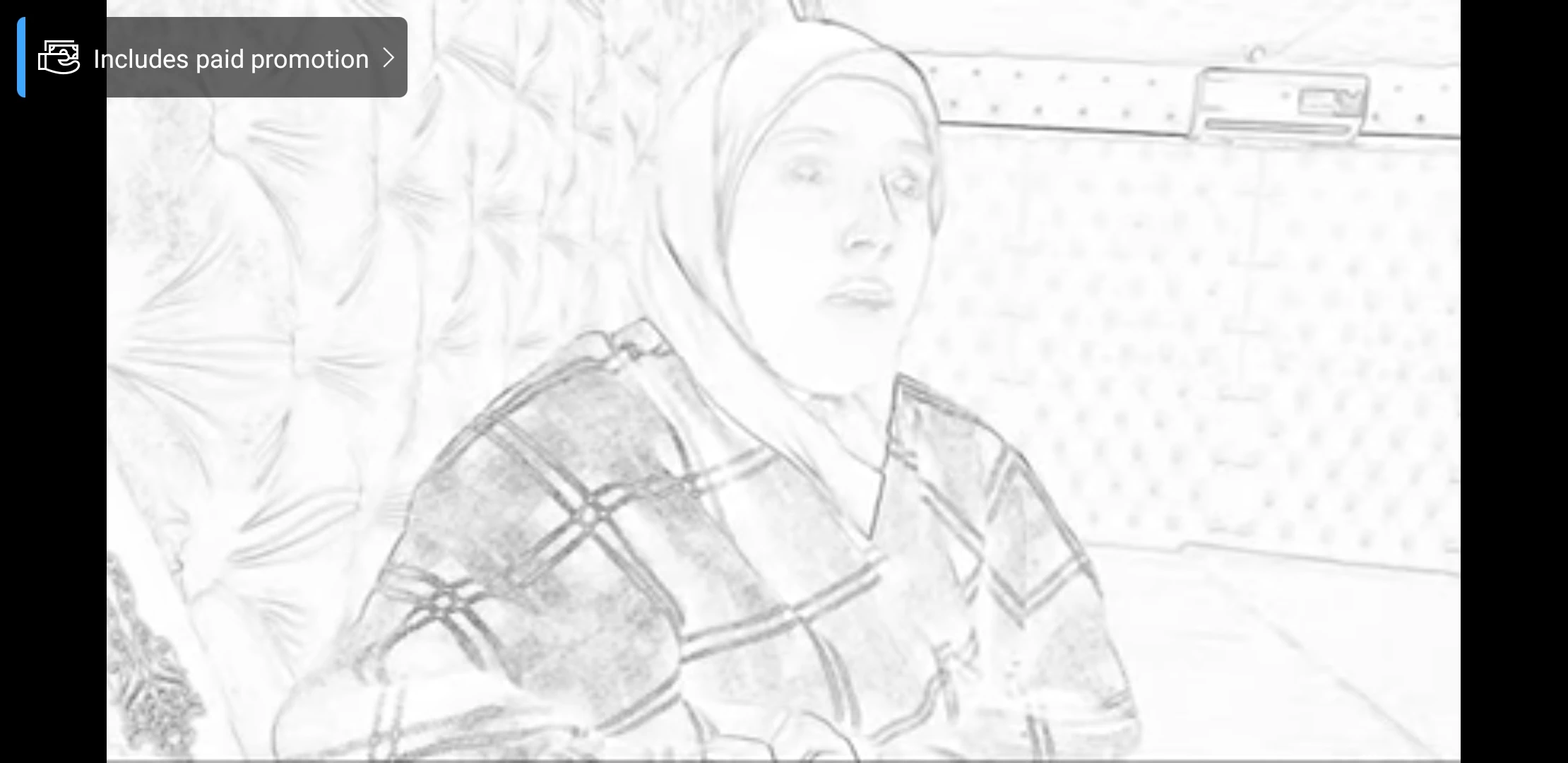
How to undo an effect applied on picture?
  • January 12, 2023
  • 3 답변들
  • 1644 조회

 I tried inverting black and white, it didn't work!! Any expert here to help😉

If you know any app/software that can do that. Thank you 

이 주제는 답변이 닫혔습니다.

3 답변

Trevor.Dennis
Community Expert
Community Expert
January 12, 2023

Where did the original come from?

Is it still on a camera memory card?

Is it on a backup drive? 

Was it one of a series images taken at the same time, and if yes, could you use one of those, or composite parts of one of those?

Is there a hard copy you couls scan?


The bottom line here is that is a radical effect and most of the original has been removed for ever.

Heey, I don't suppose the layer is a Smart Object?  Double click if it is, and you are probably home dry.

Bojan Živković11378569
Community Expert
Community Expert
January 12, 2023

If you have only one layer and file is saved over original then you do not have data from previous state or original. The only hope is if destination source is supporting version history like when you save in CC cloud as shown on screenshot below. If thats the case then go to File > Version History.

Leslie Moak Murray
Community Expert
Community Expert
January 12, 2023

If the file is still open in Photoshop, you can go Edit>Undo and/or Edit>Step Backward until it's undone.

Participant
January 12, 2023

Unfortunately, I closed PS and saved over the original by mistake!!