dano85255774
Participating Frequently
November 24, 2021
해결됨

I have a gray blank screen that will not go away

  • November 24, 2021
  • 2 답변들
  • 2845 조회

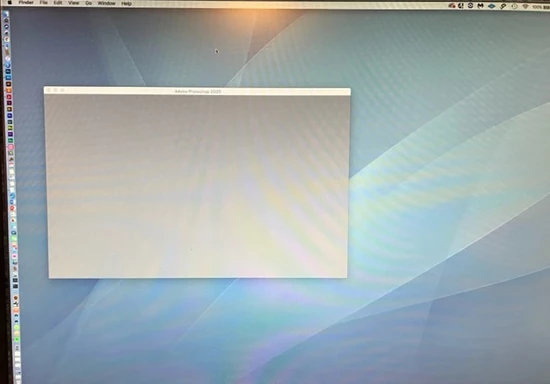
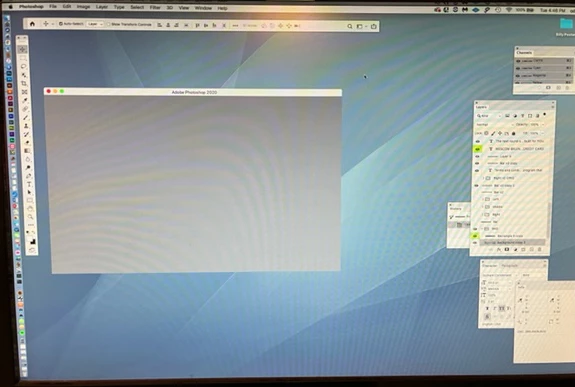
I have a gray blank screen that will not go away.  I have tools undocked and this screen is always open.  When I click on the desktop to go out of Photoshop it always there.


How do I eliminate it?


이 주제는 답변이 닫혔습니다.
최고의 답변: J453

Hello. I appreciate the efforts shown here on the board.


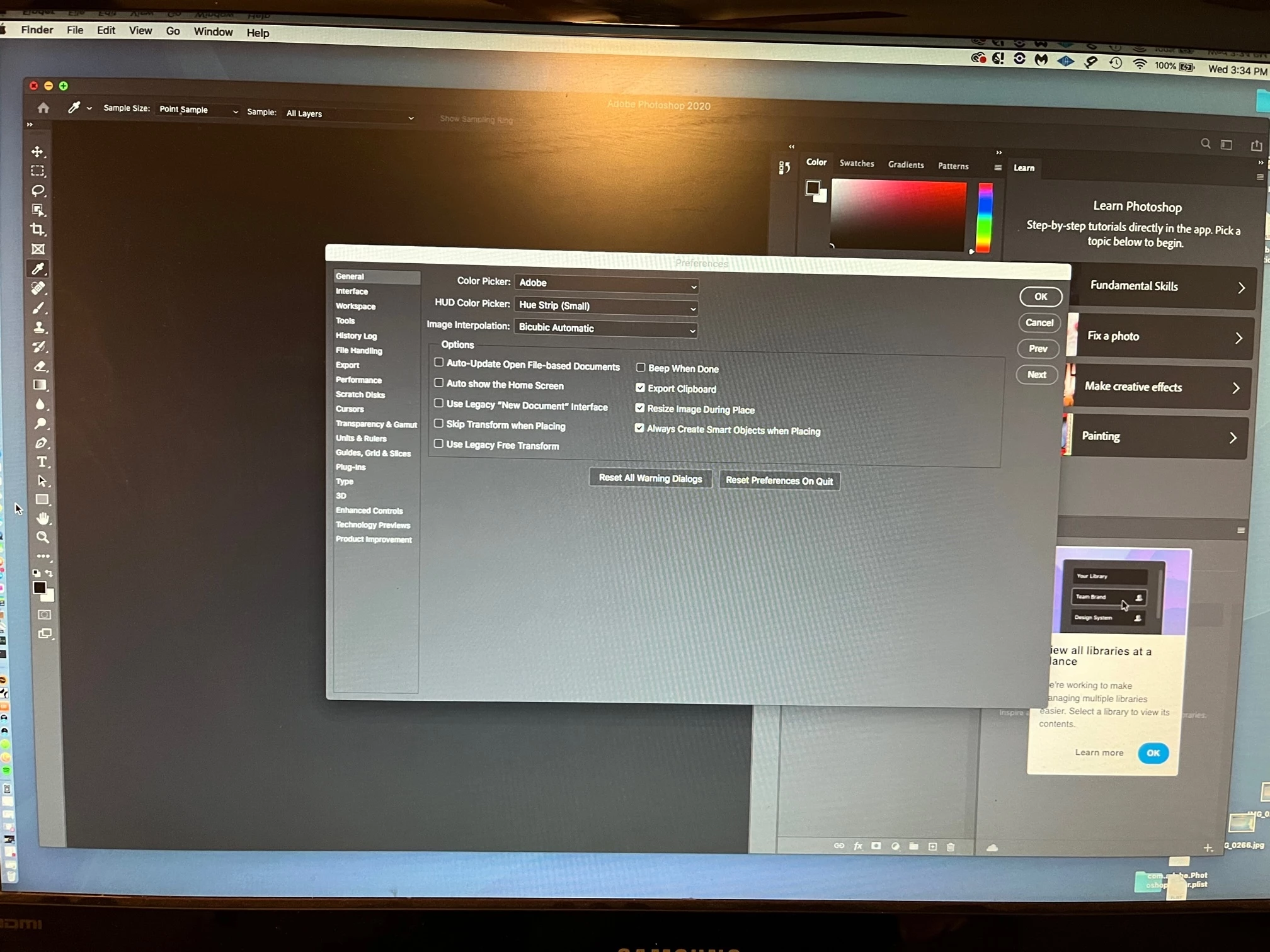
I did this and the home stills stays.  See images. Note that arrow is pointing Finder. I have clicked on Desktop to go out of Photoshop and the Home page is still there.  I have to click the red button each time.
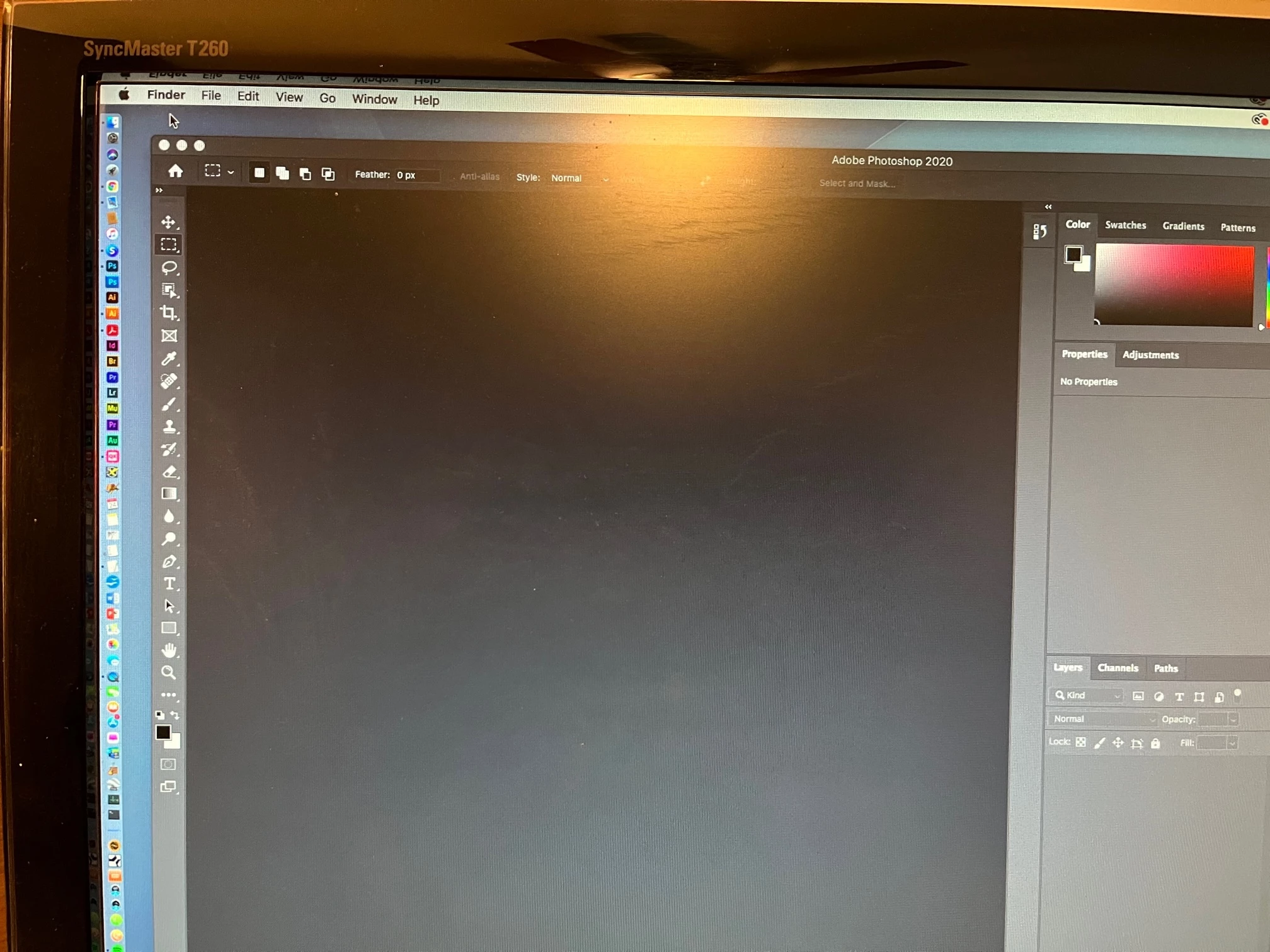


Are you referring to the Application Frame? 


Go to Window > Application Frame so it's unchecked.

2 답변

Legend
November 24, 2021

You're running Photoshop 2017? 


Go to Edit > Preferences > General... and uncheck "Show Start Workspace when no documents are open"

dano85255774
dano85255774작성자
Participating Frequently
November 24, 2021

Hello


I tried that on 2017 and 2020 and the panel is still there.


dano85255774
dano85255774작성자
Participating Frequently
November 24, 2021

Could it be a Library Pref problem


c.pfaffenbichler
Community Expert
Community Expert
November 24, 2021

https://www.take-a-screenshot.org


Does turning off »Use Graphics Processor« in the Performance Preferences (Photoshop > Preferences > Performance > Graphic Processor Settings) and restarting Photoshop have any bearing on the issue? 

Does turning on »Deactivate Native Canvas« (Photoshop > Preferences > Technology Previews) and restarting Photoshop have any bearing on the issue? 

dano85255774
dano85255774작성자
Participating Frequently
November 24, 2021

Hello


Thanks for the info.  It did not remove it.


When I open a job it opens another window, this one seems to be a dock. It always says "Adobe Photoshop 2020" on the header


dano85255774
dano85255774작성자
Participating Frequently
November 24, 2021

In Photoshop CS5 it does not do this.


In Photoshop 2017. It says- Show Start Workspace When No Documents are Open.  I have that unchecked and it still shows workspace