
Question
Image appears 'hidden' in Photoshop when select 'edit as smart objects in Photoshop' -22.4.0 release
Ive come across an issue when either trying to edit an image from Lightroom to 'open as smart object in Photoshop', or trying to launch an image direct from my files. The PS screen is black which looks like no image is present, but when (for example) magnify or reduce the size of the image, I see it is there (it flashes and appears), then goes back to the black screen as if I have no images present.
You can see from my Layers panel, that the image is present. This has only started happening. It was fine the other day. Im using a MacBook Pro M1 and the 22.4.0 version of Photoshop. What do I need to do to get it working normally?? 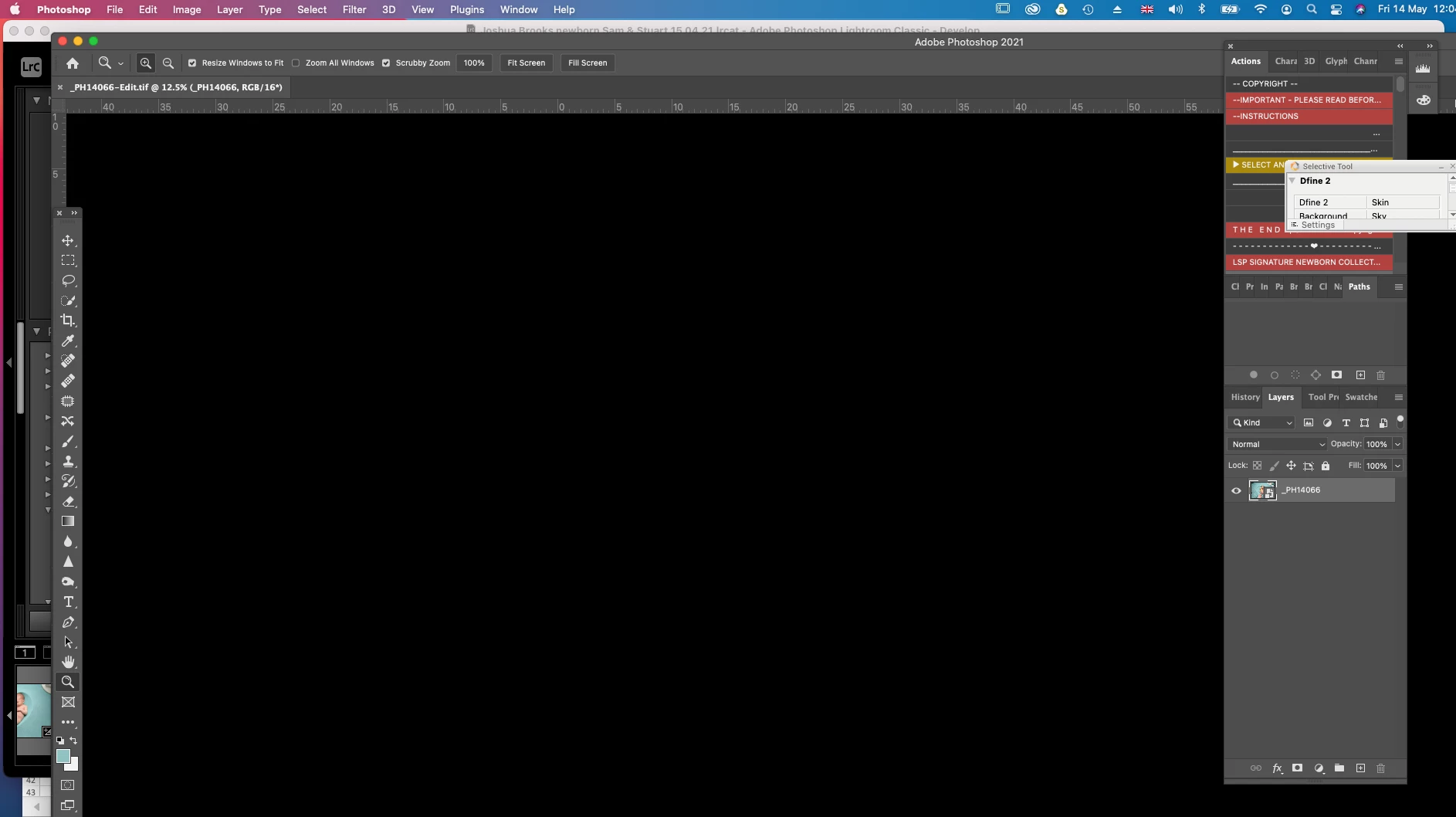
 AdChoices