Copy link to clipboard
Copied
Hi, I am using Image Processor Pro in Photoshop20.0.1, MacOs Mojave.
I have been having problems with running actions from the Image processor. Whenever I run the same action through Batch - automate running the whole folder it works. However when I am trying to run the same action through the image processor I get an error message. First it ran the action on some of the files from the folder, but not all of them, but on the second attempt none of them get processed at all.
What I am doing is converting pdf files into a jpg and then running an action on them:
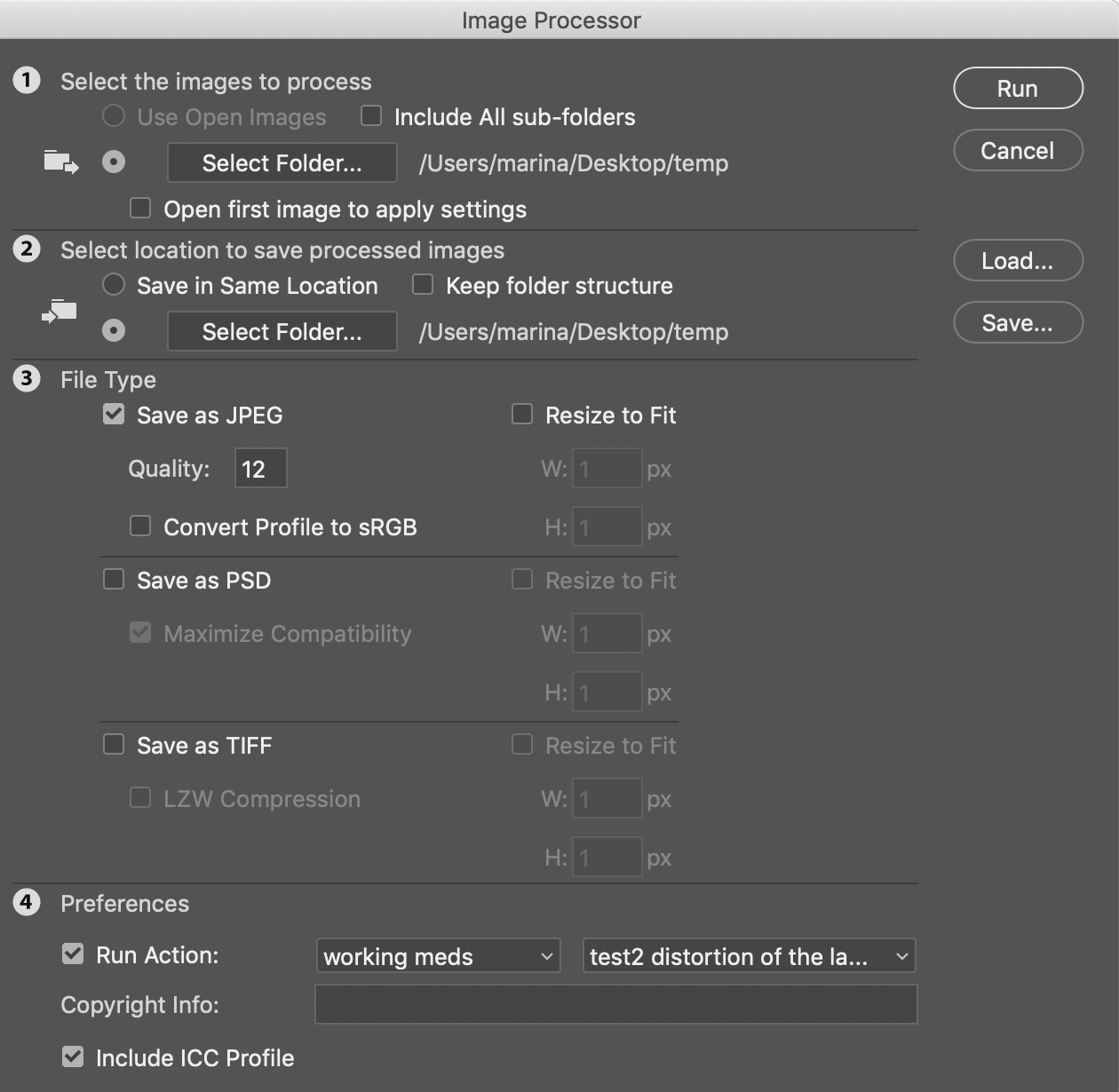
And I always get this error message:

What could be the reason and how can I fix it?
Thank you!

Copy link to clipboard
Copied
Hello, could you post a screenshot of the action's steps?
I see that the file is a PDF, does the action work on the background, on a flattened copy of the image, etc.
Copy link to clipboard
Copied
Yes, the action unlocks the background layer etc to do the necessary steps:


When I do it in two steps, first convert the image and save it and the then run the batch - automate for the folder with the converted images it works. But if I activate this action in the image processor -it does what I showed above.
Copy link to clipboard
Copied
Posting a screen capture of an action with all steps collapse is like posting the table of contents for a book we see a crude outline of repetitive events but have no about the events. The message most likely is not from the action I do see some Place steps so the action does process files however we have not idea if any of the place steps is trying to use that file in the message. The files is a PDF so its most likely a file you want the Image processor to process. And the image Processor had a problem with processing that file and generated the message. The problem might be the action failed but we have no details about the actions steps.
Copy link to clipboard
Copied
Sorry my bad I thought maybe the action itself contains some steps which would hinder the process.
What I am confused about is that the action runs smoothly if I run it through the folder with already converted files (pdf to jpg, so on a folder with the jpg files) but does not run when I add it into the Image processor. I have to produce several thousand images so I am really trying to make it work without this step inbetween that creates files that I change later.
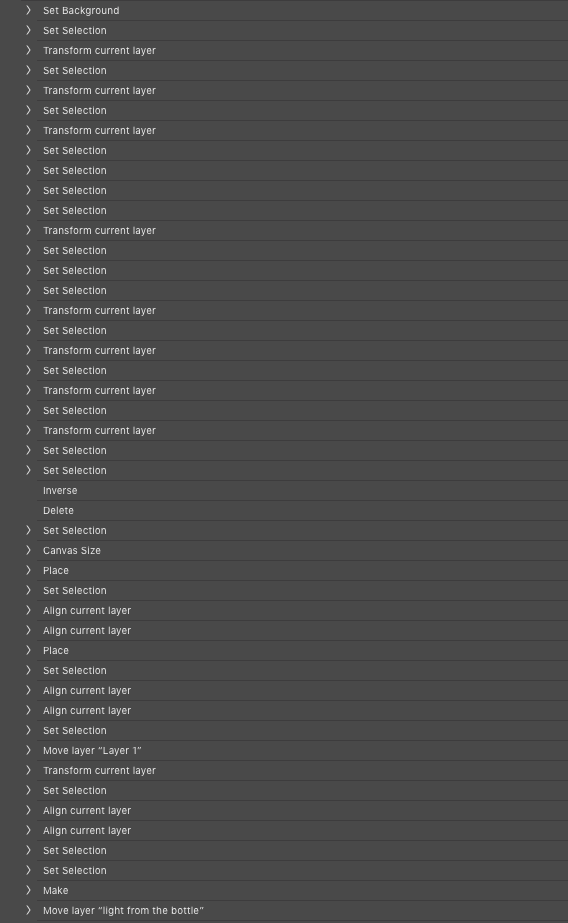
The action looks like this:

Thank you for looking into it!
Copy link to clipboard
Copied
As I wrote I do not process PDF files with Photoshop. The Action is also a strange action to use with the image process. I hope all your PDF open the same size as the way the action manipulates the PDF content is reducing the size adding adds can canvas resize select of the pdf warps the content then add canvas to to the width and height change from a wide aspect ratio document to a portrait like document the places two files I believe "light from the bottle" and "just bottle" so the message is not from place but from Images processor.. The actions end with a save the document the action was working on most like is a duplicate on the pdf the Image Process opened and duped created. If that is the case there would be not backing file Save would be switch to save as. If the document was your opened PDF the document now has layers would save work for are PDF if there are layers? Do you actually want to overwrite your PDF? Actions use with Images Processors should not have save steps saving image file is the Image Processor role in life scripts can name save files well actions have limited file saving capabilities they can not use logic to name the file being saved.
Copy link to clipboard
Copied
It is an action which I am using to wrap 1000+ identical labels over the same bottle for a project at work. The labels are all automatically generated as pdf files of the same size. It also saves the generated images in a separate folder, not overwriting the original files.
After restarting my photoshop the action started working, so I guess I will never know what the problem actually was.. but thank you for help!
Get ready! An upgraded Adobe Community experience is coming in January.
Learn more