
Answered
Import photo and is pixelated
I import a hi-res photo into my workspace and it comes out pixelated. Looks awful. Looks awful after exporting as well. Here's some examples:
Before import:
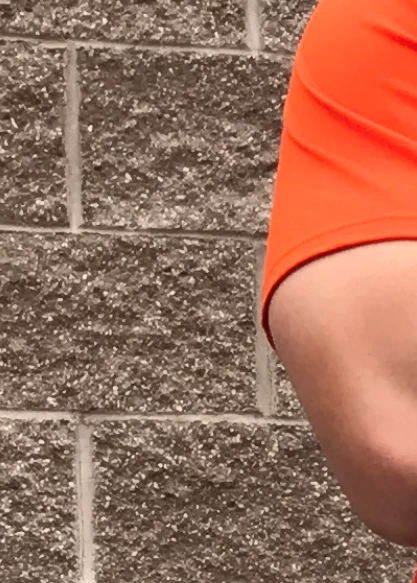
After import
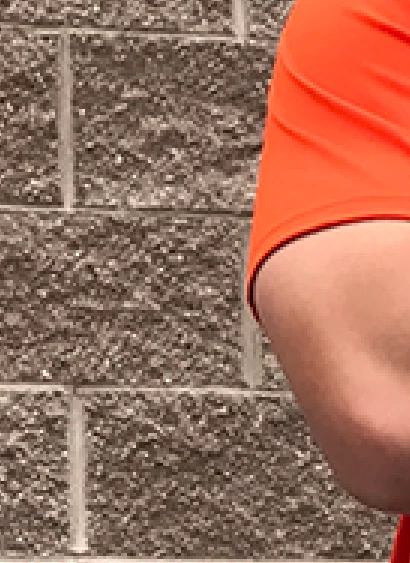
Checked the cache and it is set to 4

I import a hi-res photo into my workspace and it comes out pixelated. Looks awful. Looks awful after exporting as well. Here's some examples:
Before import:
After import
Checked the cache and it is set to 4
melissapiccone All I did was drag from file explorer and drop it into PS. Literally that's it. I just created a new document and set it at 3000x3000 pixels, dropped it in, and it looks better, almost like the original.
You can't work this way. Open the file properly. It's just a double-click.
...ah, I get it. By dragging you've opened as a Smart Object, at a smaller dimension. Which you shouldn't until you know how Smart Objects work, QED.
Already have an account? Login
Enter your E-mail address. We'll send you an e-mail with instructions to reset your password.
 AdChoices