
Question
iPad photoshop glitched my sky replacement
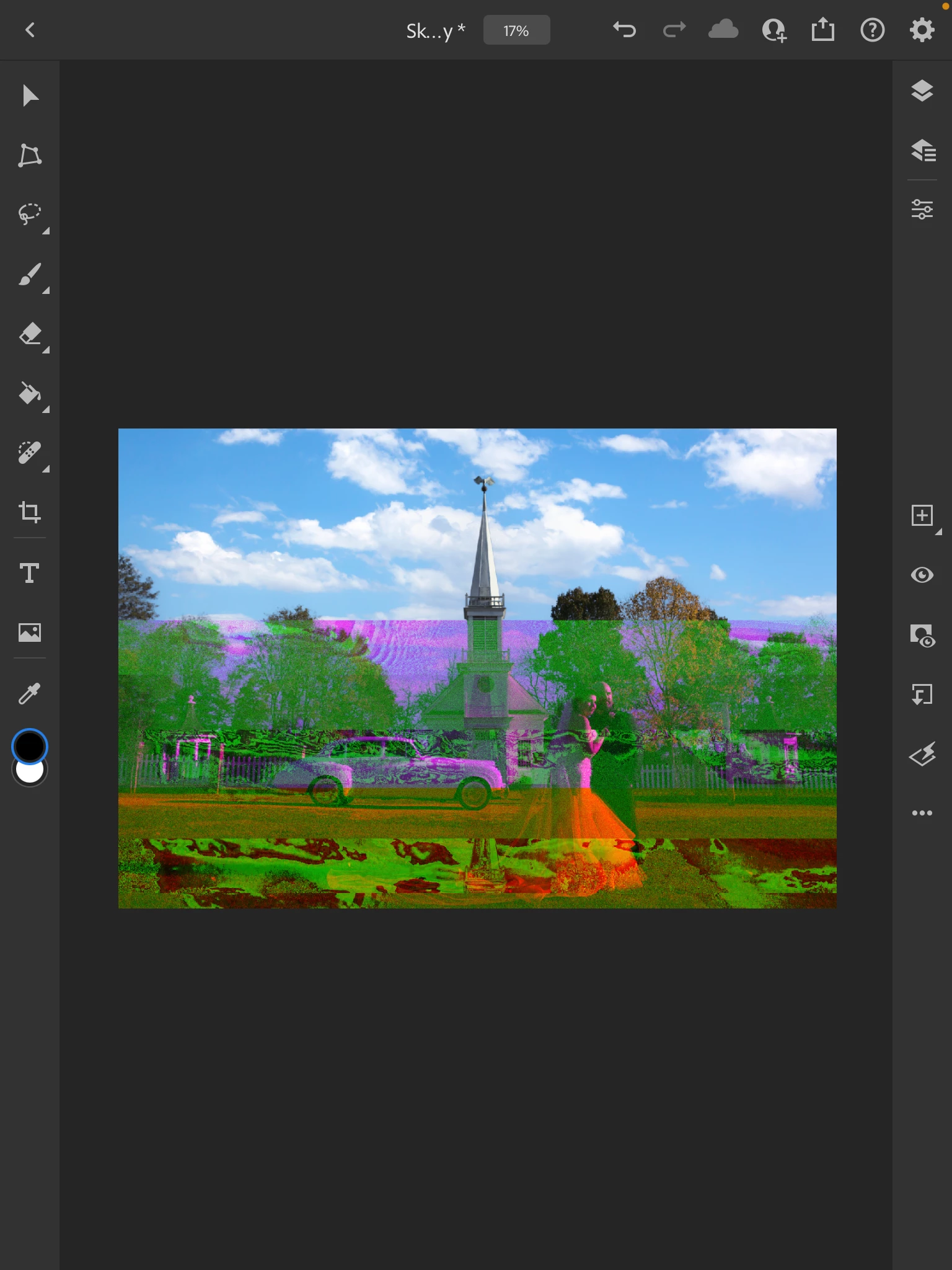
I replaced the sky on my computer, and everything looked fine. Then I loaded it into the iPad version of Photoshop to do some specific dodging and burning to the background and subject, and when it loaded in, it looked like this.The problem is specifically with the replaced sky layer; when I hide that layer, the problem disappears. It looks perfectly fine on my computer. I'm not sure what the hangup is. How do I fix this? Or can I just not use some of the more advanced features on current iPad photo shop?


 AdChoices