

Is it possible to create a gradient in Photoshop that doesn't lose saturation at the midpoint?
I've noticed that when I create a gradient in Photoshop, the midpoint seems to be less saturated than the two colors used as the endpoints.
For example, in the image below, I created a gradient between colors A and B: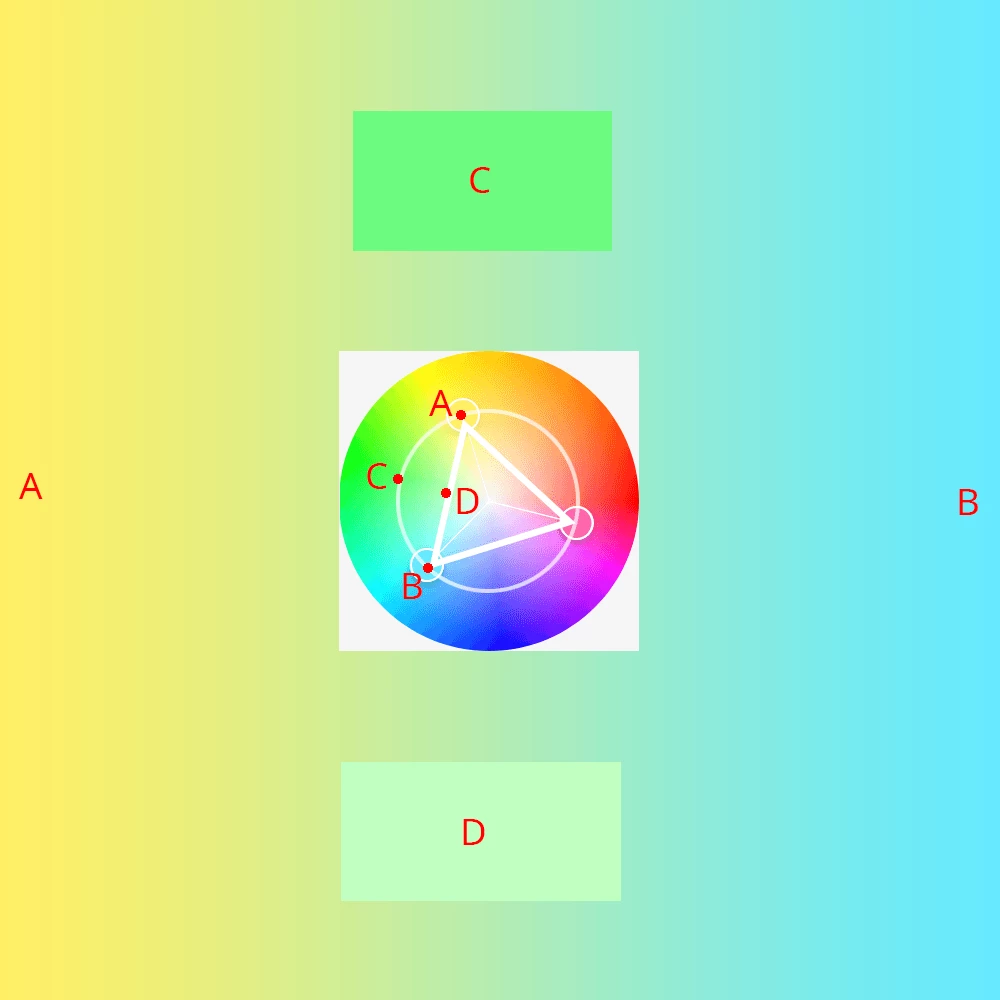
The midpoint color is much closer to D than it is to C.
If you compare these colors to the color wheel in the middle, you can see that D is roughly on a midpoint of a straight line between A and B. I don't know if Photoshop actually computes the gradient between two colors with a straight line through color space in this way, but it seems to be something like this, given that the results match.
What I'd like to do is have a midpoint closer to color C, which represents a position on an arc between the two colors. What defines the arc is that the saturation level staying constant.
Is it possible to create gradients in Photoshop where the midpoint will be determined by the most consistent saturation?
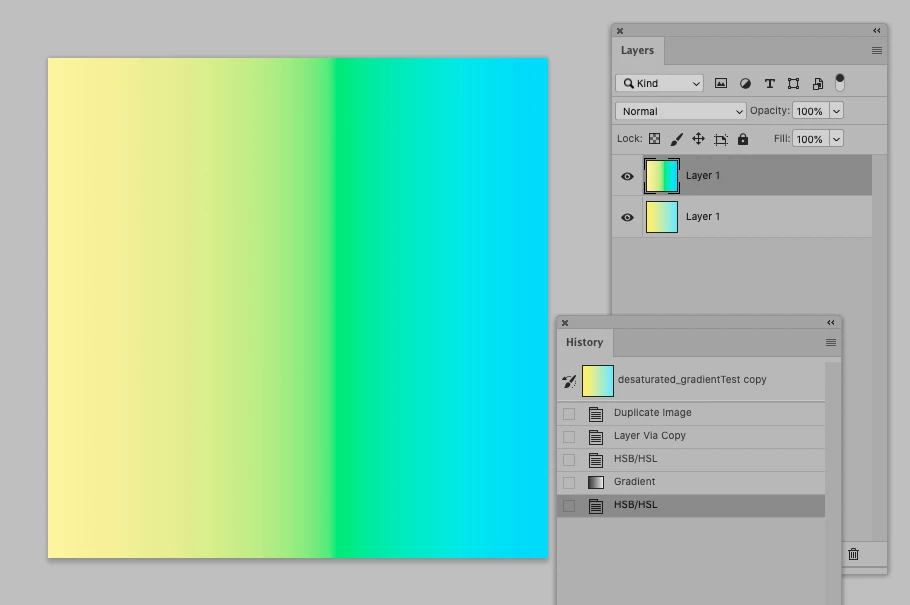
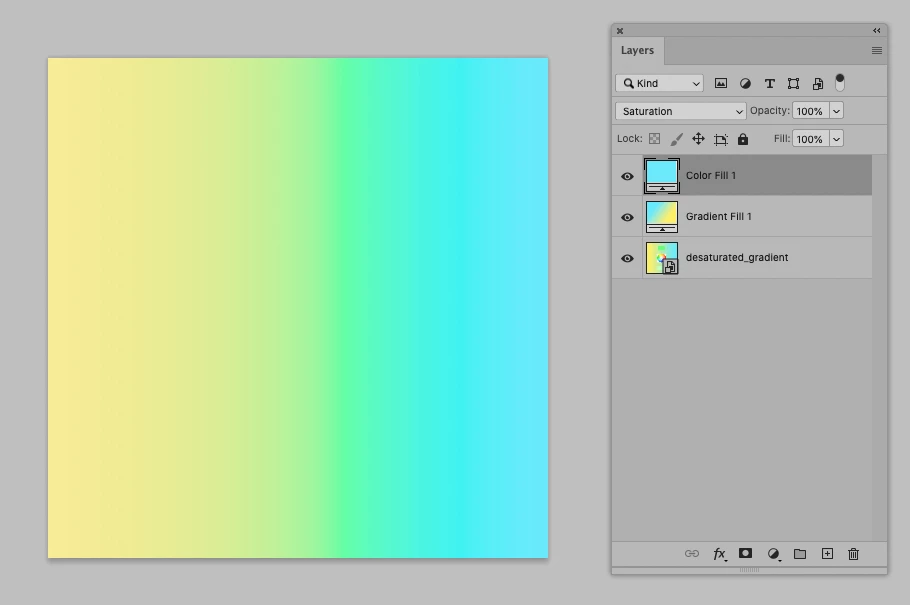
Note: This can be done somewhat manually by adding more stops in a gradient, but, if the two end colors are not already very close in terms of saturation, it gets harder for a human to select the right levels in between. An algortithm should be able to do a much better job of arcing through color space.
 AdChoices