



질문
Is There A Hotkey to Move RGB Sliders Proportionately?
In Illustrator on a Mac, if you hold SHIFT and move one of the RBG sliders (R or G or B), the other two move proportionately. Is there a way to do this same thing in Photoshop?
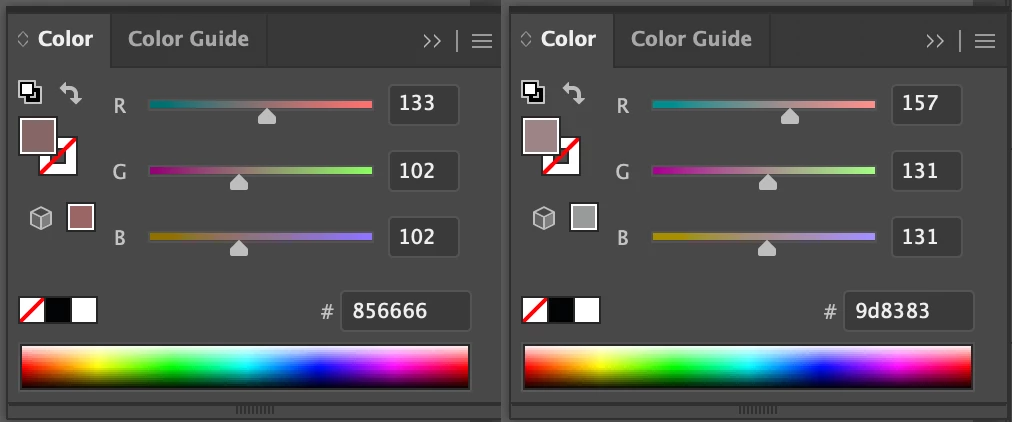
This is very useful for keeping colors in harmony as you darken or lighten. I manually do this while painting all the time, but the trick is you have to move all three sliders by estimation of their relation. Example below was created in Illustrator super fast using the SHIFT + move G slider. It would take much longer in Photoshop having to eyeball the sliders:

Slide from BASE COLOR to color to RIGHT. This show the proportional sliders I am talking about. See below:
Any and all help is much appreciated!-
Shawn
 AdChoices