



sushicat12
Known Participant
March 5, 2018
질문

Jpeg's & Png's Opening up Weird in Photoshop

  • March 5, 2018
  • 3 답변들
  • 3330 조회

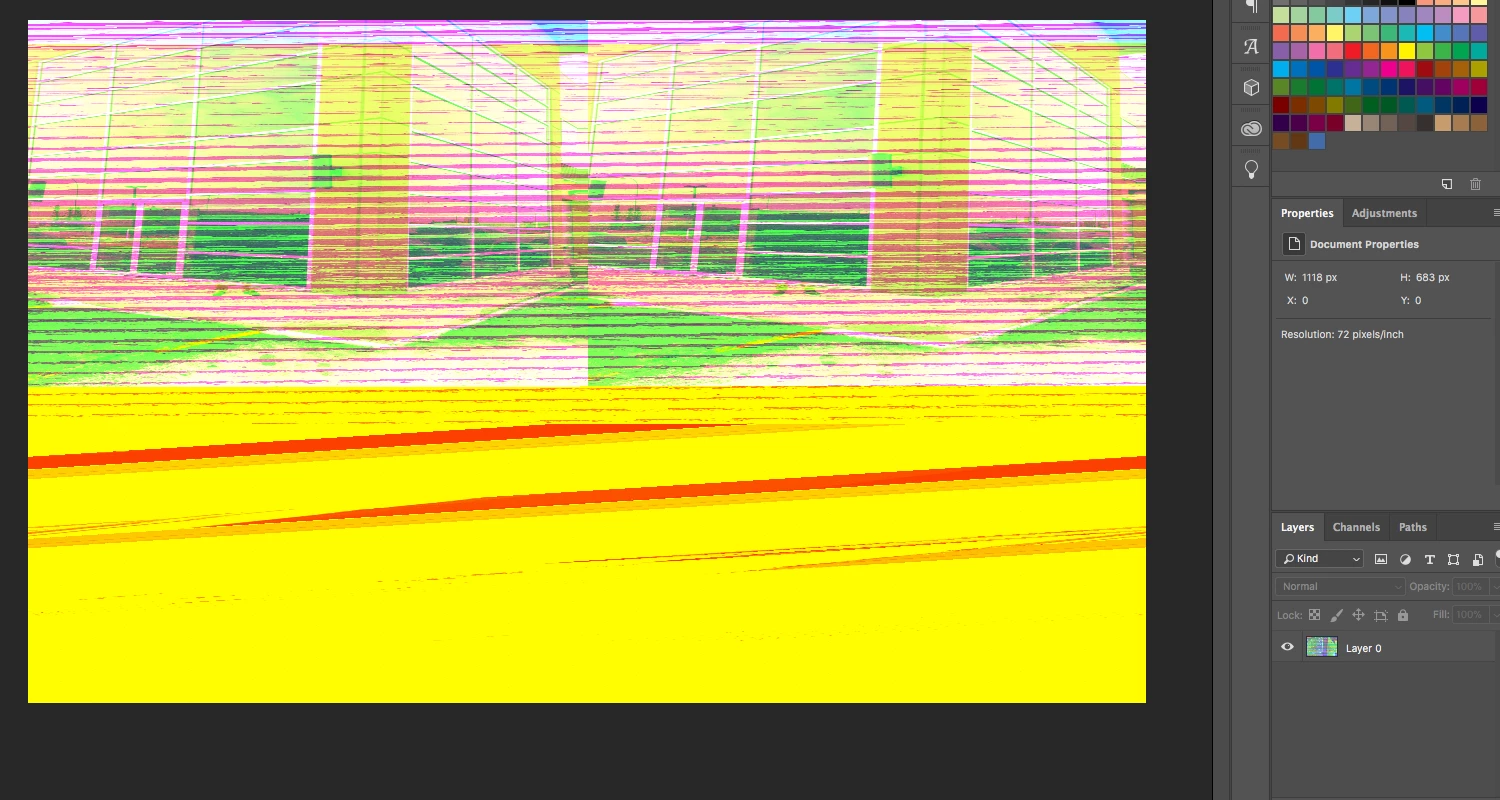
Sometimes when I drag a jpeg or png from my desktop or folder it opens up all distorted and the colours messed up. Usually a yellow and white tint over it.

Happens even if i right click the file and open with photoshop. The only fix I have been able to find is open it in illustrator and move it into photoshop from there.

If someone could tell me the reason why this is happening? or if they have had the same issue and how/if they were able to fix it.

Thank You!
3 답변

Participant
February 14, 2025

Same issue here. MacBook Air M3. 16/512. Latest Pshop version. Really annoying, just opening a .Jpeg!

CabWalsh
Participating Frequently
March 12, 2018

Hi there, I am having the exact same issue. Very annoying and weird.

March 12, 2018

It would help if you provided more information, like OS and Photoshop version, is this happening to both jpegs and png's or just png's

If it's just png images and you have PS CC2018 and your on a MAC, try disabling these options in preferences and then restart Photoshop

CabWalsh
Participating Frequently
March 12, 2018

Thanks for that. Apparently, Photoshop is aware of the issue as it very

widespread with its global user base and Adobe will run a fix with its next

Photoshop CC update.

Thanks for the quick reply.

ManyThanks,

Caleb

Caleb Walsh | Digital Designer |* cabcreative.co.nz

<http://cabcreative.co.nz>* |* 021 81 3662

<http://cabcreative.co.nz/wp-content/uploads/2017/08/Caleb_Walsh_Cab_Creative.vcf>*

On Tue, Mar 13, 2018 at 12:15 PM, Ged Traynor <forums_noreply@adobe.com>

JJMack
Community Expert
Community Expert
March 5, 2018